How to Self-Host CCS: Switch Between 300+ AI Models in One Click
Step-by-step guide to self-hosting CCS with Docker: deploy the gateway, add OAuth providers, connect Claude Code, and switch between 300+ models in one click.
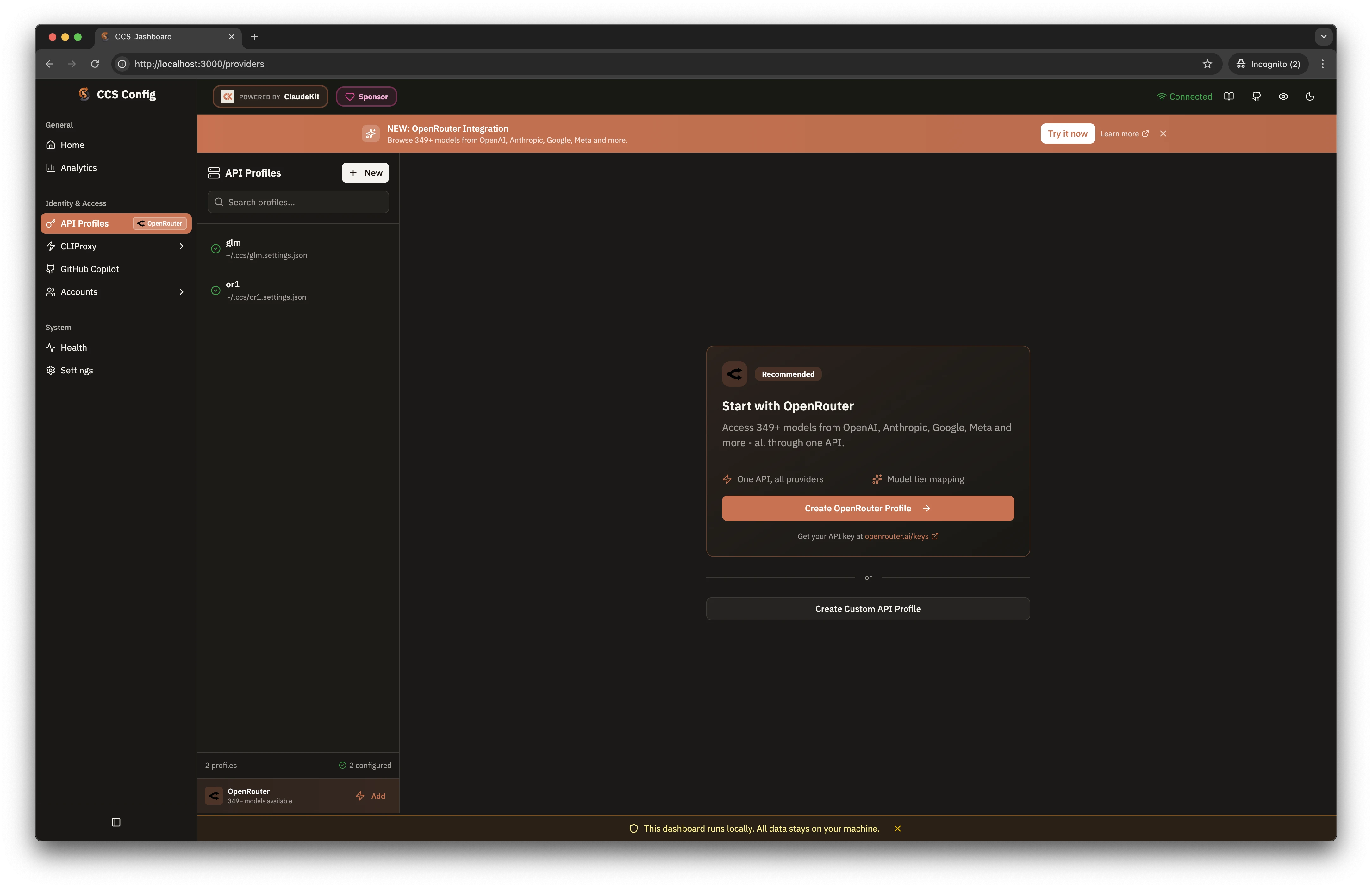
CCS lets you switch between Claude accounts, Gemini, Copilot, and 300+ OpenRouter models with one click. In this tutorial, you'll deploy it with Docker Compose, connect Claude Code, and flip providers in seconds. No more copying API keys or restarting terminals.
🚀 Want to deploy CCS yourself?
Docker configs, system requirements, and installation guides — all on one page.
View CCS Tool Page →Step 1 — Deploy with Docker Compose
Create a compose.yaml and run it:
services:
  ccs:
    image: ghcr.io/kaitranntt/ccs:latest
    restart: unless-stopped
    ports:
      - "3000:3000"
      - "8317:8317"
    volumes:
      - ccs_home:/root/.ccs
      - ccs_logs:/var/log/ccs
Then start it: docker compose up -d. The dashboard appears at http://localhost:3000.
Step 2 — Add Your Providers
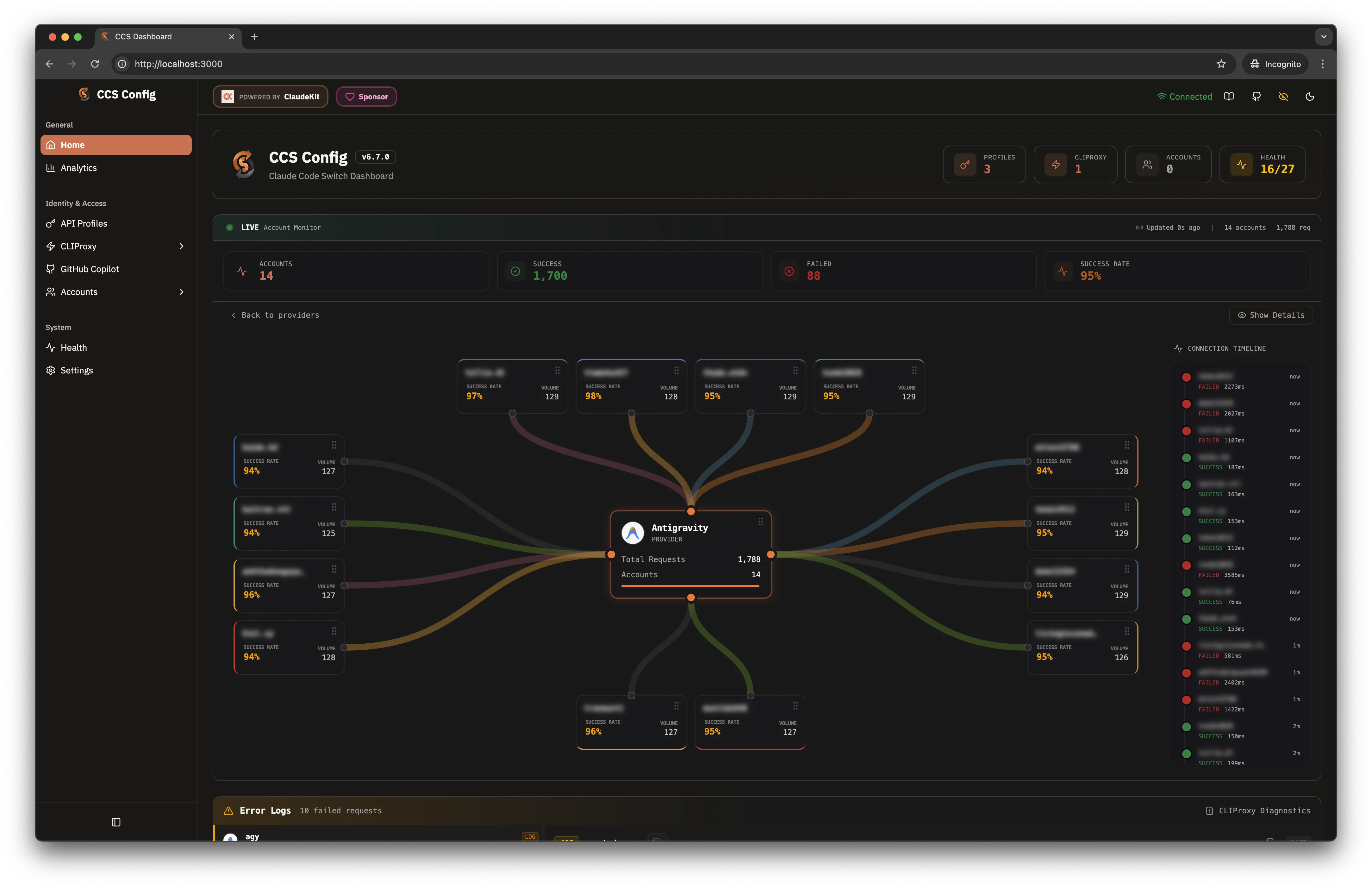
Open the dashboard and create API profiles for each provider. CCS handles OAuth flows for Claude accounts, Gemini, Copilot, and any OpenRouter model key. The live auth monitor shows exactly which account is active and warns you before tokens expire.
🔐 Security tip: CCS stores credentials locally and supports auth tokens for remote proxy access — don't expose the dashboard publicly without one.
Step 3 — Point Claude Code at CCS
Set the proxy environment variables and your tools route through CCS:
export ANTHROPIC_BASE_URL="http://127.0.0.1:8317"
export ANTHROPIC_AUTH_TOKEN="<your-ccs-token>"
claude
Now switching from Claude to Gemini or Copilot is a dashboard click — no terminal restarts, no key juggling.
Step 4 — Go Remote (Optional)
Enable remote proxy support to expose the gateway to other machines. Point teammates at your proxy URL with an auth token, and they share the same provider pool. Combined with the WebSearch fallback, you get a resilient, unified AI gateway.
Wrap-Up
CCS turns provider chaos into a single clean dashboard: 300+ models, one proxy, one click. Deploy it in five minutes with Docker and reclaim your workflow.
🚀 Want to deploy CCS yourself?
Docker configs, system requirements, and installation guides — all on one page.
View CCS Tool Page →