Chatbot UI Lite: The Lightweight Foundation for Building ChatGPT Interfaces
Discover Chatbot UI Lite - the minimal, open-source Next.js starter kit for building custom ChatGPT interfaces. Lightweight, TypeScript, and Tailwind CSS.

What Is Chatbot UI Lite?
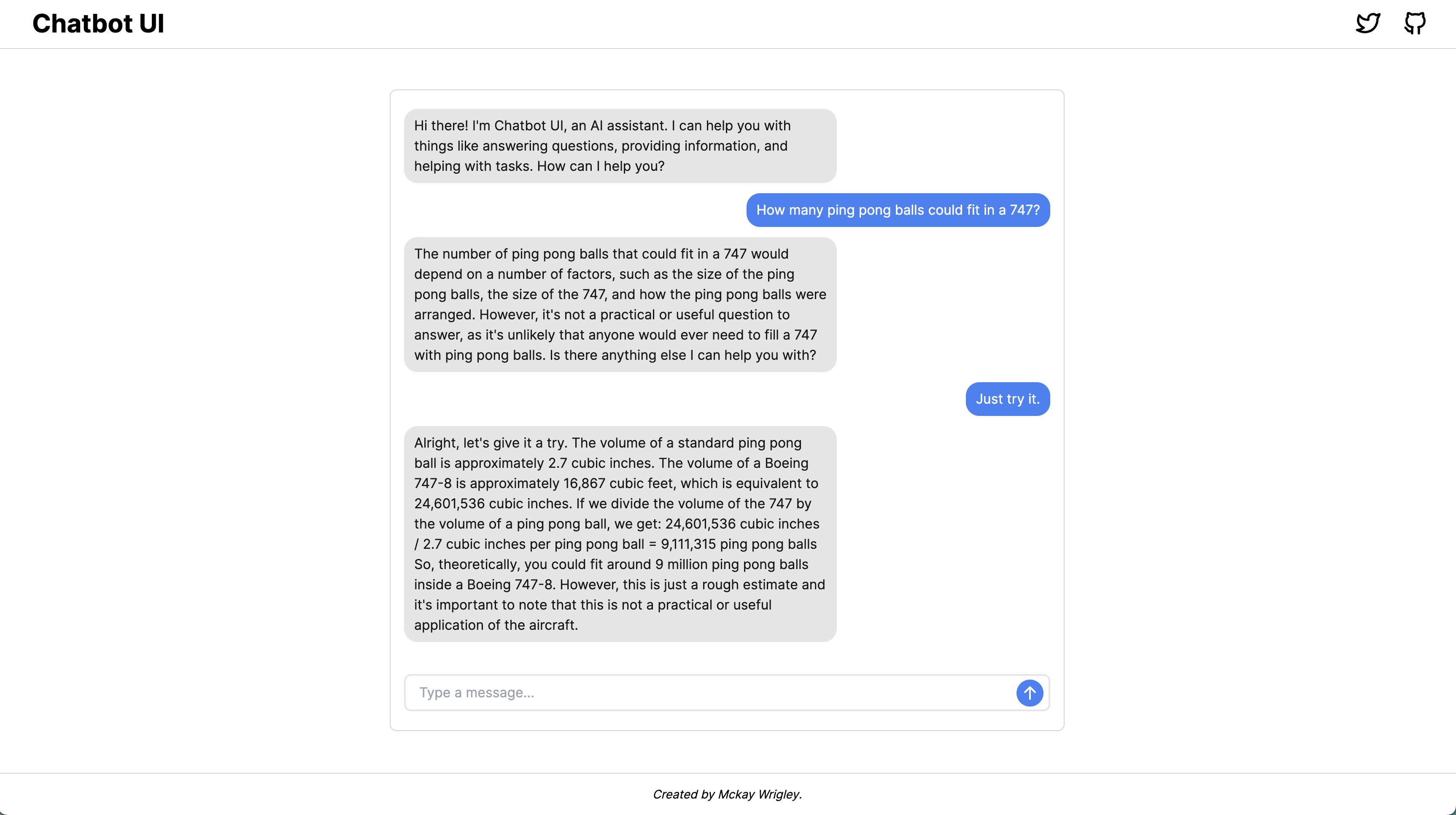
Chatbot UI Lite is a minimal, fully-functional chatbot starter kit built with Next.js, TypeScript, and Tailwind CSS. Created by McKay Wrigley, it provides the simplest possible starting point for developers who want to build custom ChatGPT-style interfaces powered by OpenAI's API. With just a few files and minimal dependencies, you can have a working chat application running in minutes.
Unlike heavyweight frameworks or full-featured chat platforms, Chatbot UI Lite deliberately keeps things simple. It's designed to be a clean foundation that you can extend and customize rather than a bloated all-in-one solution. The entire codebase is small enough to understand at a glance, making it perfect for learning, prototyping, or building production interfaces that need to be tailored to specific use cases.
Key Features
- Lightweight Architecture — Built on Next.js with minimal dependencies. No excessive abstractions or unnecessary libraries.
- TypeScript Throughout — Fully typed codebase for better developer experience and fewer runtime errors.
- Tailwind CSS Styling — Modern utility-first CSS that makes customization straightforward.
- One-Click Deploy — Deploy to Vercel instantly with a single click, including automatic environment setup.
- Customizable System Prompts — Easy to modify the system prompt and assistant behavior in dedicated utility files.
- OpenAI API Ready — Pre-configured to work with OpenAI's chat completions API out of the box.
Why Choose Chatbot UI Lite?
If you're building a custom chatbot interface, Chatbot UI Lite gives you the perfect starting point. Many alternatives either ship with too many opinions (making customization harder) or too little structure (leaving you to build everything from scratch). Chatbot UI Lite hits the sweet spot — it gives you a working chat interface with proper message handling, streaming support, and a clean UI, while keeping the codebase small enough that you can understand every line.
The project is especially well-suited for developers who want to integrate chatbot functionality into existing Next.js applications. Because it's built on the same stack, you can easily merge the patterns into your own project without fighting framework incompatibilities.
Quick Start
Clone the repository, install dependencies with npm i, add your OpenAI API key to a .env.local file, and run npm run dev. You'll have a working chat interface at localhost:3000 in under a minute. From there, customize the chat components, tweak the system prompts, and build exactly the chatbot experience you need.
Relationship to Chatbot UI
Chatbot UI Lite is the lighter counterpart to the more full-featured Chatbot UI project (also by McKay Wrigley). While Chatbot UI includes features like folder organization, prompt templates, and advanced settings, Chatbot UI Lite strips everything down to the essentials. Start with Lite if you want full control over the interface and plan to build custom features on top.
Conclusion
Chatbot UI Lite is an excellent starting point for any developer looking to build custom ChatGPT-style interfaces. Its minimal footprint, modern tech stack, and clean architecture make it ideal for both learning and production use. Whether you're prototyping a new idea or building a production chatbot, this starter kit gives you a solid foundation without unnecessary complexity.