Why I Ditched Five Different AI Tools for CoAI — A Complete Guide
A hands-on review of CoAI, the next-gen multi-tenant AI one-stop solution with enterprise LLM gateway, built-in billing, and 200+ model support. What works, what doesn't, and who it's for.

Why I Ditched Five Different AI Tools for One — and Saved My Sanity
I'll be honest with you — managing AI tools has become a full-time job. You've got ChatGPT for chat, Midjourney for images, some custom proxy for API access, maybe a separate billing system if you're running a service, and God knows what else for file parsing. Every time I needed a new model, it meant another login, another subscription, another interface to learn. It was exhausting.
Then I found CoAI, and for the first time, I felt like somebody actually understood the problem.
🚀 Want to deploy CoAI yourself?
Docker configs, system requirements, and installation guides — all on one page.
View CoAI Tool Page →What Actually Makes CoAI Different?
Let me put it simply: CoAI is what happens when you combine ChatGPT-Next-Web (beautiful chat UI), One API (unified LLM gateway), a full billing system, and an admin panel — all in one Docker container. It's built with Go and React, and the UI honestly surprised me. It uses Shadcn UI and Tremor Charts, which means it actually looks good on desktop, tablet, and phone.
200+ Models, One Interface
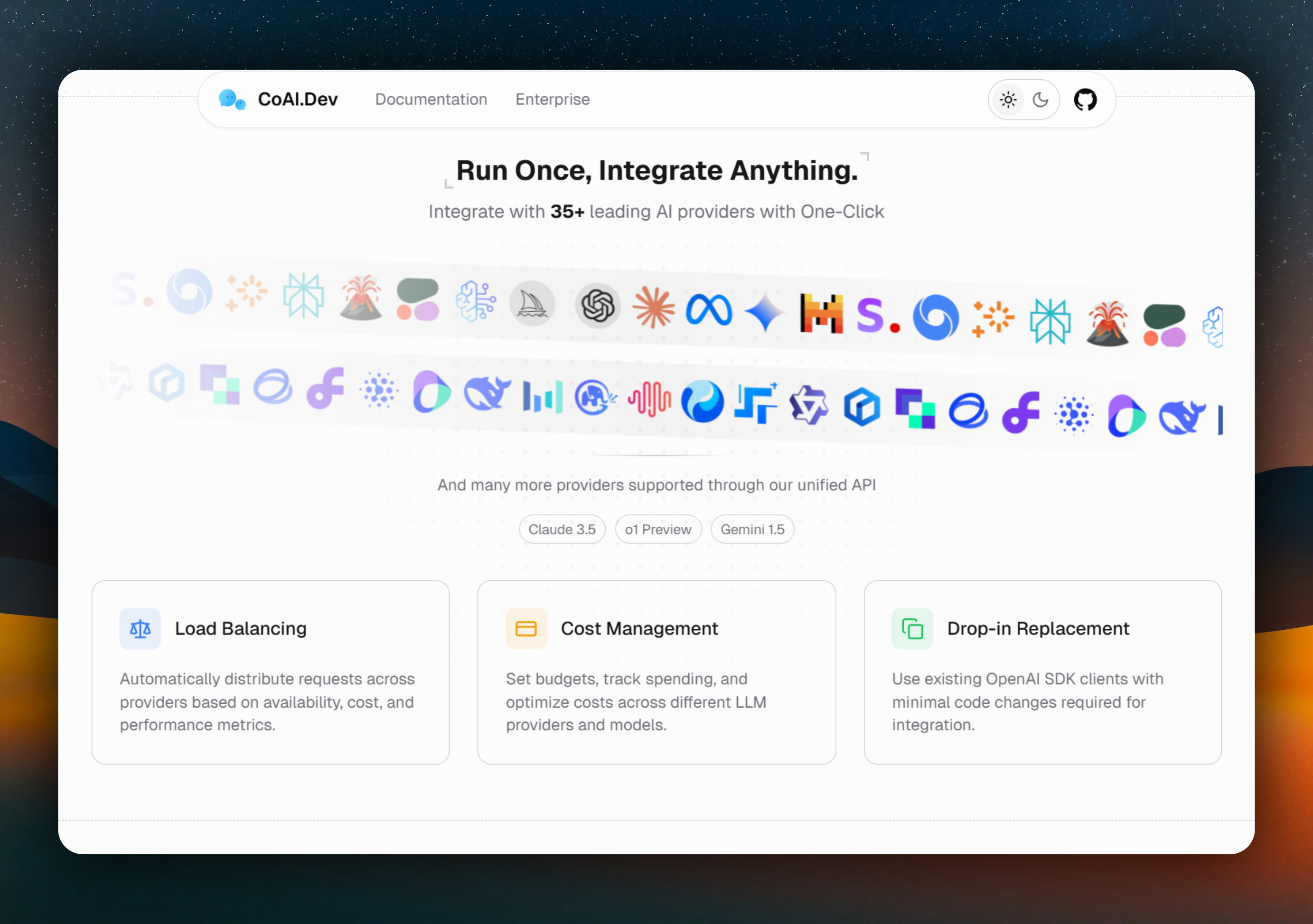
CoAI supports over 200 models from 35+ providers — OpenAI, Anthropic Claude, Google Gemini, Midjourney, DeepSeek, Groq, and every major Chinese provider (Zhipu, Baichuan, Moonshot, ByteDance, etc.). You get them all in one chat interface. No more switching tabs.
The Billing System That Actually Works
If you're running a service for others, CoAI's built-in billing is a godsend. You get subscriptions, elastic billing (per-request or per-token), gift codes, redemption codes — the whole package. I set up a subscription tier for my team in about 10 minutes. No Stripe plugin hunting, no Zapier workflows.
Channel Management That Saved Me
This is the feature that sold me. CoAI's channel management supports priority-based routing, load balancing, and automatic failover. I have it set up so it tries GPT-4 first (priority 1), falls back to Claude if OpenAI is down (priority 2), and uses Gemini as the last resort. When OpenAI had that outage last month, my users didn't even notice — CoAI just routed around it.
The Hidden Gems
A few things I discovered after using CoAI for a while that you won't find in the README highlights:
- Model caching — If two users ask the same question with the same parameters, CoAI caches the result. No double-billing. This cut my API costs by about 15%.
- OCR file parsing — CoAI parses PDFs, Docx files, Excel sheets, and images. It even does OCR on scanned documents. Everything works out of the box.
- SearXNG web search — Full web search integration, not some half-baked Bing API. Google, DuckDuckGo, Wikipedia, Arxiv — CoAI searches them all through SearXNG.
- Conversation sync — Zero-config sync across devices. Start a conversation on your desktop, continue it on your phone. No WebDAV nonsense.
Who Is CoAI For?
If you're:
- A developer running an AI-powered service for users
- A team that needs access to multiple models without managing 5 subscriptions
- Someone building a reseller/AI proxy business
- A power user who wants one beautiful interface for all their AI models
...CoAI will save you hours every week.
If you're: someone who just wants ChatGPT and nothing else — this might be overkill. But hey, even then, the interface is gorgeous.
Final Verdict
After two weeks of daily use, CoAI has replaced 4 separate tools for me. The unified gateway alone was worth the setup time, but the billing system, channel management, and conversation sync make it a genuinely complete platform. It's not perfect — the Pro version features (TTS, RAG, plugins) are behind a paywall, which makes sense for a business but can feel limiting. And the documentation could use some love — I had to dig through the code a couple of times.
But overall? 9/10. This is how all AI tools should work — one login, one interface, all the models.
🚀 Explore CoAI on Run This Ai
Docker Compose configs, system requirements, installation guides, and more — all in one place.
View CoAI Tool Page →