How to Deploy Activepieces with Docker: AI Agent Automation Guide
Step-by-step guide to deploying Activepieces with Docker — the open-source AI workflow automation platform with 400+ MCP servers for AI agents.

Get Started with Activepieces in Minutes
Activepieces makes it incredibly easy to deploy your own AI workflow automation platform. With a single Docker command, you can have a fully functional instance running with AI agents, MCP server integration, and visual workflow builder. This guide walks you through deploying Activepieces with Docker, configuring AI agents, and creating your first automated workflow.
Prerequisites
Before you begin, make sure you have Docker and Docker Compose installed on your server. Activepieces runs well on a machine with 1 CPU core and 1GB of RAM for small setups, though we recommend 2 CPU cores and 2GB RAM for production use. You'll also need access to an LLM API (OpenAI, or a self-hosted model via Ollama).
Quick Start with Docker
docker pull activepieces/activepieces:latest
docker run -d --name activepieces \
  -p 8080:8080 \
  -v activepieces_data:/data \
  activepieces/activepieces:latest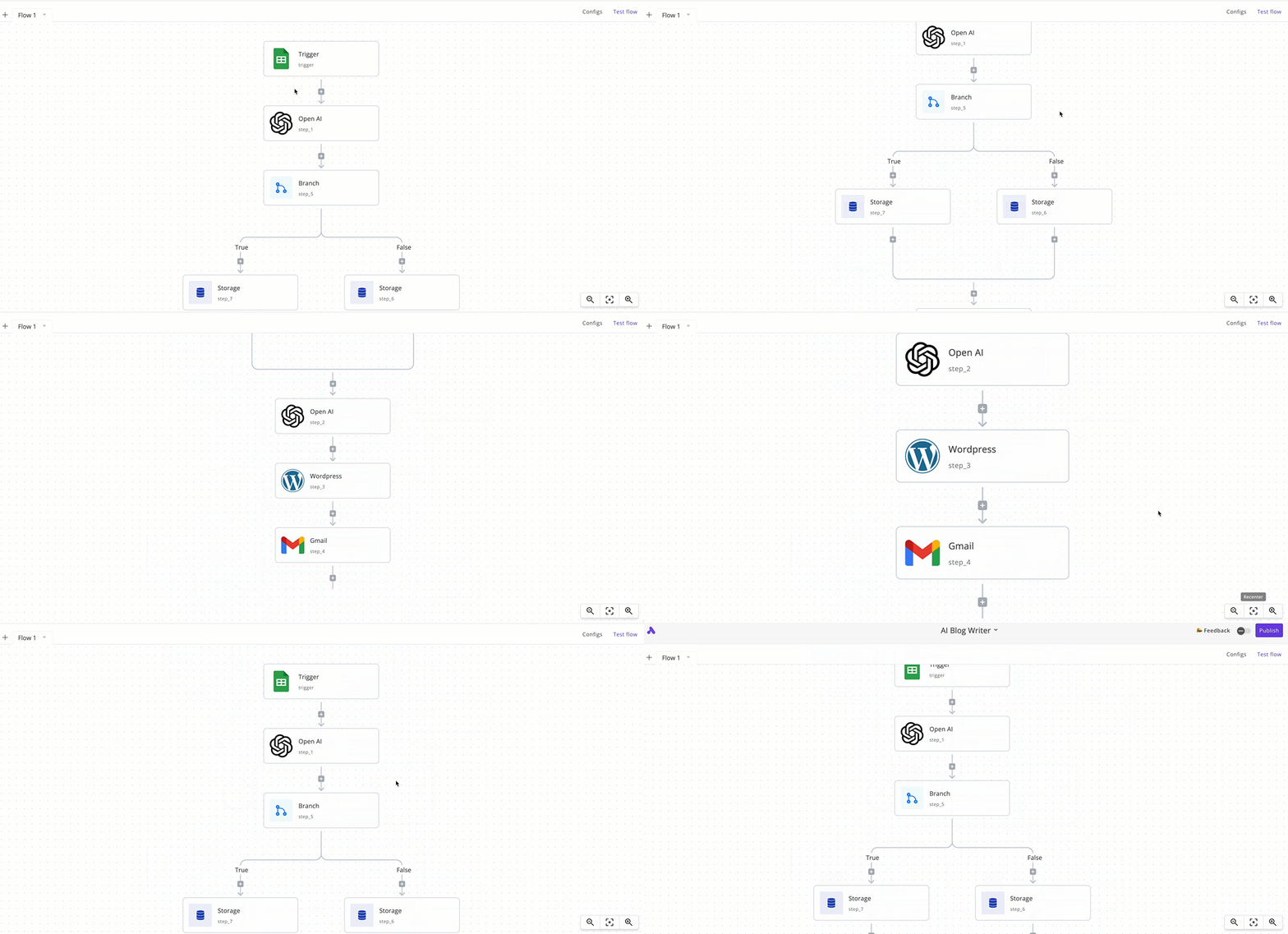
Connecting AI Agents via MCP
Once Activepieces is running at http://localhost:8080, you can start building workflows. The real power comes from the 400+ MCP servers available. To connect an AI agent with MCP:
- Create a new flow in the visual builder
- Add an AI Agent piece and configure it with your LLM provider
- Add MCP tool pieces — browse the marketplace of 400+ servers covering databases, APIs, file systems, and more
- Connect the pieces visually to build your automation pipeline
- Set triggers (webhook, schedule, or event-based) and deploy
Docker Compose for Production
services:
  activepieces:
    image: activepieces/activepieces:latest
    restart: unless-stopped
    ports:
      - 8080:8080
    volumes:
      - ./data/activepieces:/data
    environment:
      - AP_ENGINE_EXECUTABLE_PATH=dist/packages/engine/main.js
      - AP_ENVIRONMENT=prod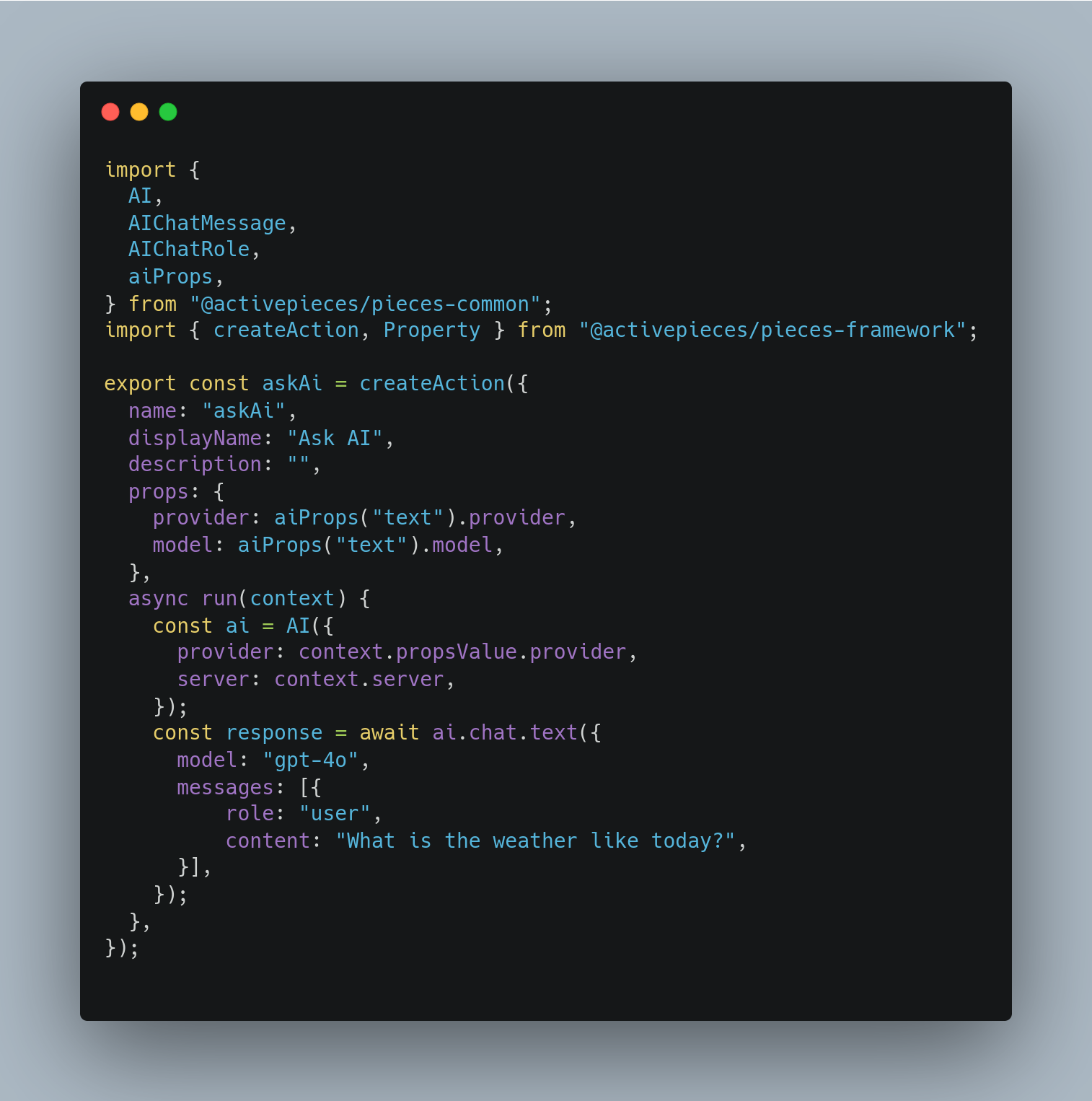
Real-World Use Cases
Activepieces excels in AI-powered automation scenarios. Common use cases include: AI-powered customer support triage (incoming ticket → AI classifies → routes to right team), automated data enrichment (new lead → AI researches → updates CRM), content generation pipelines (topic → AI drafts → human reviews → publishes), and intelligent monitoring (system alert → AI diagnoses → creates ticket or fixes).
Tips for Self-Hosting
For production deployments, configure a reverse proxy (like Nginx or Caddy) with SSL, set up regular backups of the /data directory, and consider using Docker Compose with health checks. Activepieces supports PostgreSQL as an external database for better reliability. Monitor resource usage — AI agent workflows with large language models can be CPU/memory intensive.
Conclusion
Deploying Activepieces with Docker takes just minutes and gives you a powerful AI workflow automation platform. With 400+ MCP servers, visual builder, and self-hosted control, it's an essential tool for anyone building AI-powered automations. The combination of no-code accessibility and developer-friendly extensibility makes it suitable for teams of all sizes.