Dokploy vs Coolify: Which Self-Hosted PaaS Should You Choose?
Dokploy vs Coolify comparison - two leading open-source self-hosted PaaS alternatives for deploying applications and databases.

Introduction
Self-hosted Platform as a Service (PaaS) solutions have exploded in popularity as developers seek alternatives to expensive cloud platforms like Heroku, Vercel, and Netlify. Two of the most prominent open-source contenders are Dokploy and Coolify. Both let you deploy applications on your own infrastructure, but they take different approaches. In this comparison, we will examine their strengths, weaknesses, and ideal use cases to help you choose the right one for your needs.
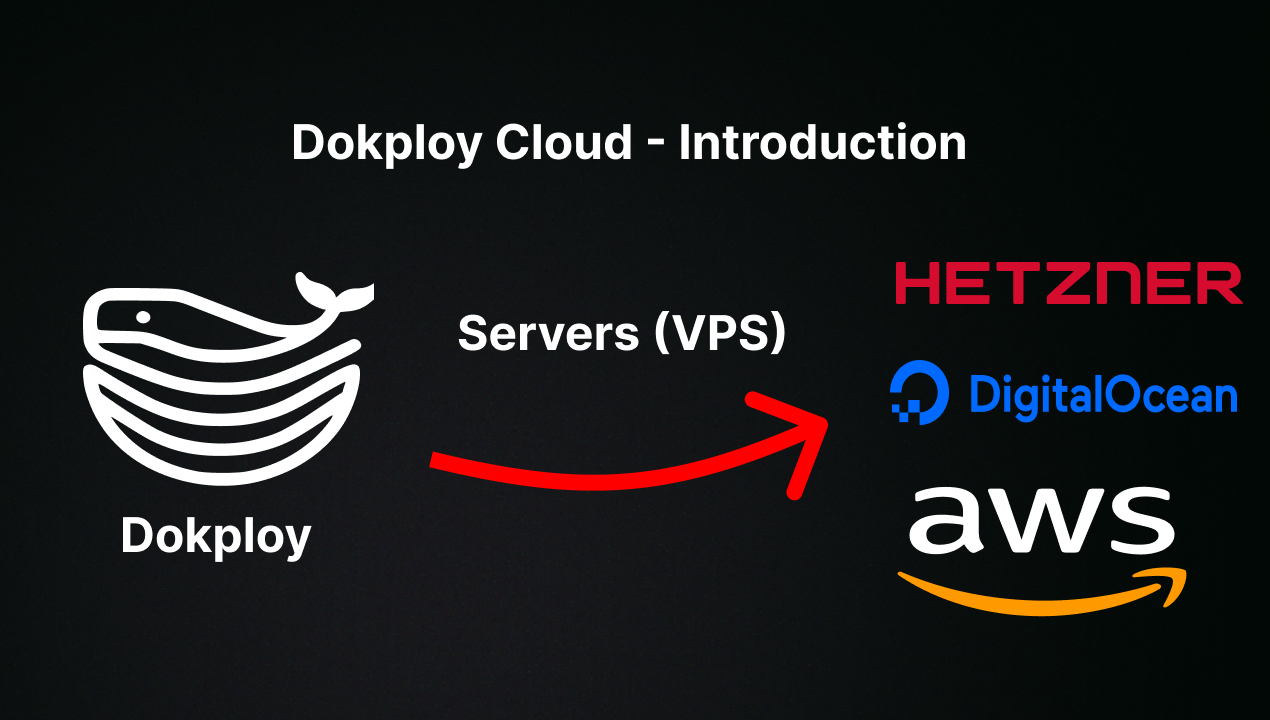
Dokploy Overview
Dokploy is a self-hosted PaaS built with TypeScript and React. It supports multiple build methods including Git repositories, Dockerfiles, Nixpacks, and Buildpacks. It offers built-in database management for Postgres, MySQL, MariaDB, MongoDB, and Redis, automatic SSL via Traefik, real-time monitoring, team collaboration, and automatic backups. It is licensed under Apache-2.0 and has over 35,000 GitHub stars. Dokploy uses a Docker-based architecture with a clean, modern web interface.
Coolify Overview
Coolify is another popular self-hosted PaaS (already available on Run This Ai) that enables deployment of applications, databases, and services. It supports similar build methods and provides a web-based dashboard for managing deployments. Coolify is written in PHP/Livewire and has been a staple in the self-hosting community for longer. It also supports automatic SSL, reverse proxy configuration, and team management.
Key Differences
Technology Stack: Dokploy uses TypeScript/React with a modern SPA architecture, while Coolify uses PHP/Livewire with a server-rendered approach. Dokploy tends to feel snappier in the UI due to its SPA nature.
Database Management: Dokploy provides built-in one-click database deployment and management within the same dashboard. Coolify also supports databases but through a different workflow.
Build Systems: Both support Dockerfiles and Git-based deployments. Dokploy additionally supports Nixpacks and Buildpacks natively, making it easier to deploy apps without a Dockerfile.
Community and Ecosystem: Coolify has been around longer and has a more mature ecosystem with extensive documentation. Dokploy has grown extremely fast (35k+ stars in a short time) and has an active Discord community.
Which Should You Choose?
Choose Dokploy if you want a modern, TypeScript-based UI, native Nixpacks/Buildpacks support, and built-in database management. It is excellent for teams deploying AI applications, web apps, and microservices.
Choose Coolify if you prefer PHP-based tooling, a longer track record, and extensive community-created resources.
Conclusion
Both Dokploy and Coolify are excellent self-hosted PaaS solutions. Dokploy has quickly become the more popular option with its modern stack and rapid development pace. For most new deployments, Dokploy offers the best balance of features, performance, and ease of use.