FastGPT: The Ultimate Open-Source Knowledge Base Platform with RAG and AI Workflows
Discover FastGPT, the open-source knowledge base platform with 29K GitHub stars. Built-in RAG, visual AI workflow orchestration, MCP agent support, and multi-LLM integration — all in one intuitive dashboard.

Why Building a Knowledge Base Doesn't Have to Be Painful
I've been down that road — you know, the one where you try to build an internal knowledge base, spend two weeks wiring up embeddings, three more days figuring out which LLM API to use, and by the end of it all you've got... a barely-working prototype and a lot of scratched-out notes. That's exactly where I was before I stumbled into FastGPT.
FastGPT isn't just another RAG framework. It's a full-blown knowledge base platform that wraps everything — data ingestion, chunking, vector search, LLM orchestration, MCP agents — into one clean visual interface. And it's open source with 29K stars on GitHub, which means the community behind it is anything but small.
🚀 Want to deploy FastGPT yourself?
Docker configs, system requirements, and installation guides — all on one page.
View FastGPT Tool Page →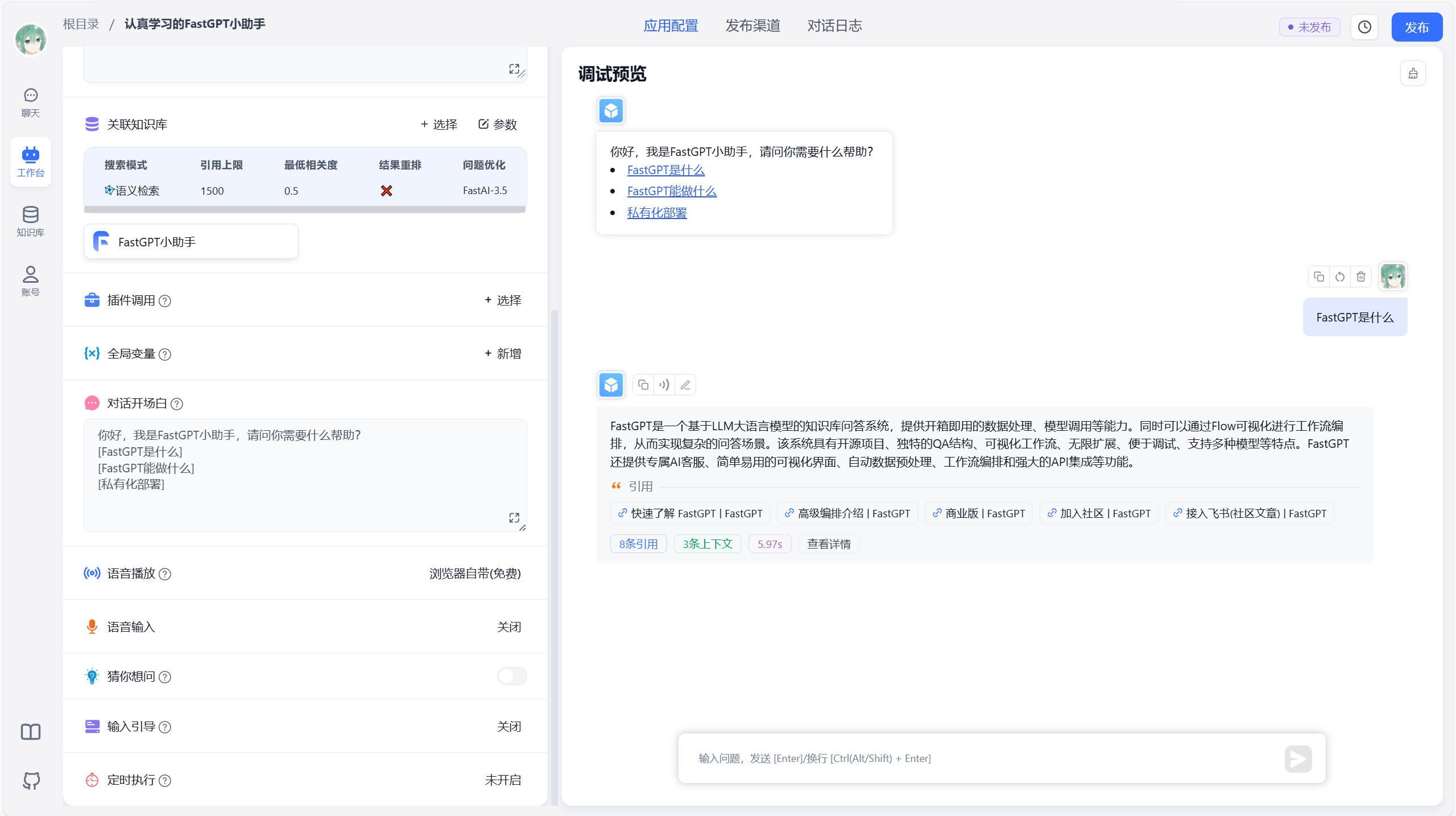
What Makes FastGPT Different?
Drag-and-Drop Workflows That Actually Make Sense
Here's where FastGPT shines. Instead of writing Python scripts to chain together LLM calls, you drag boxes onto a canvas and connect them. Want your user query to go through a classification step first, then route to different models depending on intent? It's three clicks. I tried building the same pipeline in LangChain once — took me an afternoon and a fresh cup of frustration. With FastGPT, it was done before my coffee got cold.
Multi-Model, Out of the Box
OpenAI, Claude, DeepSeek, Qwen, local models via ollama — FastGPT speaks to all of them. You configure your providers once and then use any model in any workflow node. No adapter code, no hacky wrapper scripts. I plugged in DeepSeek for one pipeline and Claude for another, side by side, in the same project. That alone saved me from writing a model router.
MCP Agent Support
FastGPT now has built-in MCP (Model Context Protocol) support, which means you can connect MCP-compatible agents directly into your workflows. This is huge if you're building tools that need to interact with external services or databases through MCP servers. It turns FastGPT into more than a knowledge base — it becomes a hub for all your AI agents.
At a Glance: Why Teams Pick FastGPT
| Feature | Why It Matters |
|---|---|
| 🎯 Visual workflow builder | No-code AI pipeline creation — design, test, deploy in minutes |
| 🔗 Multi-LLM support | Mix and match models per workflow node, transparent switching |
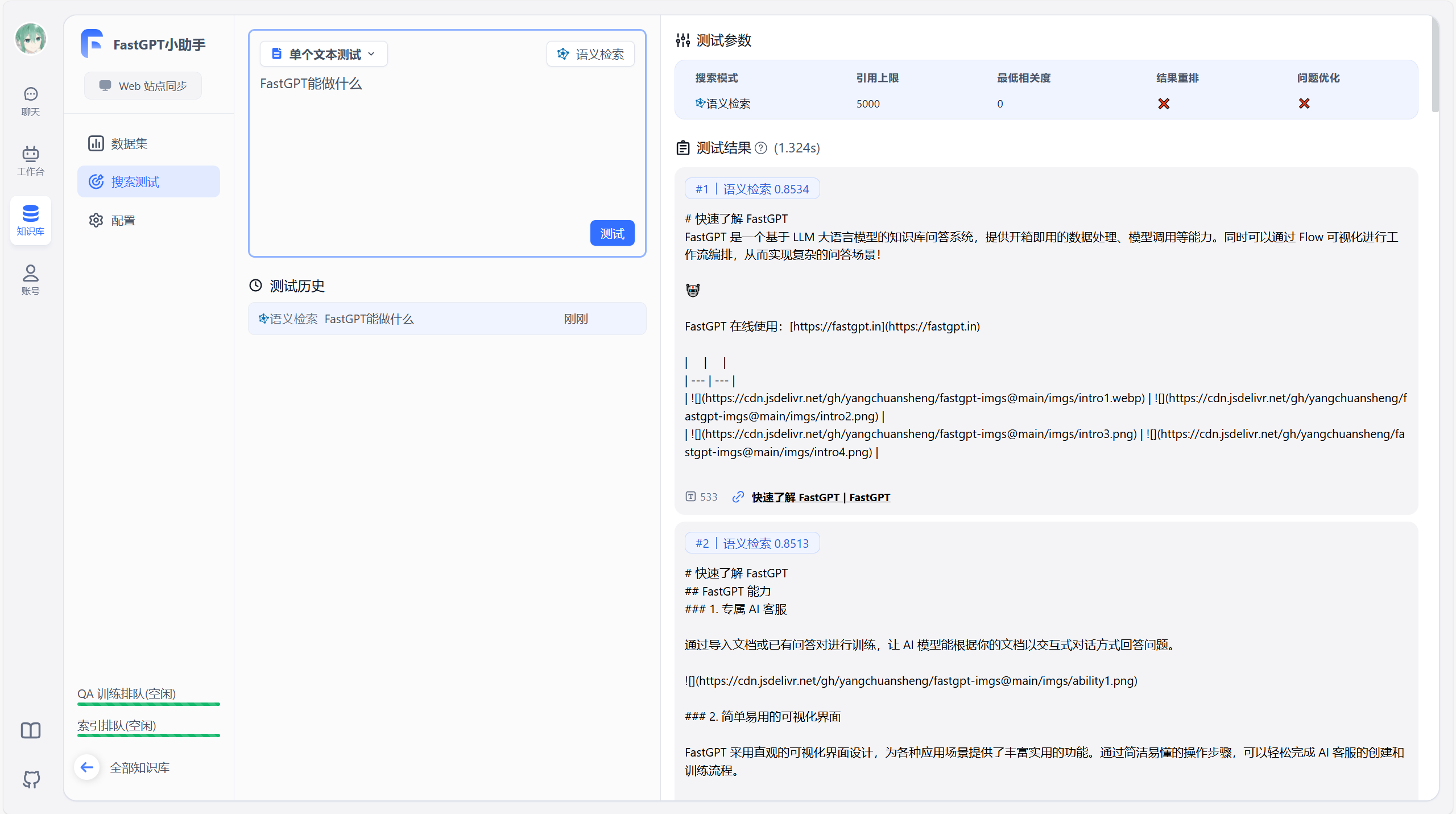
| 📊 RAG with custom data processing | Upload documents, auto-chunk, embed, and retrieve with relevance control |
| 🤖 MCP agent integration | Connect MCP servers for external tool access |
| 🏢 Multi-user + API | Team collaboration and REST API for embedding in your app |
What I Wish I Knew Before Starting
Look, FastGPT is excellent, but there's one thing: because it's built around a visual editor, if you're a developer who prefers writing code over dragging boxes, it might feel limiting at first. Stick with it for a day or two — the visual approach grows on you once you realize how fast you can iterate. Also, the docs are mostly in Chinese (the project is by the labring team), but the English README covers the essentials and the UI itself is fully in English.
Who Is FastGPT For?
Honestly? Almost anyone building with LLMs. If you're a solo dev prototyping a chatbot, a team setting up an internal knowledge management system, or a company deploying customer support automation — FastGPT covers all these use cases. The sweet spot is teams that need to go from zero to a working RAG application in under an hour, without writing boilerplate infrastructure code.
If you're already deeply invested in LangChain/LlamaIndex and have complex custom chains, FastGPT might feel like a step sideways rather than forward. But for 90% of RAG use cases, it's the fastest path to production I've found.
🚀 Explore FastGPT on Run This Ai
Docker Compose configs, system requirements, installation guides, and more — all in one place.
View FastGPT Tool Page →