Getting Started with Fish Speech: Docker Deployment Guide
Step-by-step guide to deploying Fish Speech with Docker. Covers CPU, GPU, WebUI, and server modes for self-hosted TTS.

Introduction
Fish Speech is one of the most powerful open-source text-to-speech systems available today, and getting it running on your own infrastructure is surprisingly straightforward thanks to excellent Docker support. In this guide, we will walk through deploying Fish Speech with Docker, exploring both CPU and GPU configurations, and making your first voice generation.
Prerequisites
Before you begin, ensure you have:
- Docker and Docker Compose installed
- At least 4GB RAM (8GB+ recommended for the S2 Pro model)
- A CUDA-compatible GPU (optional, but recommended for real-time inference)
- At least 10GB free disk space for model weights
Quick Start with Docker
Fish Speech provides several Docker variants optimized for different use cases:
1. CPU-Only WebUI (Easiest Start)
docker pull fishaudio/fish-speech:webui-cpu
docker run -d --name fish-speech \n  -p 8080:8080 \n  -v fish-speech-data:/data \n  fishaudio/fish-speech:webui-cpu
2. GPU-Accelerated WebUI (Recommended)
docker pull fishaudio/fish-speech:webui-cuda
docker run -d --name fish-speech \n  --gpus all \n  -p 8080:8080 \n  -v fish-speech-data:/data \n  fishaudio/fish-speech:webui-cuda
3. Server Mode for API Access
docker pull fishaudio/fish-speech:server-cuda
docker run -d --name fish-speech-server \n  --gpus all \n  -p 8080:8080 \n  -v fish-speech-data:/data \n  fishaudio/fish-speech:server-cuda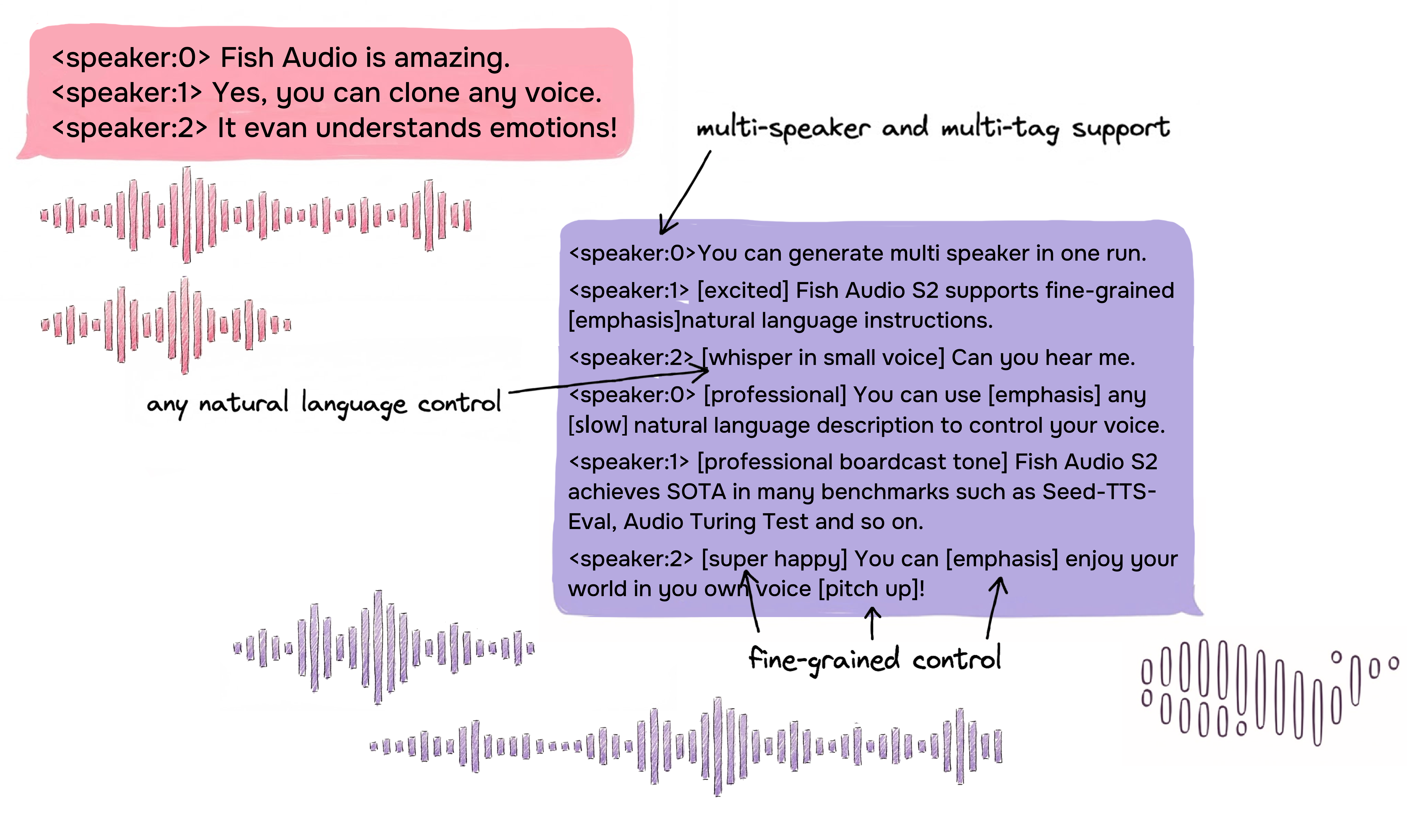
Generating Your First Speech
Once the server is running, you can access the WebUI at http://localhost:8080. The interface allows you to:
- Select a voice from pre-loaded models or upload a voice sample for cloning
- Enter text with emotion tags like
[whisper],[excited], or[sad] - Choose language from 80+ supported languages
- Generate and download high-quality audio instantly
For API-based integration, Fish Speech provides a REST API compatible with OpenAI-style endpoints, making it easy to integrate with existing applications and AI pipelines.
Deployment Tips
- For production, mount a persistent volume for model weights to avoid re-downloading on restart
- Use the
server-cudavariant for headless operation via API - Set up a reverse proxy (Nginx/Caddy) for SSL and domain access
- Monitor GPU memory usage — the S2 Pro model requires approximately 8GB VRAM
Advanced Configuration
Fish Speech supports extensive configuration through environment variables and configuration files. Refer to the official documentation at speech.fish.audio for details on fine-tuning, custom model integration, and advanced API usage.
Conclusion
Fish Speech makes self-hosted TTS deployment accessible to everyone. With its Docker images covering CPU, GPU, WebUI, and server modes, you can choose the setup that fits your hardware and use case. Whether you are building a voice assistant, generating audiobooks, or experimenting with voice cloning, Fish Speech provides a production-ready foundation.