Getting Started with Prefect: Self-Host Your Pipeline Orchestrator

Getting Started with Prefect: Self-Host Your Pipeline Orchestrator
This tutorial walks you through setting up Prefect with Docker, creating your first flow, and monitoring it through the Prefect UI. By the end, you will have a fully functional self-hosted workflow orchestration platform running on your own infrastructure.
Prerequisites
Before starting, ensure you have Docker and Docker Compose installed on your machine. You will also need Python 3.10+ if you want to write and test flows locally.
Step 1: Start the Prefect Server
The fastest way to get Prefect running is with Docker:
docker pull prefecthq/prefect:latest
docker run -d --name prefect-server -p 4200:4200 \
  -v prefect_data:/data \
  prefecthq/prefect:latest \
  prefect server start
This starts the Prefect server with the web UI accessible at http://localhost:4200. The server persists workflow metadata, task states, and configuration to a SQLite database by default (or PostgreSQL in production).
Step 2: Install the Prefect Client
Install the Prefect Python client to connect to your server:
pip install prefect
prefect config set PREFECT_API_URL=http://localhost:4200/api
Step 3: Create Your First Flow
Create a file called hello_flow.py:
from prefect import flow, task

@task
def greet(name: str) -> str:
    return f"Hello, {name}! Prefect is running."

@task
def process_message(message: str) -> dict:
    return {"message": message, "length": len(message)}

@flow(name="Hello World Flow")
def hello_flow(name: str = "World"):
    message = greet(name)
    result = process_message(message)
    return result

if __name__ == "__main__":
    hello_flow("Prefect User")
Step 4: Run and Monitor
Run your flow:
python hello_flow.pyThen open http://localhost:4200 in your browser. You will see your flow run appear in the dashboard — complete with task states, runtime logs, and duration metrics.
Step 5: Schedule Your Flow
To run flows on a schedule, create a deployment:
from prefect.deployments import DeploymentSpec
from hello_flow import hello_flow

DeploymentSpec(
    flow=hello_flow,
    name="scheduled-deployment",
    schedule={"every": {"minutes": 5}},
    parameters={"name": "Scheduled User"}
)
Conclusion
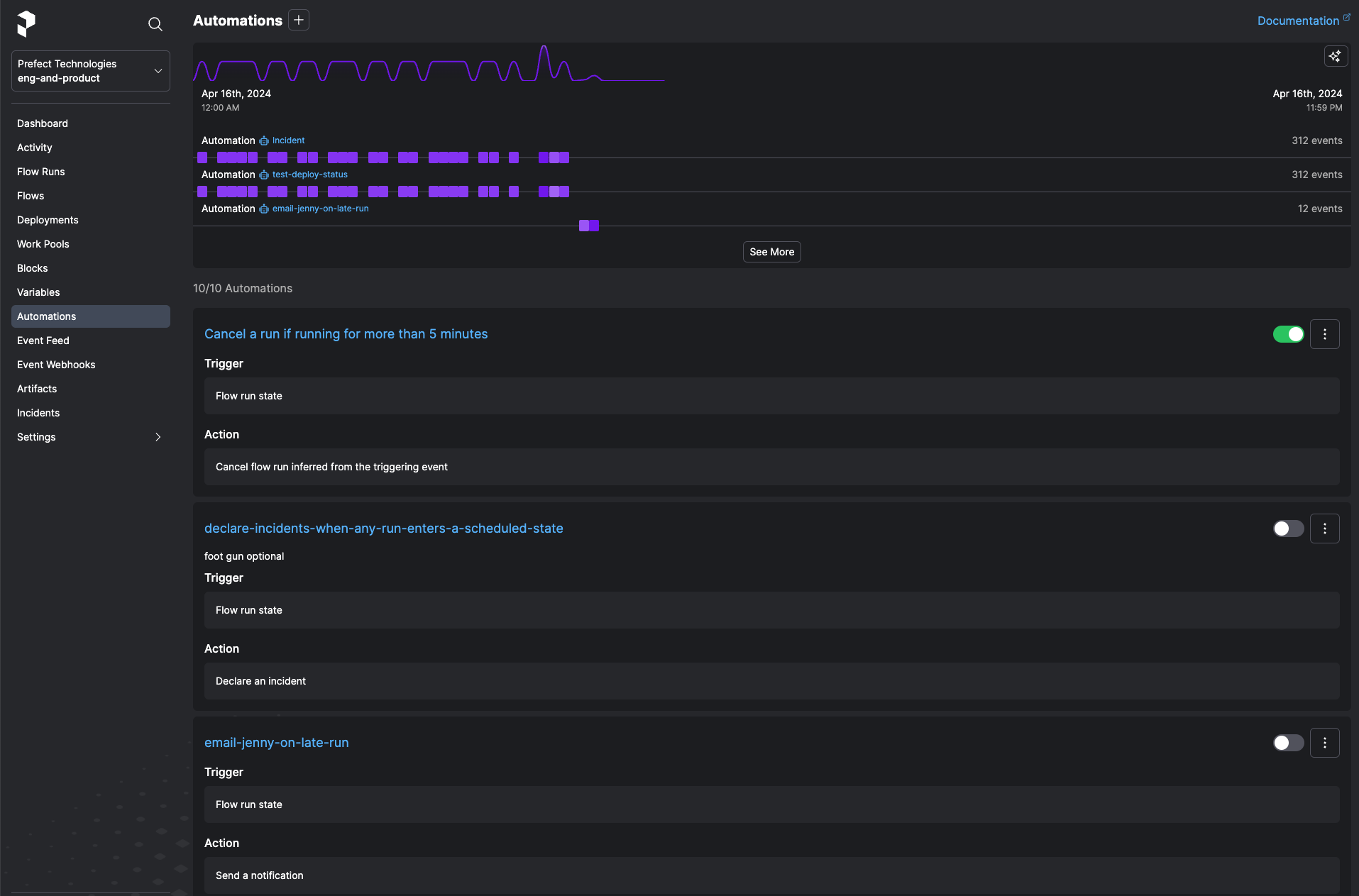
You now have a self-hosted Prefect server running with your first automated workflow. Prefect's Pythonic API and powerful dashboard make it an excellent choice for any team that needs reliable data pipeline orchestration. From here, explore Prefect's blocks system for connecting to cloud services and its automations engine for event-driven triggers.