GoNavi: A 30MB Multi-Database Client with AI & MCP Built In
Meet GoNavi — the ~30MB Go-based database client covering MySQL, PostgreSQL, Redis, MongoDB and more, with a built-in AI assistant and MCP server support. No Electron bloat.
Database GUIs have a dirty secret: most of them are Electron apps that eat 500MB+ of RAM just to render a table. GoNavi takes a different path — a high-performance, multi-data-source database client written in Go that weighs in at roughly 30MB, with zero Electron bloat.
🚀 Want to deploy GoNavi yourself?
Docker configs, system requirements, and installation guides — all on one page.
View GoNavi Tool Page →One client, every data source
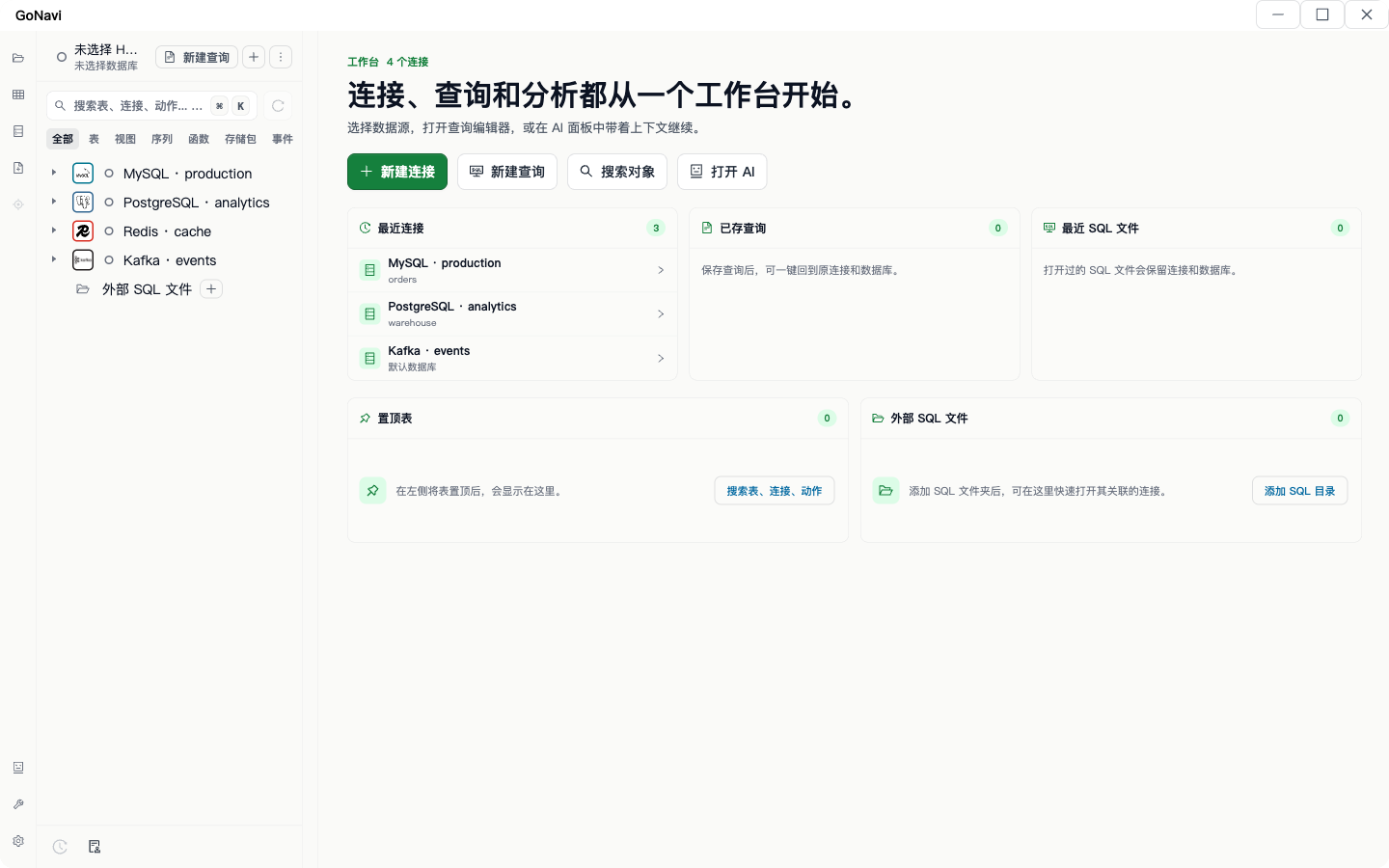
GoNavi speaks the language of your whole stack. It ships with support for MySQL, PostgreSQL, SQLite, Redis, MongoDB, plus Kafka, MQTT, and Oracle — all through a single interface. You get the same query editor, table browser, and connection manager whether you are poking at a local SQLite file or a production PostgreSQL cluster.
AI & MCP ready out of the box
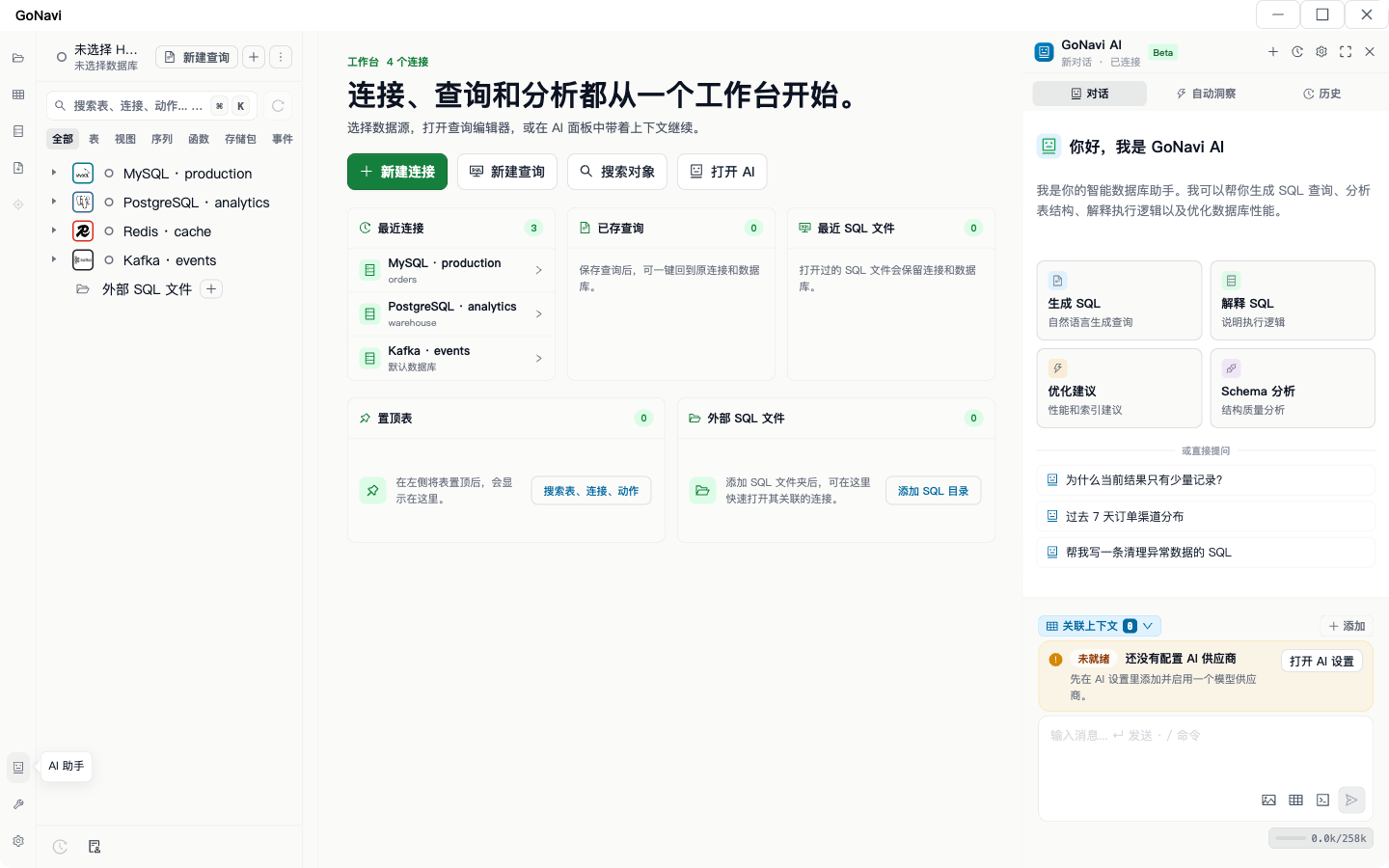
What makes GoNavi stand out in 2026 is its AI story. It ships with a built-in natural-language query assistant — type your question in plain English and get the SQL you need. Even better, it is Model Context Protocol (MCP) ready: GoNavi can run as an MCP server, which means Claude, GPT, or any MCP-compatible assistant can inspect your schemas, browse tables, and run queries directly against your databases.
Three flavors, one binary
| Flavor | Use case |
|---|---|
| Web server | Browser-based GUI, ideal for teams and remote access |
| CLI | Scriptable queries for automation and pipelines |
| MCP server | Give AI agents safe, direct access to your data |
Deployment is refreshingly simple: an official container image (ghcr.io/syngnat/gonavi-cli:latest) and a ready-made docker-compose stack get you up in minutes, whether you choose the web server, CLI, or MCP variant. Licensed under Apache-2.0 with ~1.9K stars, GoNavi is a serious, lightweight contender in the database tools space.
🚀 Want to deploy GoNavi yourself?
Docker configs, system requirements, and installation guides — all on one page.
View GoNavi Tool Page →