How to Deploy OpenAgent with Docker: Step-by-Step Tutorial
Get OpenAgent running in under five minutes. Install with Docker Compose, connect a model provider, build a RAG knowledge base and enable autonomous agents.
🚀 Want to deploy OpenAgent yourself?
Docker configs, system requirements, and installation guides — all on one page.
View OpenAgent Tool Page →Step 1: Choose Your Install Method
OpenAgent is one of the easiest AI assistants to deploy. The official Docker image casbin/openagent:latest has over 33,000 pulls, and the project also ships native one-line installers for Linux, macOS and Windows — no WSL required on Windows.
Step 2: Deploy with Docker Compose
git clone https://github.com/the-open-agent/openagent.git
cd openagent
docker-compose up -d
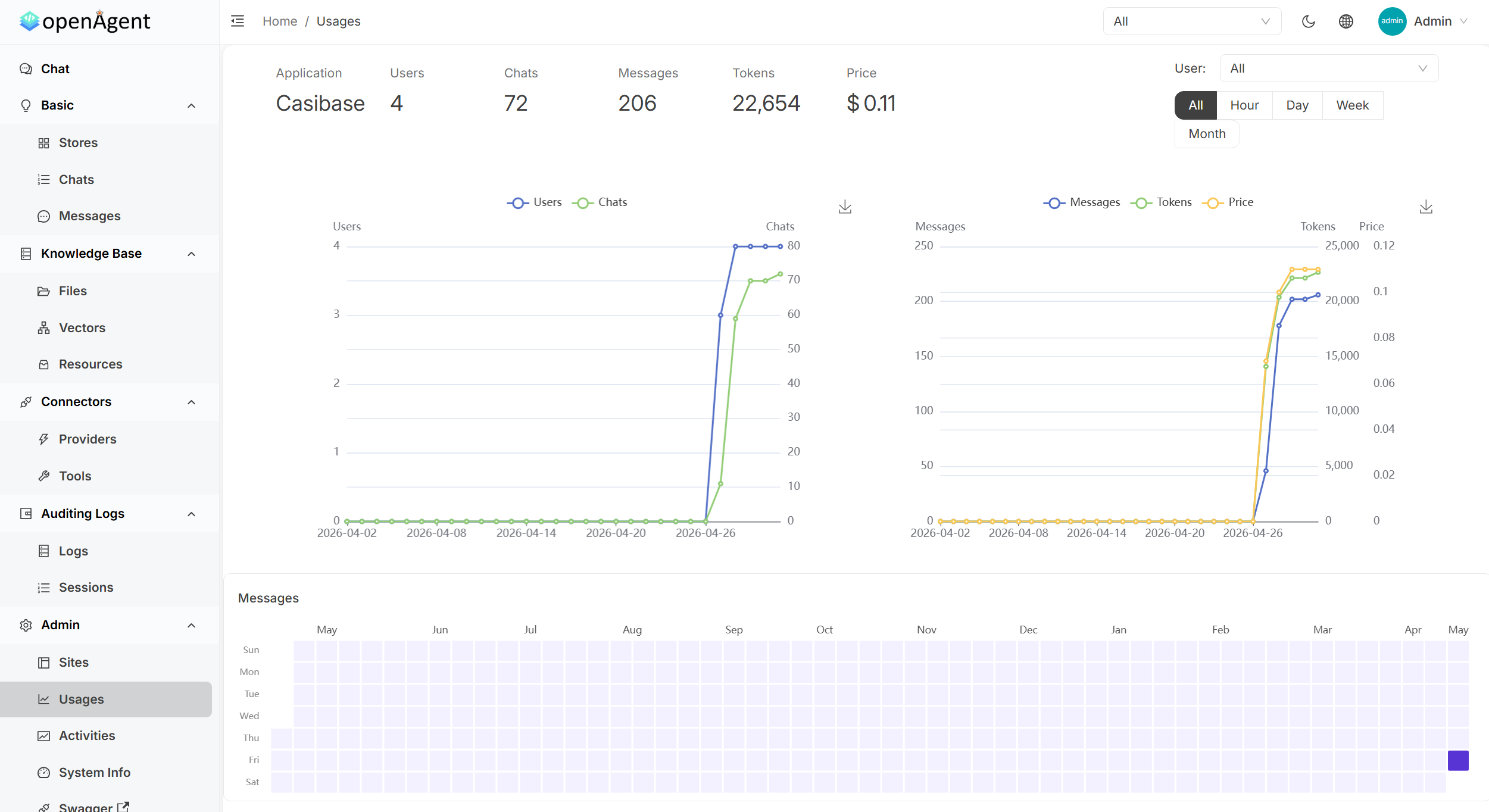
Once the containers are running, open http://localhost:14000 in your browser — that's it. The web UI loads instantly and walks you through connecting your first model provider.
Step 3: Connect a Model Provider
Head to Settings → Providers and add an API key for OpenAI, Anthropic Claude, Google Gemini, DeepSeek, or any of the 30+ supported providers. You can even point it at a local Ollama instance for fully offline operation. Switch providers per conversation without changing code.
Step 4: Build Your Knowledge Base
Upload PDFs, Word or Excel files in the Knowledge section. OpenAgent chunks, embeds and indexes them automatically with pluggable embedding models. Create isolated knowledge stores and assign them per chat, so every answer is grounded in documents you own.
Step 5: Let Agents Work
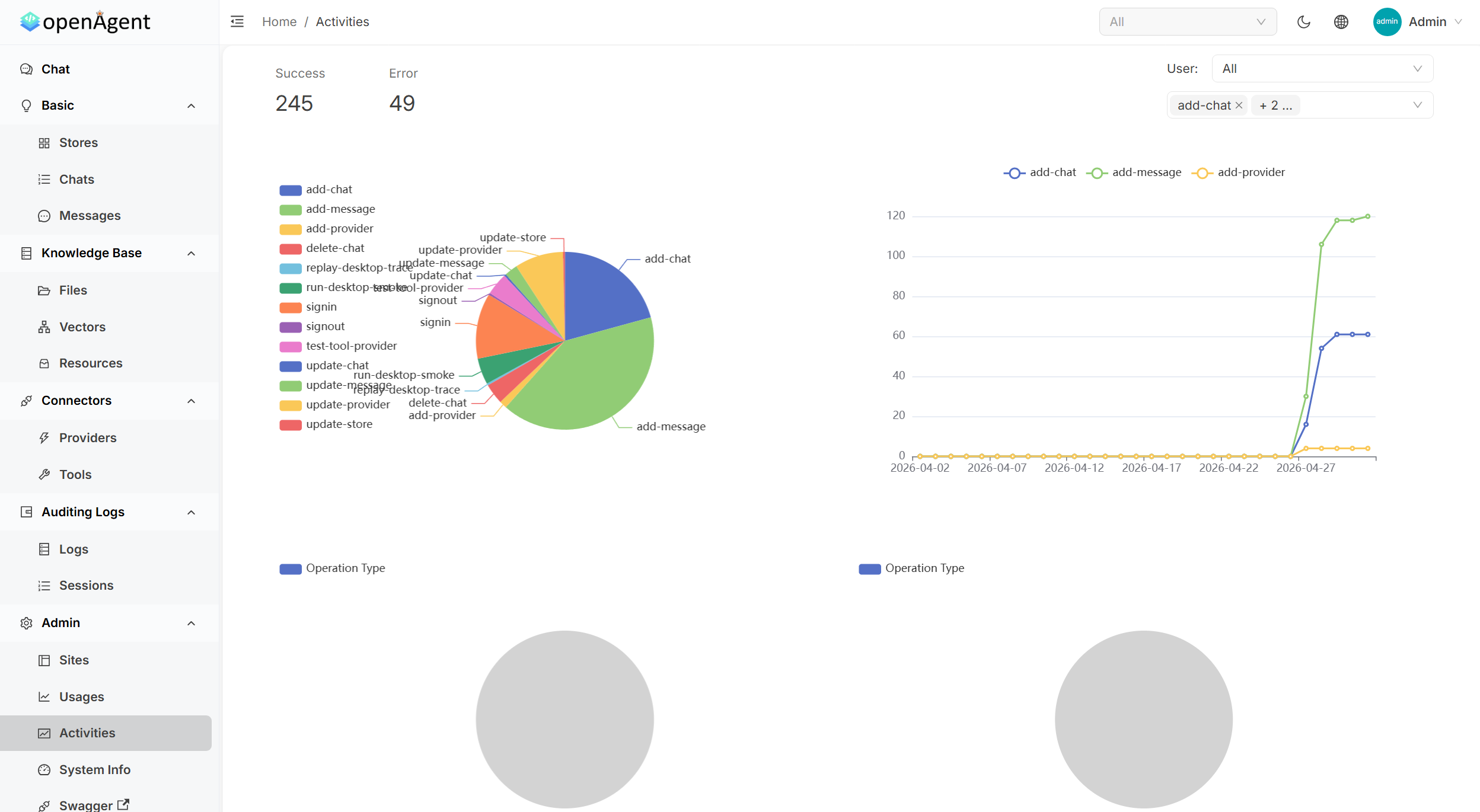
Enable browser-use to let the agent navigate pages, or connect an MCP server to expose its tools. Every tool call is transparent — you see the arguments and return values step by step, with full activity logs and usage analytics.
System Requirements
| Tier | CPU | RAM |
|---|---|---|
| Minimum | 2 cores | 4 GB |
| Recommended | 4 cores | 8 GB |
In under five minutes you can have a fully self-hosted AI assistant with RAG, agents and MCP support — no cloud lock-in, no data leaving your machine.
🚀 Want to deploy OpenAgent yourself?
Docker configs, system requirements, and installation guides — all on one page.
View OpenAgent Tool Page →