How to Deploy Portkey AI Gateway with Docker: A Quick Start Guide
Deploy Portkey AI Gateway with Docker in under 60 seconds. Complete step-by-step guide with curl examples, Docker Compose setup, and configuration for retries, caching, guardrails, and more.

Getting Started with Portkey AI Gateway
Portkey AI Gateway is one of the easiest self-hosted AI tools to deploy. In less than 60 seconds, you can have a production-ready API gateway routing requests to over 1,600 LLMs, complete with caching, rate limiting, guardrails, and observability. This guide walks you through a Docker-based deployment.
Prerequisites
- Docker and Docker Compose installed on your server (any Linux, macOS, or Windows host)
- At least 512 MB of RAM (1 GB recommended for production)
- API keys for the LLM providers you want to use (OpenAI, Anthropic, etc.)
Deploy with Docker (Single Command)
docker run -d --name portkey-gateway -p 8080:8080 portkeyai/gateway:latestThat is it. Portkey is now running on http://localhost:8080. You can verify it is alive with:
curl http://localhost:8080/healthDeploy with Docker Compose
For a more production-ready setup with persistent configuration, create a docker-compose.yml:
services:
  portkey-ai-gateway:
    image: portkeyai/gateway:latest
    restart: unless-stopped
    ports:
      - 8080:8080
    volumes:
      - ./data/portkey-gateway:/data
    environment:
      - NODE_ENV=production
Then run:
docker compose up -d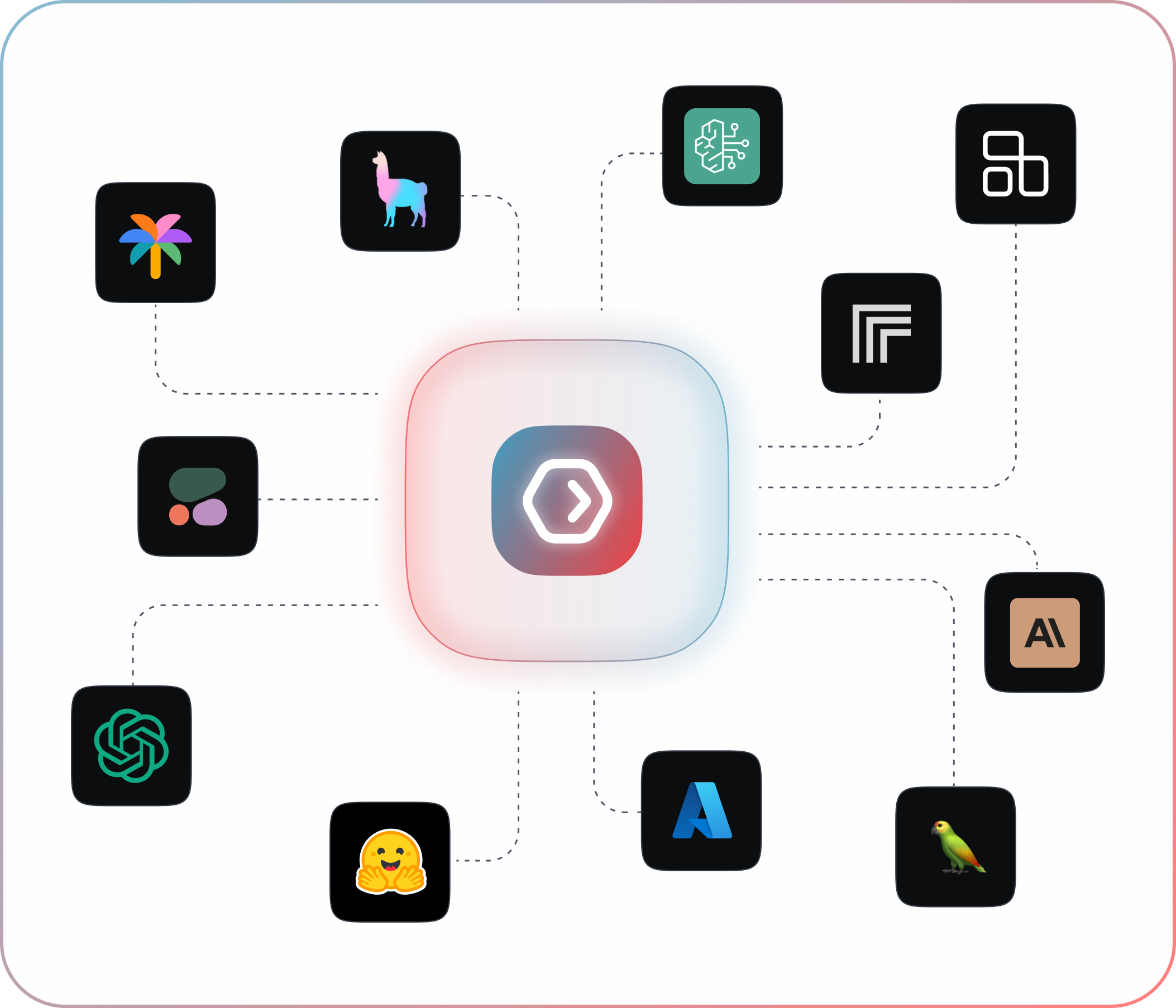
Connecting Your Application
Portkey exposes an OpenAI-compatible API endpoint, so you can use it as a drop-in replacement for the OpenAI SDK in any language. Simply point your API calls at http://localhost:8080 and set the target model provider via the x-portkey-provider header:
// Example using curl
curl http://localhost:8080/v1/chat/completions \
  -H "Content-Type: application/json" \
  -H "x-portkey-provider: openai" \
  -d '{
    "model": "gpt-4",
    "messages": [{"role": "user", "content": "Hello!"}]
  }'
Configuring Retries, Caching, and Guardrails
Portkey supports rich configuration via request headers. For example, to enable semantic caching and configure a fallback model:
curl http://localhost:8080/v1/chat/completions \
  -H "x-portkey-provider: openai" \
  -H "x-portkey-cache: semantic" \
  -H "x-portkey-fallback: anthropic/claude-3-5-sonnet" \
  -d '{"model": "gpt-4", "messages": [...]}'
Monitoring and Observability
Portkey logs every request with latency, token count, cost estimation, and model used. Access logs through its built-in dashboard at http://localhost:8080/observability or pipe them to your existing monitoring stack.
Conclusion
Deploying Portkey AI Gateway takes less than a minute with Docker, and instantly gives you a unified API layer for all your LLM needs. Start with a single container, and scale up with Docker Compose as your traffic grows. The gateway handles retries, fallbacks, caching, and rate limiting out of the box -- so you can focus on building features, not infrastructure.