MCPJam Inspector: The Complete Guide to Debugging MCP Servers
MCPJam Inspector is an open-source testing platform for chatting with, inspecting, and debugging MCP servers, MCP apps, and ChatGPT apps. Learn its core features and why MCP debugging needs a visual playground.
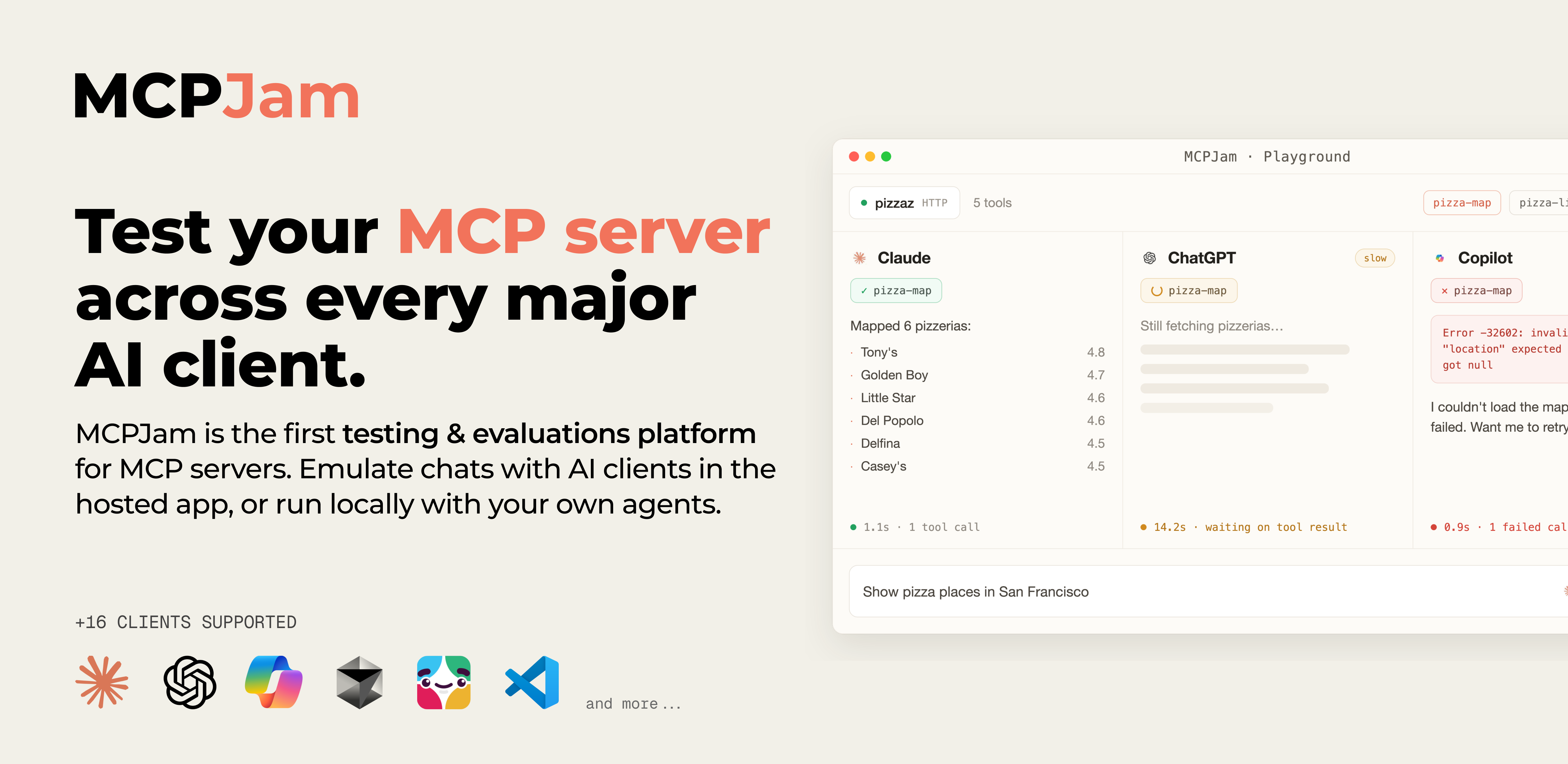
MCPJam Inspector is an open-source testing and evaluation platform built for developers who work with the Model Context Protocol (MCP). It lets you chat, inspect, and debug MCP servers, MCP apps, and even ChatGPT apps from one clean visual interface — no need to write a single line of client code.
🚀 Want to deploy MCPJam Inspector yourself?
Docker configs, system requirements, and installation guides — all on one page.
View MCPJam Inspector Tool Page →Why MCP servers need a debugger
MCP is the protocol that connects AI assistants to external tools and data. As your server grows — more tools, more auth flows, more edge cases — finding out why a tool call fails becomes painful. You end up reading raw JSON, adding print statements, and guessing. MCPJam Inspector removes that guesswork with a browser-based playground where every request, response, and tool call is visible.
Core capabilities
| Feature | What it does |
|---|---|
| Chat playground | Talk to any MCP server conversationally and watch tool calls in real time. |
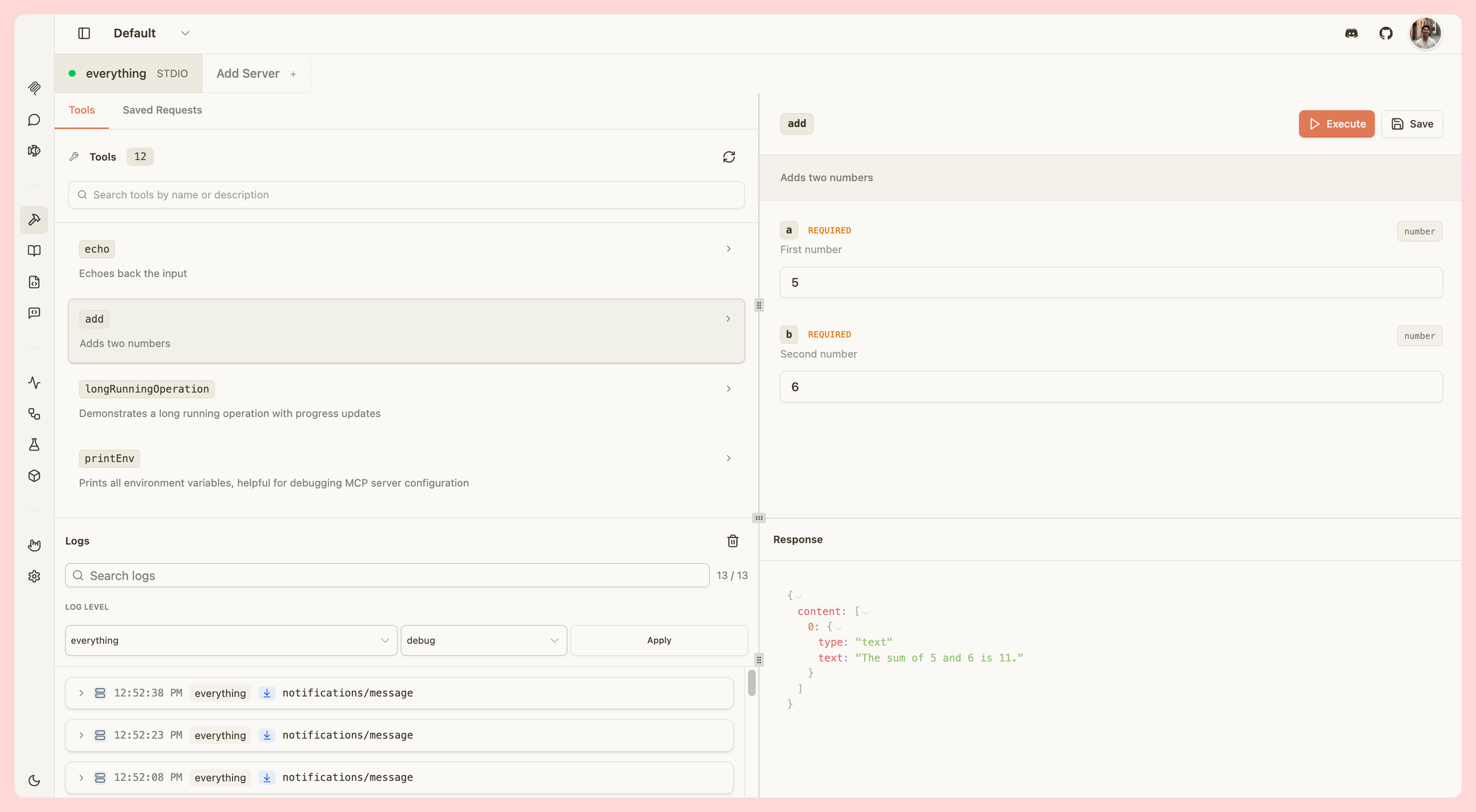
| Tool inspector | Browse every tool, its input schema, and its exact invocation results. |
| OAuth debugger | Trace authentication flows step by step to fix token and scope issues. |
| Evaluation runs | Run test cases against your server in CI or locally and compare outputs. |
Who is it for?
Whether you maintain an MCP server for your team, build MCP-powered apps, or evaluate ChatGPT apps that call external tools, Inspector gives you a shared, reproducible way to verify behavior before shipping. It is Apache-2.0 licensed, self-hostable via Docker, and currently has 2.1K+ GitHub stars with an active community on the MCPJam platform.
Getting started
Deployment is a single Docker container. Point it at any MCP server, open the web UI, and start chatting. No client code, no build step, no vendor lock-in — your data stays on your own infrastructure.
🚀 Deploy MCPJam Inspector in minutes
System requirements, docker-compose, and installation notes — all on one page.
View MCPJam Inspector Tool Page →