OpenMemory: Give Your AI Tools a Persistent Local Memory
OpenMemory is a local persistent memory store for LLM applications — Claude Desktop, Copilot, Codex and more. Learn how it works and why it belongs in your AI stack.
Your AI assistants forget everything the moment the conversation ends. OpenMemory fixes that — with a local, persistent memory store that lives entirely on your machine. It works with Claude Desktop, GitHub Copilot, Codex, Antigravity, and any other LLM application you already use.
🚀 Want to deploy OpenMemory yourself?
Docker configs, system requirements, and installation guides — all on one page.
View OpenMemory Tool Page →Why Your AI Tools Need Persistent Memory
Every new chat starts from zero. You re-explain your project context, your preferences, your codebase — over and over. OpenMemory solves this by giving your assistants a shared, searchable memory layer. Once a fact is stored, every connected tool can recall it.
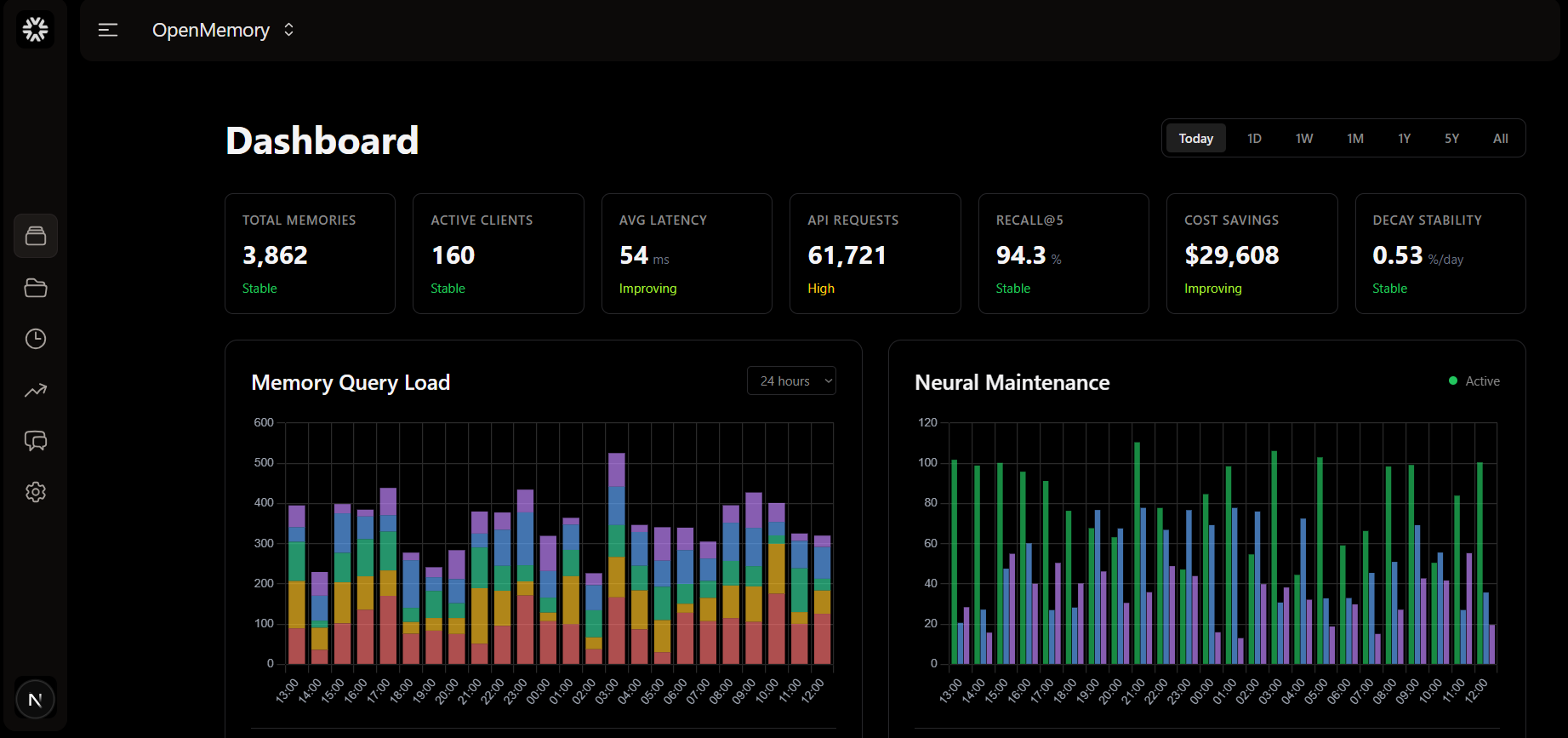
Key Features
| Feature | What it means for you |
|---|---|
| 100% local | Your data never leaves your machine — no cloud, no vendor lock-in. |
| Multi-tool support | Claude Desktop, GitHub Copilot, Codex, Antigravity and more share one memory. |
| Full-text search | Instantly find any stored fact, note, or code snippet. |
| Open source | Apache-2.0 licensed — audit it, extend it, trust it. |
How It Fits Your Stack
OpenMemory acts as the memory layer between you and your AI tools. It's the missing piece for RAG pipelines and agent workflows: instead of re-feeding context every time, agents query a persistent store that grows smarter with every session.
🚀 Ready to give your AI a memory?
Docker configs, system requirements, and installation guides — all on one page.
View OpenMemory Tool Page →