How to Self-Host OpenPencil: Turn Prompts into UI with Docker
Step-by-step tutorial for deploying OpenPencil with Docker: requirements, docker-compose setup, and a practical prompt-to-UI workflow with concurrent Agent Teams.
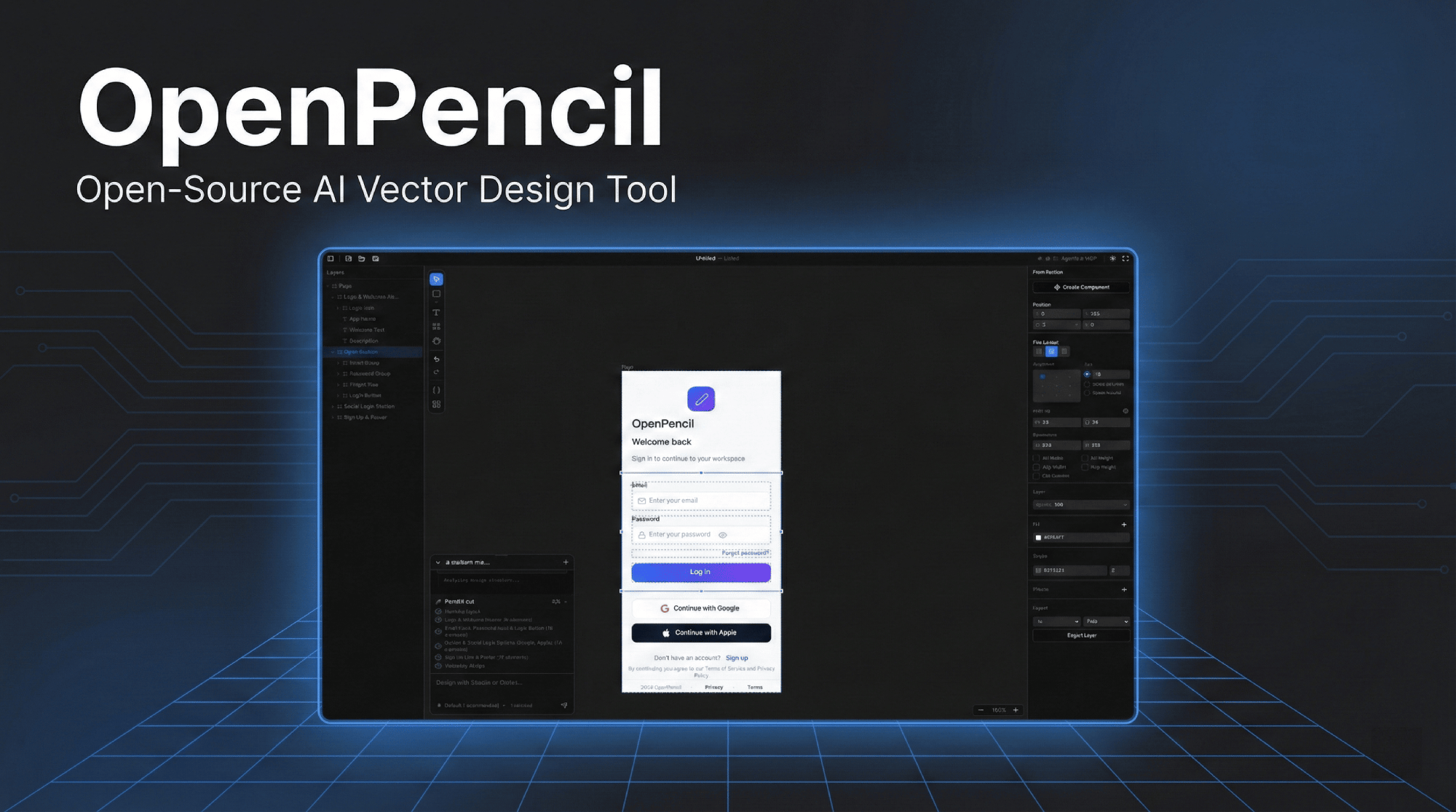
OpenPencil turns natural-language prompts into editable vector UI on a live canvas — and because it's fully open source with an official Docker image, you can run your own instance in minutes. This tutorial walks you through a complete self-hosted deployment with the community docker-compose configuration.
🚀 Want to deploy OpenPencil yourself?
Docker configs, system requirements, and installation guides — all on one page.
View OpenPencil Tool Page →Prerequisites
You need a Linux server with Docker and Docker Compose installed. OpenPencil's Rust core is lightweight: 2 vCPU and 4 GB RAM is the comfortable minimum, with 4 vCPU / 8 GB recommended when you run several Agent Teams at once.
Step 1 — Pull the image
The official image is published to GitHub Container Registry:
docker pull ghcr.io/ZSeven-W/openpencil:latest
Step 2 — Run with docker-compose
Create a docker-compose.yml that exposes the web interface on port 8080 and keeps your documents in a persistent volume:
services:
  openpencil:
    image: ghcr.io/ZSeven-W/openpencil:latest
    restart: unless-stopped
    ports:
      - "8080:8080"
    volumes:
      - ./data/openpencil:/data
Then start the stack and verify it is healthy:
docker compose up -d
curl -I http://localhost:8080
Step 3 — Prompt to UI in practice
Open the web client and try the workflow that makes OpenPencil special:
| Step | Action |
|---|---|
| 1 | Describe a UI: e.g. "a dark-mode analytics dashboard with a sidebar" |
| 2 | Let the agent render it as editable vector components on the canvas |
| 3 | Spawn a second agent to refine colors or layout in parallel |
| 4 | Export or keep iterating — everything is versionable design-as-code |
Because every element is real vector geometry, you can tweak any part manually after generation. That hybrid of AI speed and precise human control is exactly what "AI-native" should mean.
Step 4 — Keep it updated
Restart with the latest image regularly to pick up new agents and canvas improvements:
docker compose pull && docker compose up -d
Final thoughts
Self-hosting OpenPencil gives you a private, prompt-driven design studio with no per-seat fees and no cloud dependency. For a full breakdown of requirements, ports, and volume mounts, check the official tool page.
🚀 Run OpenPencil on your own server
Docker configs, system requirements, and installation guides — all on one page.
View OpenPencil Tool Page →