Phantom: An AI Co-Worker That Actually Has Its Own Computer
Meet Phantom — an AI co-worker built on the Claude Agent SDK with persistent memory, self-evolution, an MCP server, and Slack integration. It monitors infrastructure, responds to incidents, and gets smarter over time.

I Needed a Coworker Who Doesn't Sleep
You know that feeling when something breaks at 2 AM, and you're the only one who can fix it? I've been there more times than I can count. After trying every monitoring tool, every alerting system, and every "AI assistant" that just parrots back documentation, I stumbled onto something different.
Phantom isn't another chatbot or dashboard — it's an AI co-worker that literally has its own computer. It reads its own emails, manages its own credentials, and keeps persistent memory across every interaction. Built on Anthropic's Claude Agent SDK, this thing runs in a Docker container, connects to Slack, and just... works alongside you.
🚀 Want to deploy Phantom yourself?
Docker configs, system requirements, and installation guides — all on one page.
View Phantom Tool Page →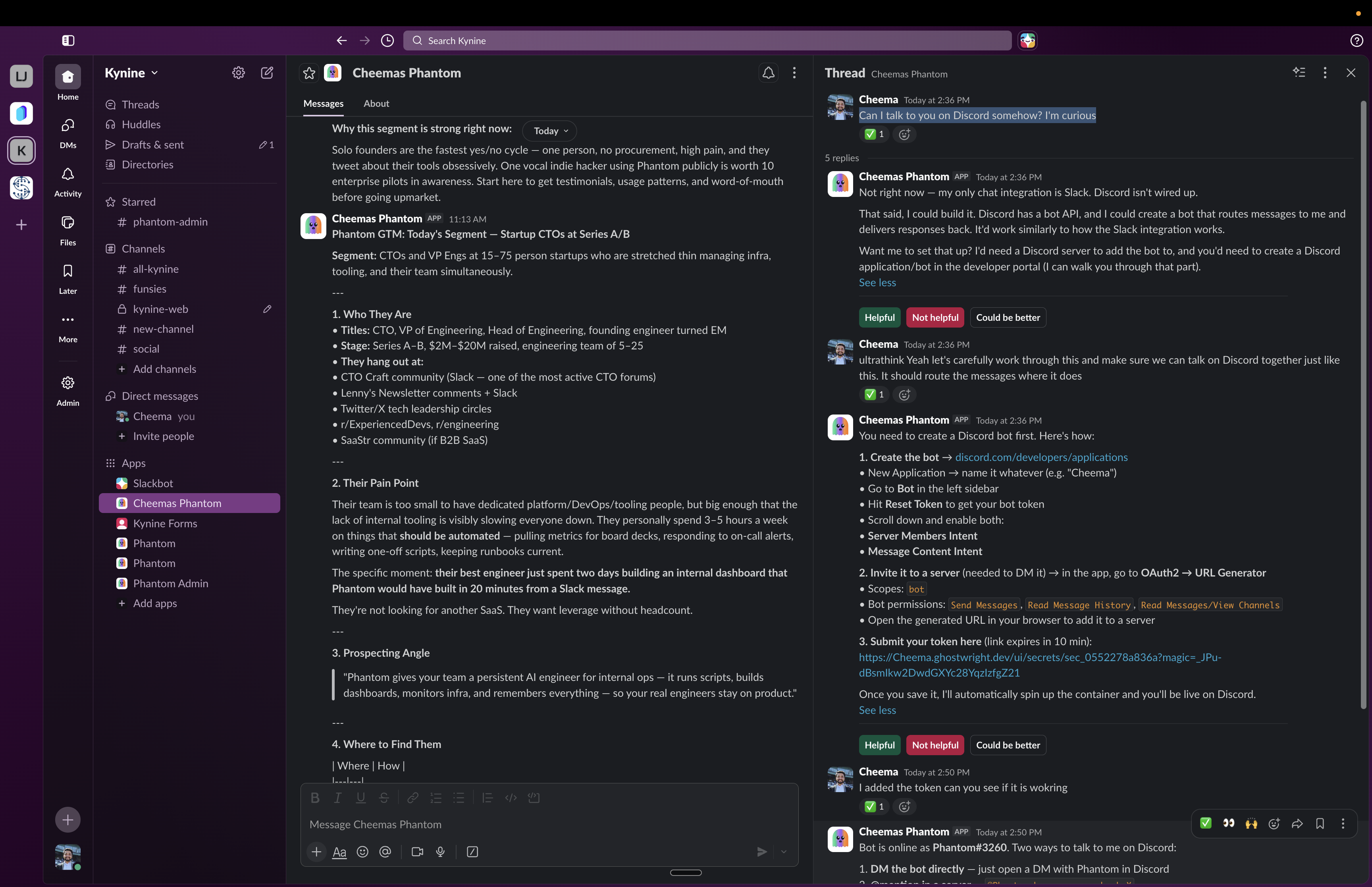
What Makes Phantom Different?
Most "AI assistants" are stateless — you ask, they answer, and the next conversation starts from zero. Phantom keeps a persistent memory that spans days, weeks, or months. It remembers your infrastructure quirks, your team's communication patterns, and the context of ongoing incidents.
Self-Evolution That Actually Works
Here's the part I didn't believe until I saw it: Phantom improves itself. Its self-evolution mechanism lets it learn from past incidents, update its knowledge base, and get better at handling similar situations. No manual retraining, no "please update your AI model" emails — it just gets smarter over time.
MCP Server for Real Tool Access
Phantom ships with a built-in MCP (Model Context Protocol) server. This means it can execute tools securely, collect credentials, and manage email identities without exposing your entire infrastructure. It's not just talking to you — it's taking action. And it's careful about it.
Slack-Native Collaboration
Phantom lives where your team works — Slack. Drop it into a channel, and it becomes part of the conversation. It can investigate issues, run commands, check logs, and report back. It doesn't replace your team — it handles the grunt work so your humans can focus on the actual problems.
Who Is Phantom For?
DevOps teams who want round-the-clock infrastructure monitoring with actual intelligence, not just threshold alerts. Engineering teams that need a persistent agent who understands their stack and remembers context. Small teams that can't afford 24/7 on-call rotations but still need coverage.
Honestly? Phantom isn't for everyone. If you don't use Slack, or if your infrastructure is simple enough that basic monitoring covers it, this is overkill. But if you've ever wished for a junior engineer who never sleeps, never forgets, and doesn't need onboarding — Phantom is that.
The Bottom Line
After running Phantom alongside my team for a few weeks, I'm convinced this is the direction AI-assisted DevOps is heading. It's not a dashboard, it's not a notification system — it's a teammate. One that arrives at 2 AM, checks what broke, investigates the logs, and either fixes it or has a report ready when you wake up.
🚀 Explore Phantom on Run This Ai
Docker Compose configs, system requirements, installation guides, and more — all in one place.
View Phantom Tool Page →