Getting Started with RD-Agent: A Practical Tutorial for ML Researchers
A step-by-step tutorial for setting up RD-Agent and running your first automated research workflow. From Docker deployment to experiment monitoring.
Getting Started with RD-Agent: A Practical Tutorial
In this tutorial, we'll walk through setting up RD-Agent and running your first automated research workflow. Whether you're an ML researcher or a data scientist, these steps will help you get productive in minutes.
🚀 Want to deploy RD-Agent yourself?
Docker configs, system requirements, and installation guides — all on one page.
View RD-Agent Tool Page →Step 1: Pull and Run the Docker Image
RD-Agent ships as a Docker image, making deployment straightforward:
docker pull jidodata/rd-agent:latest
docker run -d -p 8080:8080 -v ./rd-agent-data:/data jidodata/rd-agent:latest
This starts the RD-Agent web interface on port 8080 with persistent storage in the ./rd-agent-data directory.
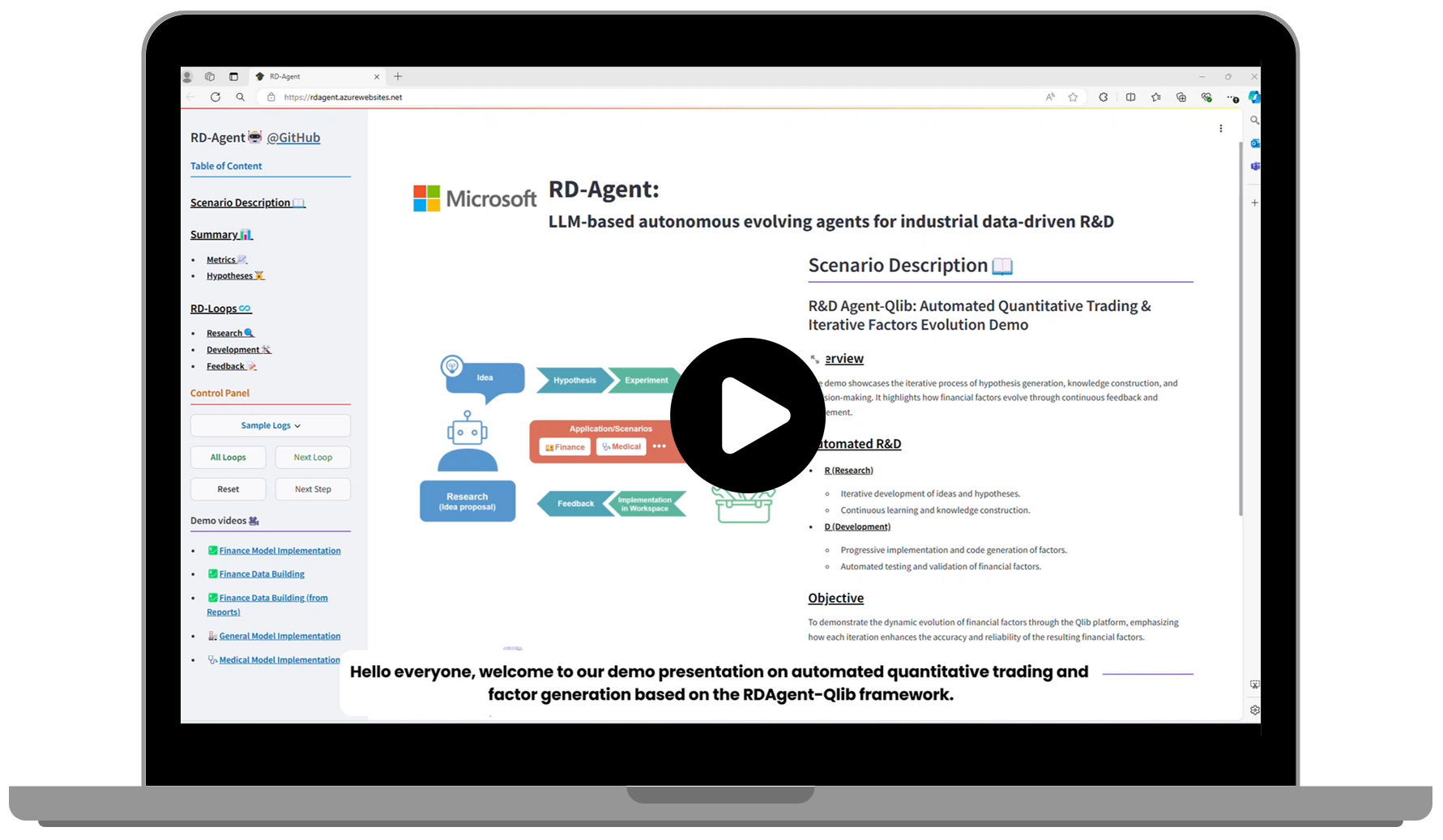
Step 2: Configure Your First Experiment
Once the web UI is running, navigate to http://localhost:8080. You'll see the Streamlit dashboard where you can:
- Define a research goal — describe what you want to investigate in natural language
- Select data sources — connect to CSV files, databases, or APIs
- Choose model type — regression, classification, or custom pipelines
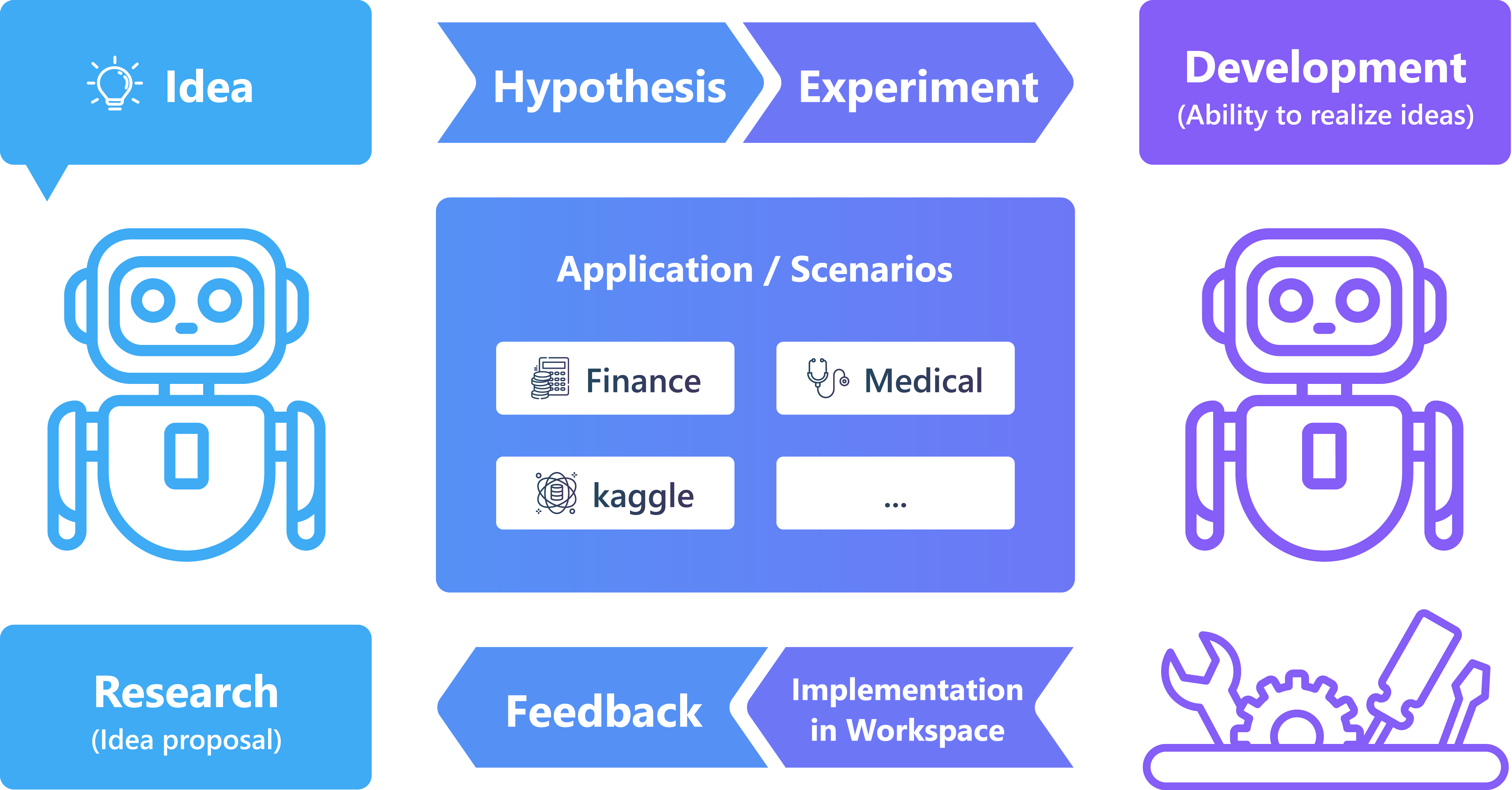
Step 3: Run and Monitor
RD-Agent's agent framework handles the rest — it will:
- Analyze your data and generate preprocessing steps
- Explore multiple model architectures
- Optimize hyperparameters automatically
- Log all results with full metadata for reproducibility
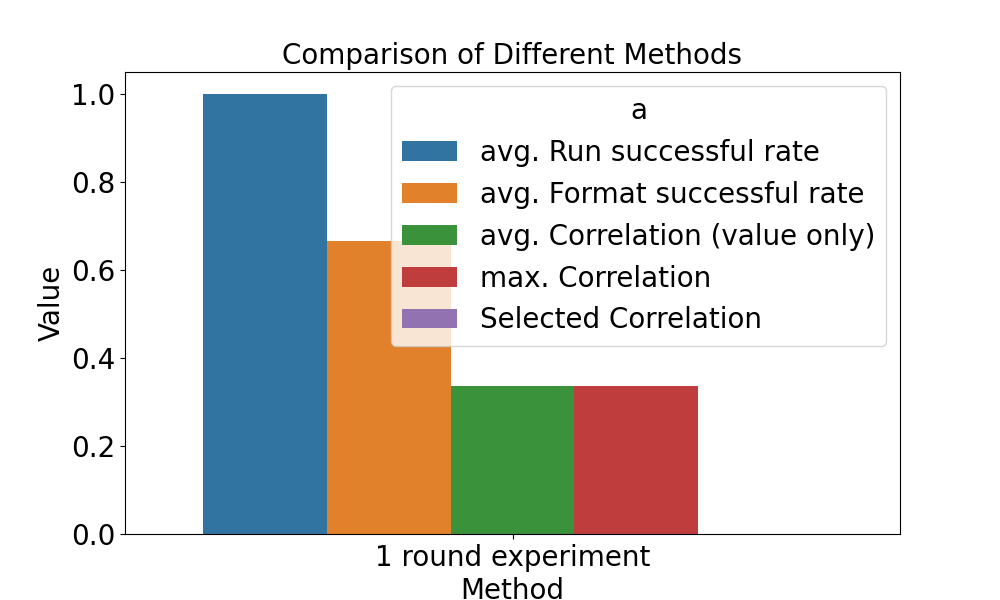
You can monitor progress in real-time through the Streamlit dashboard and compare results across experiments.
Step 4: Review Results
After the agent completes its work, you'll get a comprehensive report including model performance metrics, visualizations, and exportable results. All experiment metadata is stored locally for later analysis.
Use Cases
| 🔬 Academic Research | Automate paper reproduction and ablation studies |
| 🏭 Industrial R&D | Standardize experiment pipelines across teams |
| 📊 Data Science | Rapid prototyping and model selection |
🚀 Ready to supercharge your research?
Deploy RD-Agent today with pre-configured Docker setup on Run This Ai.
Deploy RD-Agent Now →