Running Milvus in Production: A Complete Deployment Guide with Docker
Learn how to deploy Milvus vector database with Docker, build RAG pipelines, and optimize for production with GPU acceleration and billion-scale indexing.

Introduction
Milvus is the most widely adopted open-source vector database, trusted by thousands of organizations to power their AI applications. Whether you are building a RAG pipeline for enterprise document search, a recommendation engine, or a semantic search system, Milvus provides the performance and scalability you need. In this guide, we will walk through deploying Milvus with Docker, connecting to it from Python, and building your first vector search application.
Why Self-Host Milvus?
Running your own vector database gives you complete control over your data, costs, and infrastructure. Unlike managed vector services, self-hosted Milvus offers unlimited query volume, no per-vector pricing, and the ability to run entirely on your own hardware. With Milvus cloud-native architecture, you can start small on a single machine and scale horizontally to handle billions of vectors across a distributed cluster.
Deploying Milvus with Docker
The simplest way to get started with Milvus is using Docker. Milvus offers a standalone mode perfect for development, and a distributed mode for production deployments.
# Pull the latest Milvus image
docker pull milvusdb/milvus:latest

# Run Milvus standalone
docker run -d --name milvus \
  -p 19530:19530 \
  -p 9091:9091 \
  -v $(pwd)/data:/var/lib/milvus \
  milvusdb/milvus:latest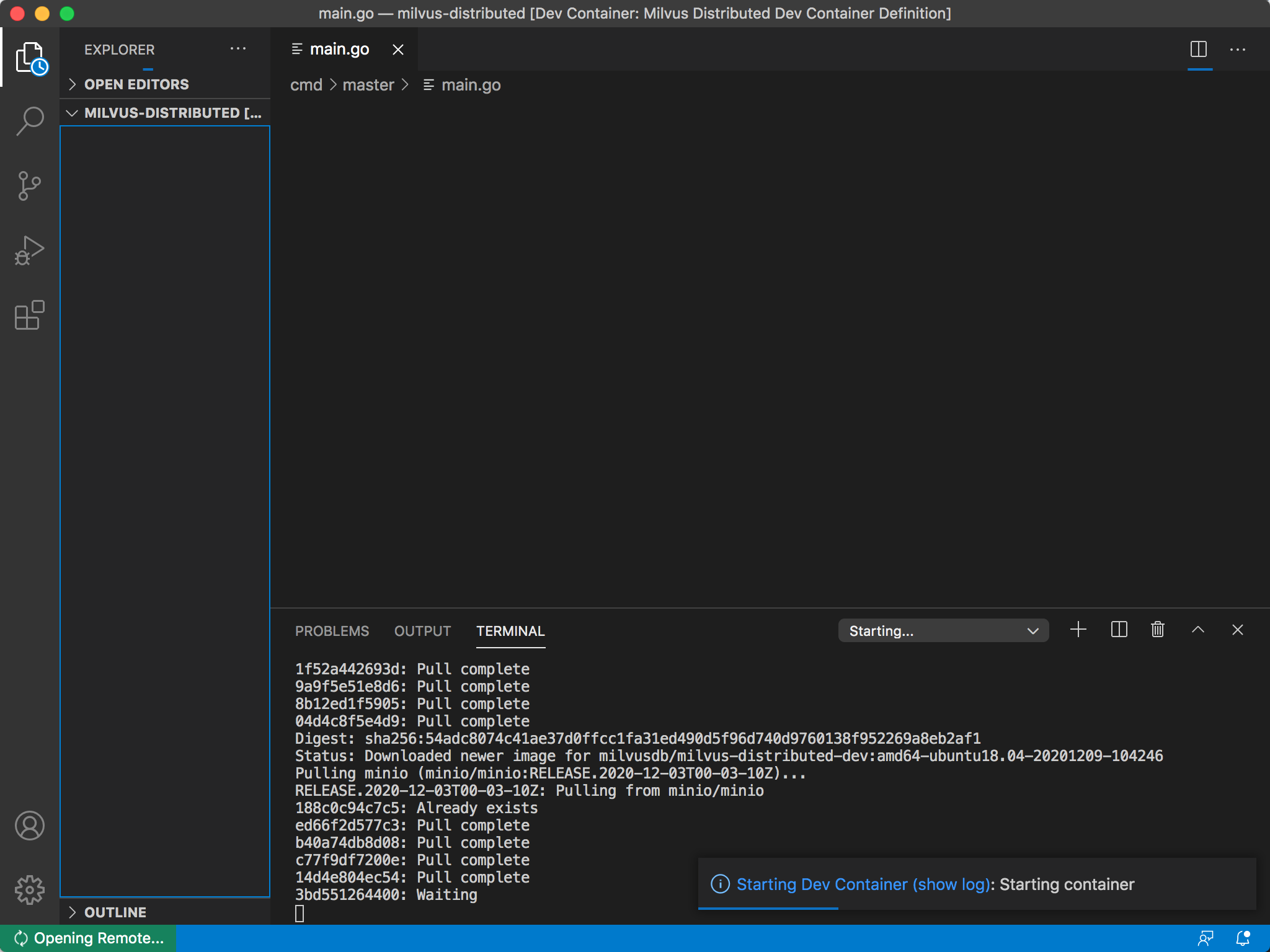
Connecting from Python
Once Milvus is running, connect to it using the official PyMilvus SDK:
pip install pymilvus

from pymilvus import connections, Collection, FieldSchema, CollectionSchema, DataType

# Connect to Milvus
connections.connect(host="localhost", port="19530")

# Create a collection
fields = [
    FieldSchema(name="id", dtype=DataType.INT64, is_primary=True),
    FieldSchema(name="embedding", dtype=DataType.FLOAT_VECTOR, dim=768),
    FieldSchema(name="text", dtype=DataType.VARCHAR, max_length=65535),
]
schema = CollectionSchema(fields, "Document embeddings")
collection = Collection("documents", schema)
print(f"Collection created: {collection.name}")
Building a RAG Pipeline with Milvus
Milvus integrates naturally with the modern AI stack. Here is a typical RAG pipeline architecture:
- Ingest documents — Parse PDFs, markdown, or web pages into text chunks
- Generate embeddings — Use an embedding model (via Ollama, OpenAI, or Sentence Transformers) to create vector representations
- Store in Milvus — Insert vectors with their associated metadata into a Milvus collection
- Query at inference — Convert the user query to an embedding, search Milvus for the top-K similar vectors, retrieve the corresponding text
- Augment the LLM prompt — Feed the retrieved context to an LLM for grounded, accurate responses
Performance Optimization Tips
For production Milvus deployments, consider these best practices:
- Choose the right index: IVF_FLAT offers a good balance of speed and accuracy for most workloads; HNSW provides faster search at the cost of higher memory usage; DiskANN is ideal for billion-scale datasets
- Set appropriate resource limits: Allocate at least 2 CPU cores and 4GB RAM for standalone mode, scale up to 8+ cores and 32GB+ RAM for production
- Use GPU acceleration: For high-throughput workloads, deploy with NVIDIA GPU support to achieve 10x faster index building
- Monitor with Attu: Use the Milvus Attu dashboard to monitor query performance, collection stats, and system health
Conclusion
Milvus makes it straightforward to add powerful vector search capabilities to any AI application. With its Docker-based deployment, comprehensive SDK ecosystem, and proven scalability to billions of vectors, it is the vector database that production AI runs on. Start your Milvus journey today and unlock the full potential of semantic search and retrieval-augmented generation.