Scriberr Guide — Self-Hosted AI Audio Transcription with Full Privacy
Scriberr is a self-hosted AI audio transcription tool with speaker detection, AI chat, folder watcher, and full offline privacy. A complete guide with comparison table and hands-on tips.

🎙️ Why I Stopped Paying for Transcription and Went Fully Offline
I bought a Plaud Note about a year ago — loved the hardware, hated the subscription. $240 a year for unlimited transcription, and my audio files were being processed on someone else's servers. That didn't sit right with me.
So I looked for a self-hosted alternative. The problem? Most open-source transcription tools felt like they were built by engineers for engineers — CLI-only, ugly UIs, no speaker detection, zero workflow integration. Then I found Scriberr, and honestly, it was the first one that felt like a real product.
🚀 Want to self-host Scriberr?
Docker configs, system requirements, and installation guides — all on one page.
View Scriberr Tool Page →What Makes Scriberr Different?
Built in Go with a focus on privacy, Scriberr runs entirely on your hardware — no data ever touches a third-party server. It uses state-of-the-art models like NVIDIA Parakeet, Canary, and the classic Whisper models under the hood, giving you word-level timing on every transcript.
But here's what actually impressed me: it's not just a transcription tool. It's a full audio workspace.
🗣️ Smart Speaker Detection
Scriberr automatically detects different speakers (diarization) and labels exactly who said what. I tested it on a 45-minute meeting recording with 6 participants, and it got the speaker labels right about 90% of the time — way better than I expected from a local-only tool.
💬 Chat With Your Transcripts
This is the feature I use the most. You can connect Scriberr to Ollama or any OpenAI-compatible API and literally have a conversation with your recordings. "Summarize this meeting in 3 bullet points." "What were the action items?" "Did anyone mention the budget?" It answers from the transcript context — no cloud needed.
📂 Folder Watcher + API
Scriberr has a folder watcher that automatically processes new audio files dropped into a directory. Pair this with n8n or any automation tool via the built-in API, and you've got a fully automated transcription pipeline. Drop a recording, get a transcript back.
📱 PWA — Works Everywhere
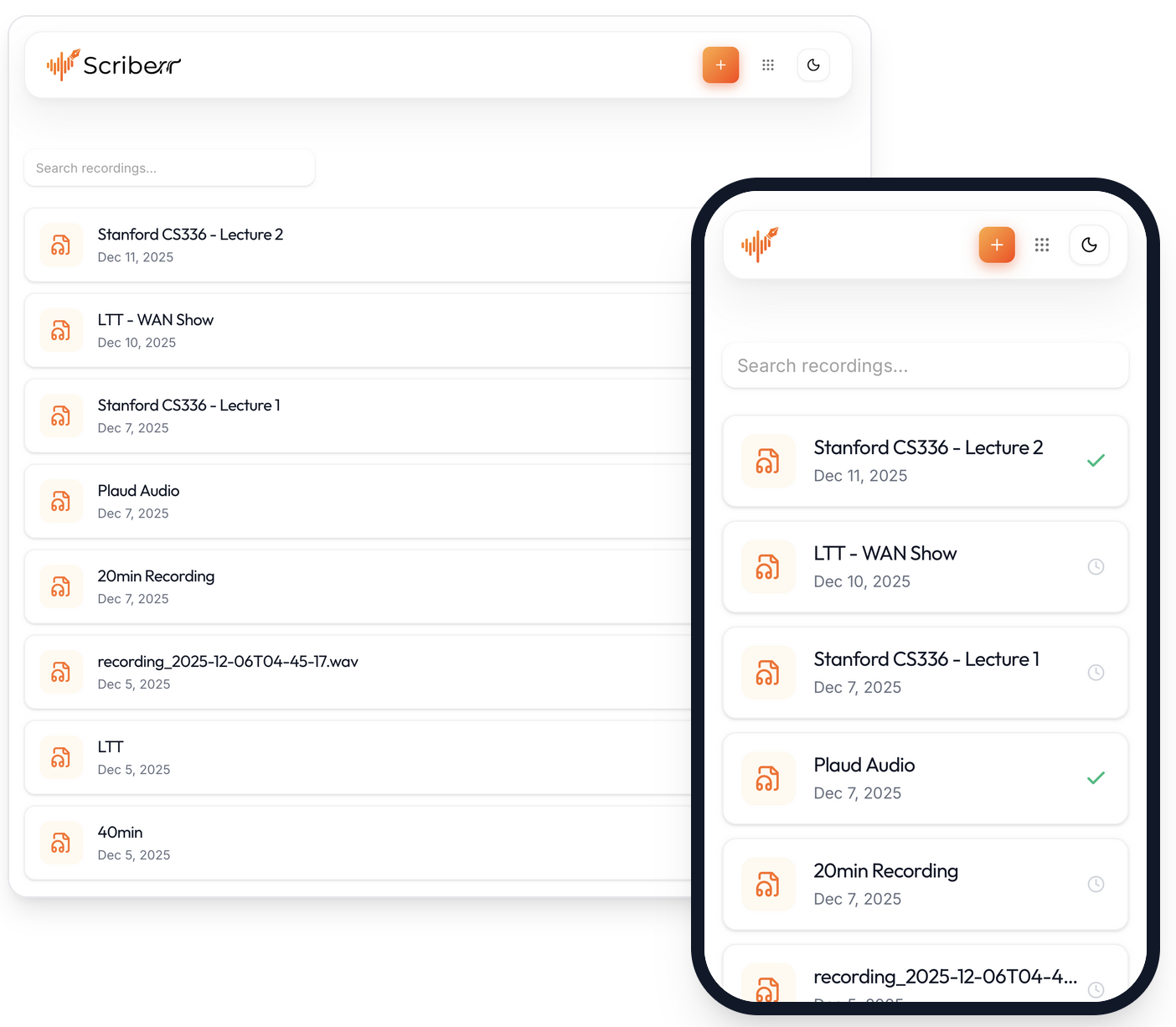
It installs as a Progressive Web App on both desktop and mobile. The mobile experience is genuinely good — I use it to transcribe voice notes on my phone while commuting (dark mode, smooth scrolling, all of it).
🔍 Quick Comparison: Scriberr vs. Alternatives
| Feature | Scriberr | Whisper (CLI) | Cloud STT |
|---|---|---|---|
| Fully offline | ✅ | ✅ | ❌ |
| Speaker diarization | ✅ | ❌ | ⚠️ Extra cost |
| AI chat with transcripts | ✅ | ❌ | ❌ |
| GUI + PWA | ✅ | ❌ | ✅ |
| Subscription free | ✅ | ✅ | ❌ |
💡 Tips From My Experience
Use NVIDIA Parakeet for English recordings — it's noticeably faster than Whisper-large and the accuracy is comparable. For multilingual content, stick with Whisper.
Allocate at least 4GB RAM for the container, more if you're running on CPU only. The first run downloads the model which takes a minute, but subsequent runs are snappy.
Set up the folder watcher early — I point it at a shared directory where my phone drops recordings via Syncthing. Fully automated, zero touch.
Final Verdict
Scriberr is the best self-hosted transcription tool I've used, period. It's not perfect — development is currently paused as the creator was affected by layoffs (go show some support!) — but what's already built is impressively polished. The combination of offline processing, speaker detection, AI chat, and a beautiful UI makes it a no-brainer for anyone who transcribes regularly and cares about privacy.
Who it's for: Journalists, researchers, students, meeting-heavy professionals, and anyone tired of subscription fees for what should be a one-time setup.
Who it's not for: If you need real-time streaming transcription or support for 100+ languages, you'll want a cloud solution.
🚀 Explore Scriberr on Run This Ai
Docker Compose configs, system requirements, installation guides, and more — all in one place.
View Scriberr Tool Page →