How to Self-Host Pezzo with Docker: A Step-by-Step Guide
Learn how to deploy Pezzo, the open-source LLMOps platform, on your own server with Docker Compose — console, proxy, PostgreSQL, ClickHouse and more.
🚀 Want to deploy Pezzo yourself?
Docker configs, system requirements, and installation guides — all on one page.
View Pezzo Tool Page →Self-Hosting Pezzo with Docker: Step-by-Step
Pezzo ships with a full docker-compose.yaml that wires up the server, console, proxy, PostgreSQL, ClickHouse, Redis, and Supertokens. Here's how to get it running on your own machine or VPS.
Step 1: Clone and Configure
git clone https://github.com/pezzolabs/pezzo.git
cd pezzo
cp .env.example .env.local
# Fill in your OpenAI key and other provider credentials
The compose file pulls ready-made images from GHCR (ghcr.io/pezzolabs/pezzo/server:latest, console, proxy), so you don't need to build anything from source.
Step 2: Start the Stack
docker compose up -d
# Console:  http://localhost:4200
# Server:   http://localhost:3000
On first boot, migrations run automatically (Prisma for PostgreSQL, ClickHouse migrations for analytics). Wait for all health checks to pass, then open the console.
Step 3: Create Your First Prompt
- Create an account and log into the console at
localhost:4200. - Open Prompts → New Prompt and pick a model provider.
- Write your prompt with variables (e.g.
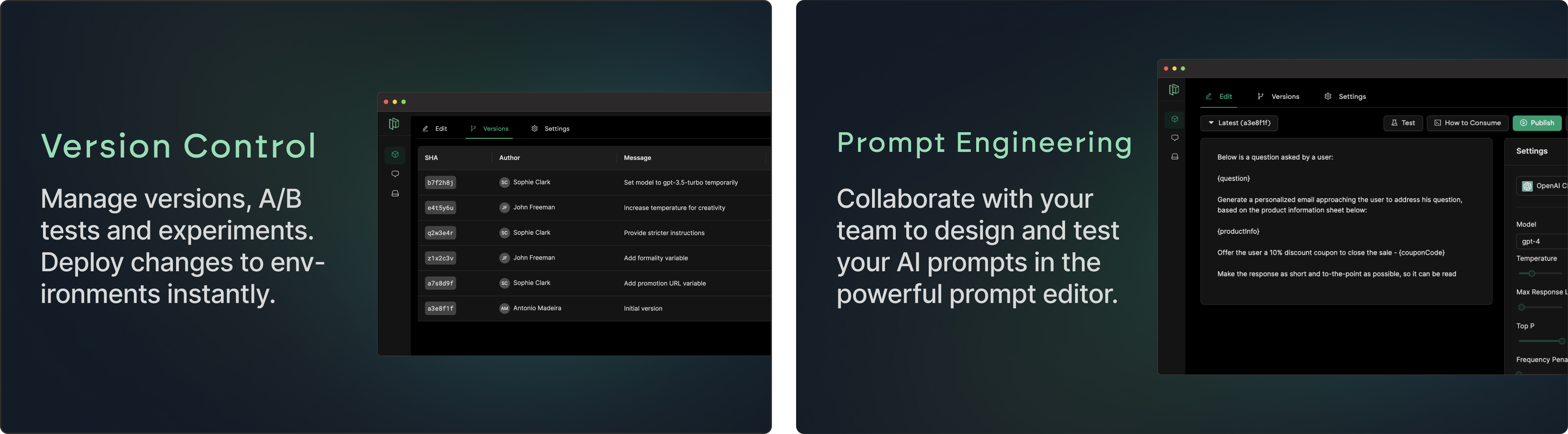
{{input}}) and test it right in the editor. - Click Commit — your prompt now has a version, just like a Git commit.
Step 4: Integrate Your App
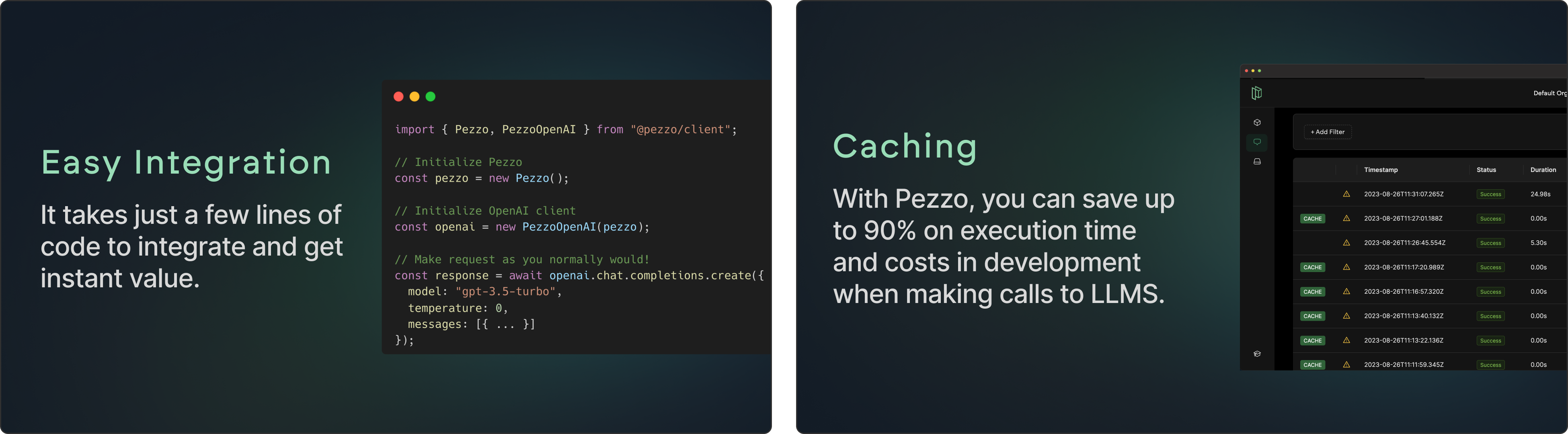
npm install @pezzo/client

import { PezzoClient } from "@pezzo/client";
const pezzo = new PezzoClient({ apiKey: "YOUR_KEY" });
const res = await pezzo.prompt("my-prompt").run({ input: "Hello!" });
Route traffic through the Pezzo proxy to get automatic caching, tracing, and cost tracking on every call.
Step 5: Update Prompts in Production
Edit the prompt in the console, commit the new version, and hit Publish. Your running app picks up the change immediately — no redeploy needed. Roll back with one click if something goes wrong.
⚙️ Requirements: Minimum 4 GB RAM and 2 vCPUs for a small setup; 8 GB RAM and 4 vCPUs recommended for production with heavier traffic.
🚀 Ready to run Pezzo in production?
Get the exact Docker Compose config, hardware requirements, and setup steps.
View Pezzo Tool Page →