Sim: Build, Deploy, and Orchestrate AI Agents Like a Pro
Discover Sim, the open-source AI agent platform with 28K+ stars. Build visual workflows, connect MCP tools, collaborate in real-time, and self-host with Docker.

🧠 Stop Building One-Off Agents. Build a Workforce.
I've been down the AI agent rabbit hole for a while now. Tried Langflow — powerful but felt like wiring a spaceship. Tried n8n — great for automation, less so when your agent needs to think. Then I stumbled on Sim, and honestly? It clicked.
Sim is an open-source platform where you design, deploy, and orchestrate AI agents at scale. Not chatbots. Real agents — ones that browse the web, process PDFs, send emails, query databases, trigger Slack messages, and call each other when they get stuck. All from a visual canvas that doesn't make you hate your life.
🚀 Want to deploy Sim yourself?
Docker configs, system requirements, and installation guides — all on one page.
View Sim Tool Page →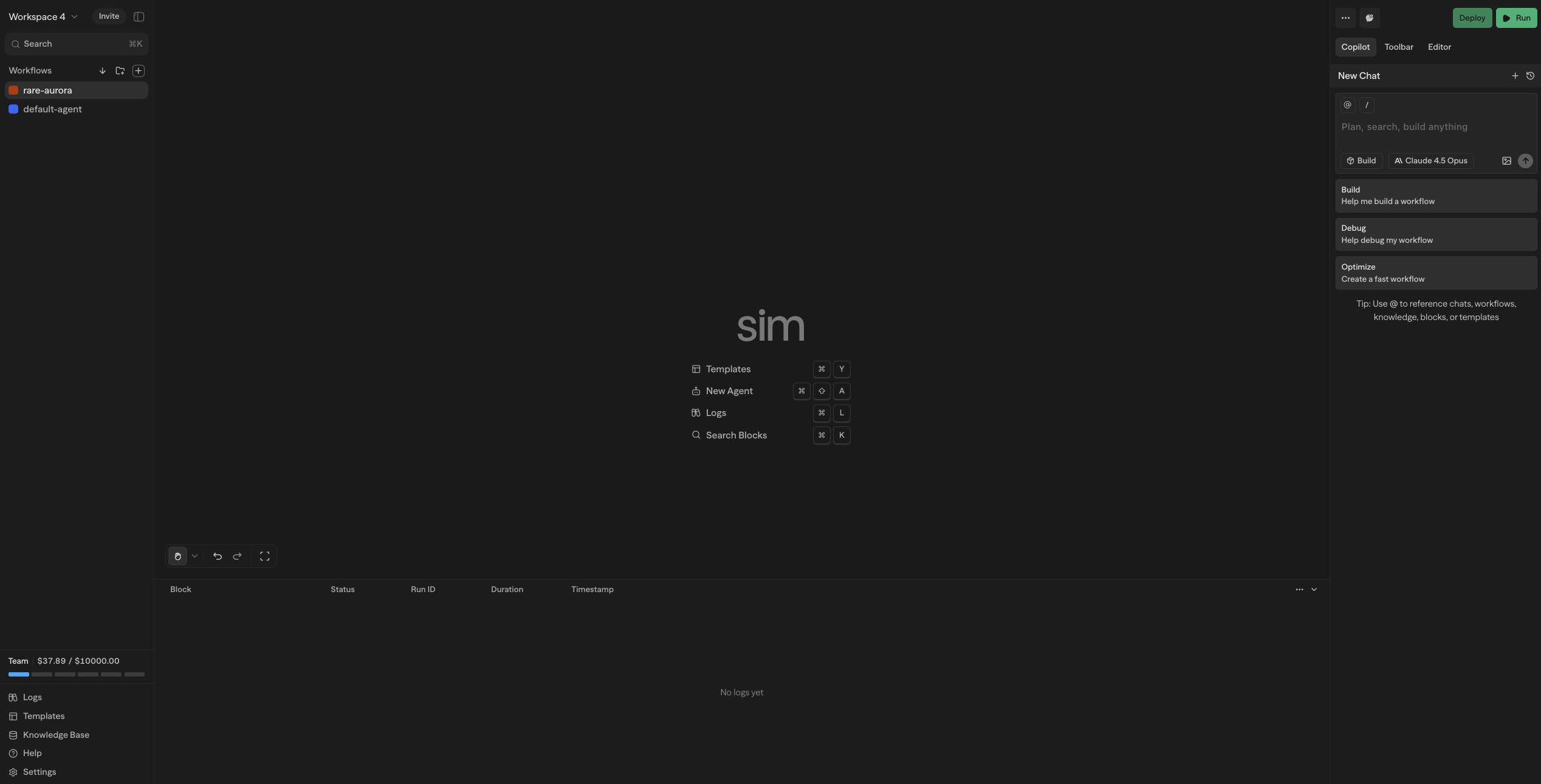
⚡ What Makes Sim Different?
Most agent builders give you a chatbot with plugins. Sim gives you an operating system for AI agents. Here's what that actually means:
🔄 Visual Workflow Editor, Not Code
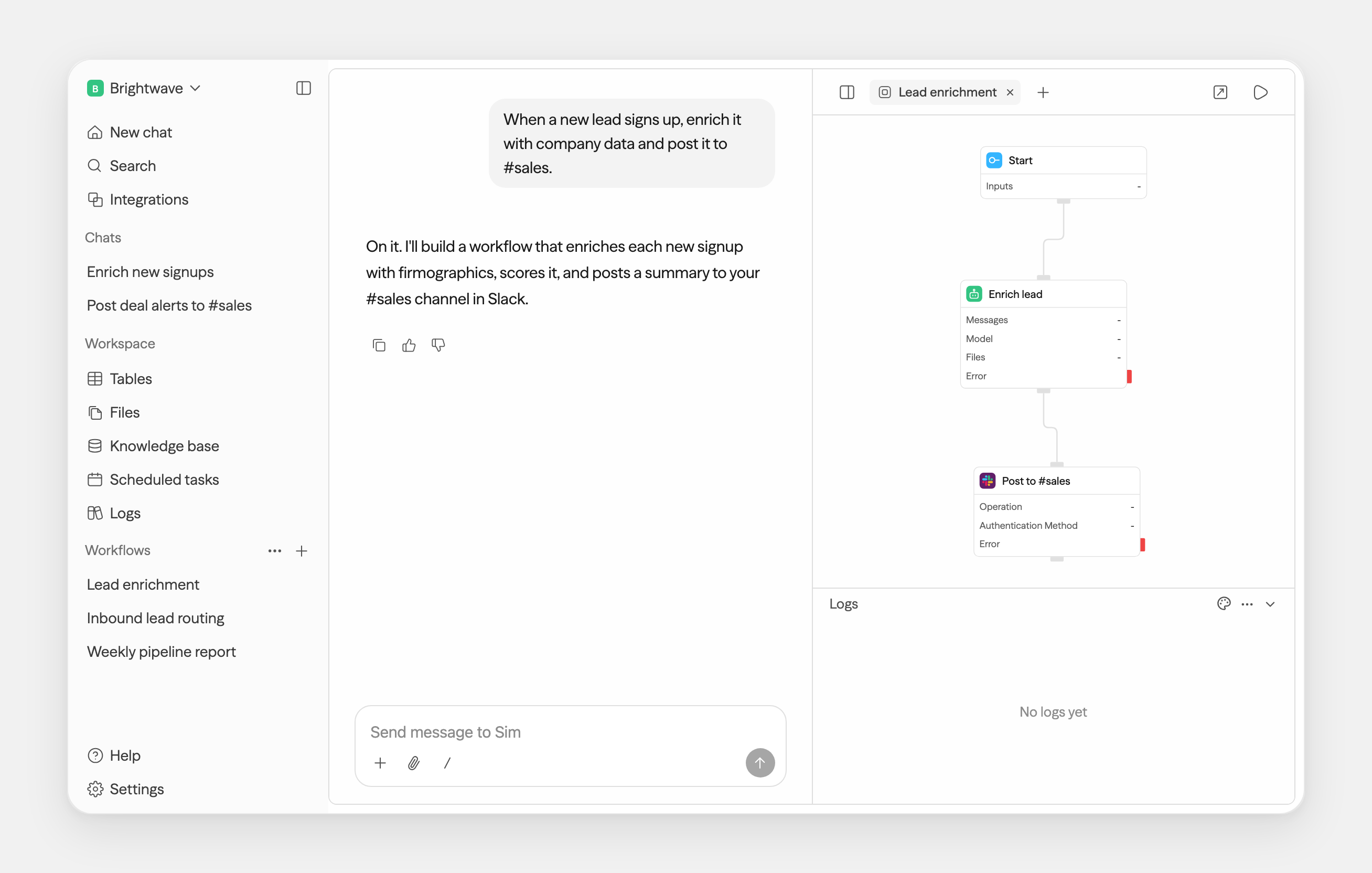
Sim ships with 50+ block types — MCP servers, LLM calls, knowledge base queries, webhooks, loops, conditions, parallel gates, human-in-the-loop steps. You drag, connect, configure. I built a 12-step research agent in 20 minutes that scraped the web, stored results in a knowledge base, and emailed me a summary. No Python. No YAML fiddling.
🧩 MCP-Native Architecture
This is where Sim shines. Every tool your agent needs — databases, APIs, file systems — connects via MCP (Model Context Protocol). The entire MCP ecosystem is at your disposal. I plugged in a PostgreSQL MCP server and had my agent querying my production DB (read-only, obviously) within minutes.
👥 Real-Time Collaboration
Multiple team members can edit the same workflow simultaneously. Cursors, changes, everything syncs live. My co-founder and I designed a customer support escalation flow together without a single "let me finish first" moment. This alone saves hours weekly.
📊 What You Can Build
| Use Case | How Sim Handles It |
|---|---|
| Customer Support Agent | Knowledge base + LLM + ticket system API + escalation to human |
| Research Assistant | Web search + PDF parsing + summarization loop |
| Data Pipeline Orchestrator | Scheduled trigger → APIs → transform → database write |
| Multi-Agent Swarm | Router block distributes work to 5+ specialized agents |
🔧 Self-Hosting with Docker
One command, and you're running. Sim's docker-compose.yml spins up the full stack: API server, worker processes, Postgres, and the web UI. Everything runs locally — your data never touches a third-party server.
docker run -d --name sim -p 8080:8080 jazib123/simstudioai:latestThat's it. Visit http://localhost:8080 and you're greeted by the workspace. From there, you can create your first workflow in under a minute.
💡 Who Is Sim For?
You, if: You're tired of cobbling together Python scripts and Zapier zaps. You need agents that do real work — not just answer questions. You want your team to collaborate on workflows without fighting over Git branches.
Not you, if: You want a simple chatbot for your website. Sim is overkill for that — use Open WebUI or Dify.
Final Verdict
After a week of building with Sim, I'm genuinely impressed. The collaborative editing alone sets it apart from every other open-source agent platform I've tried. The MCP-native design means it'll only get more powerful as the ecosystem grows. 28K stars on GitHub, Apache-2.0, active Discord — this project has legs.
🚀 Explore Sim on Run This Ai
Docker Compose configs, system requirements, installation guides, and more — all in one place.
View Sim Tool Page →