How to Self-Host TensorZero: Gateway, Observability & Optimization Tutorial
Step-by-step tutorial to run TensorZero with Docker: configure the gateway, send inferences, run A/B experiments, and fine-tune models on real traffic.
🚀 Want to deploy TensorZero yourself?
Docker configs, system requirements, and installation guides — all on one page.
View TensorZero Tool Page →Self-Host TensorZero in 5 Steps
This tutorial walks you through running the TensorZero gateway and UI yourself using Docker. The official image tensorzero/gateway:latest is small, fast, and production-ready — ideal for a VPS with 4GB of RAM or more.
Step 1: Prepare the Environment
You need Docker and Docker Compose. Minimum 2 CPU cores and 4GB RAM are enough to start; 4 cores and 8GB RAM are recommended once traffic grows. Clone the TensorZero repo to get example configs:
git clone https://github.com/tensorzero/tensorzero.git
cd tensorzero
Step 2: Configure the Gateway
TensorZero uses a Git-backed config: tensorzero.toml declares models, prompts, and metrics. A minimal config points at your preferred provider (OpenAI, Anthropic, or any OpenAI-compatible endpoint) and defines one function with a prompt template. Commit and push the repo — the gateway syncs config from it automatically.
Step 3: Run with Docker Compose
Create a docker-compose.yml with the gateway, the ClickHouse event database, and the optional UI:
services:
  tensorzero:
    image: tensorzero/gateway:latest
    restart: unless-stopped
    ports:
      - "8080:8080"
    volumes:
      - ./config:/app/config
      - ./data:/app/data
    environment:
      - CLICKHOUSE_URL=http://clickhouse:8123
Then run docker compose up -d and the gateway is live on http://localhost:8080.
Step 4: Send Your First Inference
Point your app at the single gateway endpoint. Every request is logged automatically — inputs, outputs, latency, and metadata — so you get full observability without adding a tracing SDK to your app.
Step 5: Optimize with Real Traffic
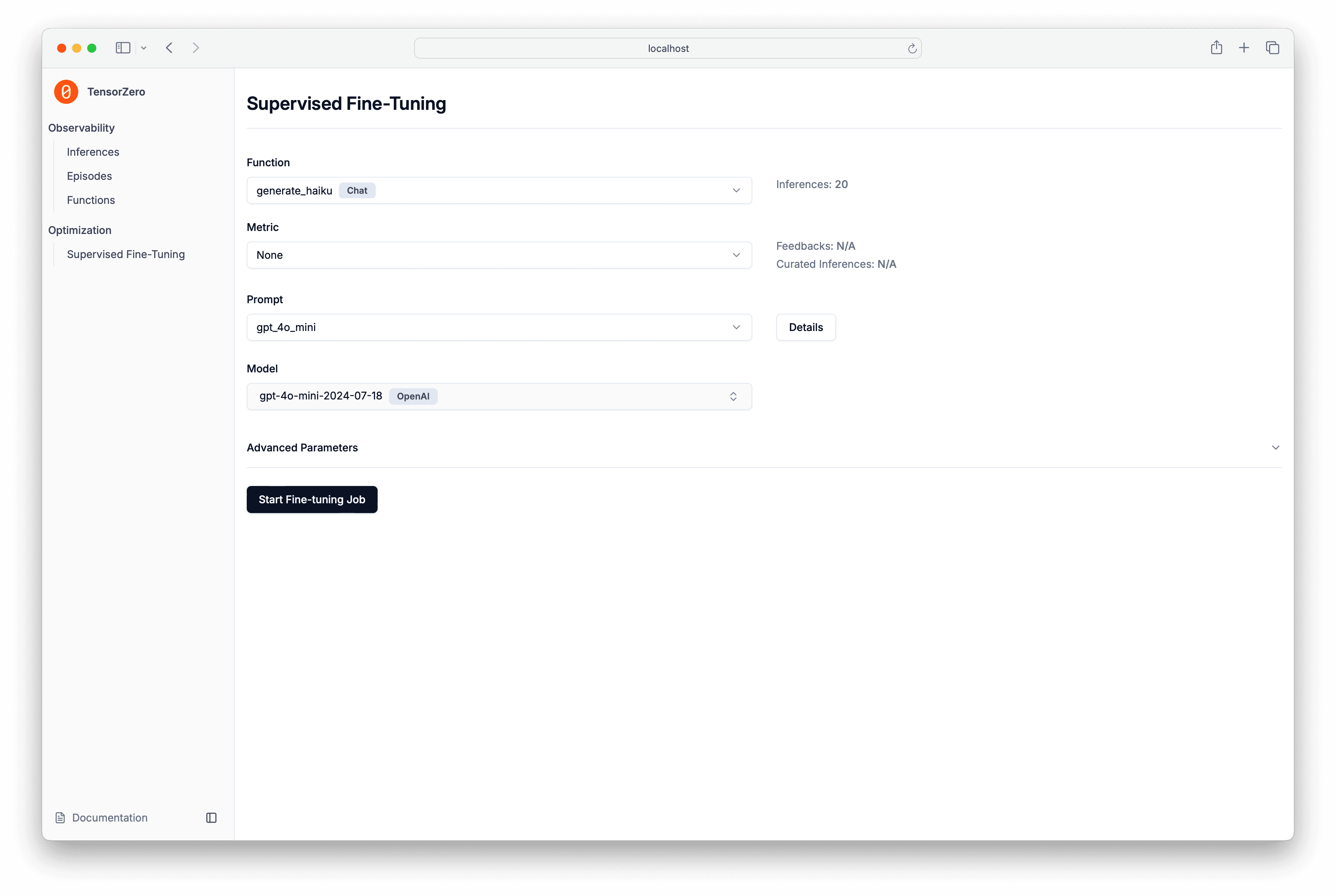
Once experiments are running, TensorZero's optimization loop takes over: it scores variants, runs A/B tests, supports supervised fine-tuning and reinforcement learning, and rolls out improvements gradually. You get production-grade LLM quality with version-controlled, reviewable changes — all self-hosted.
🚀 Deploy TensorZero today
Get the full Docker setup, requirements, and install guide.
View TensorZero Tool Page →