Vibe-Trading Setup Tutorial: Deploy Your AI Trading Agent in 15 Minutes
Step-by-step tutorial to deploy Vibe-Trading with Docker, set up a shadow account, connect Claude Code via MCP, and avoid common setup mistakes.
📝 Setting Up Your First AI Trading Agent in 15 Minutes
I spent four hours on my first setup because I kept missing little things. This guide exists so you don't make the same mistakes. Follow it step by step and you'll have a working trading agent in 15 minutes flat.
What you'll need: Docker (installed and running), about 15 minutes, and maybe a coffee.
🚀 Want the full Vibe-Trading setup?
Docker Compose configs, system requirements, and installation guides — all on one page.
View Vibe-Trading Tool Page →⚡ Quick Start: Docker (The Easy Way)
Step 1: Pull and Run
docker pull akashtrade101/vibe-trading:latest
docker run -d \
  --name vibe-trading \
  -p 8080:8080 \
  -v ~/.vibe-trading:/root/.vibe-trading \
  -e LLM_PROVIDER=openai \
  -e LLM_API_KEY=sk-your-key-here \
  akashtrade101/vibe-trading:latest
If you see Started server on 0.0.0.0:8080 in the logs, you're golden. If not — check your Docker daemon. This is the step that tripped me up when my Docker wasn't running.
Step 2: Open the Web UI
Open your browser and go to http://localhost:8080. You should see the Vibe-Trading dashboard with a chat interface, portfolio view, and settings panel.
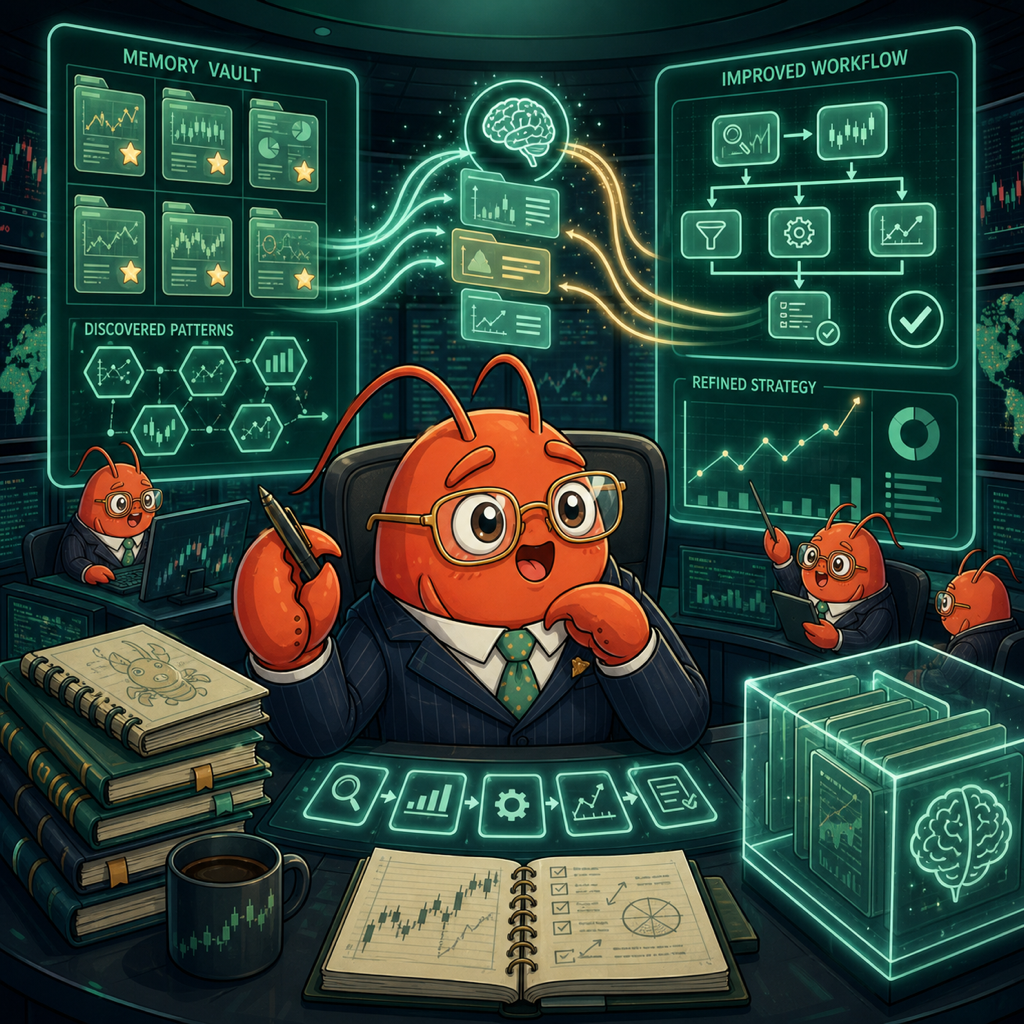
🧪 Testing with the Shadow Account (Don't Skip This)
I made the mistake of connecting a real brokerage account on day one. Don't be me.
The Shadow Account is a fully simulated trading environment with virtual money. It connects to real market data but executes trades in a sandbox. Think of it as a flight simulator for trading.
# Start a shadow account session
vibe-trading shadow start --balance 50000

# Check performance
vibe-trading shadow status

# Run a backtest on your strategy
vibe-trading backtest run --strategy mean-reversion --symbols SPY,AAPL,TSLA
I started with $50,000 of virtual money and a simple momentum strategy. After 3 days, I was down 2%. The agent logged every trade, and I could see exactly where it went wrong — bought the top of a pump. The self-improvement engine kicked in and adjusted the entry conditions. By day 7, I was up 4%.
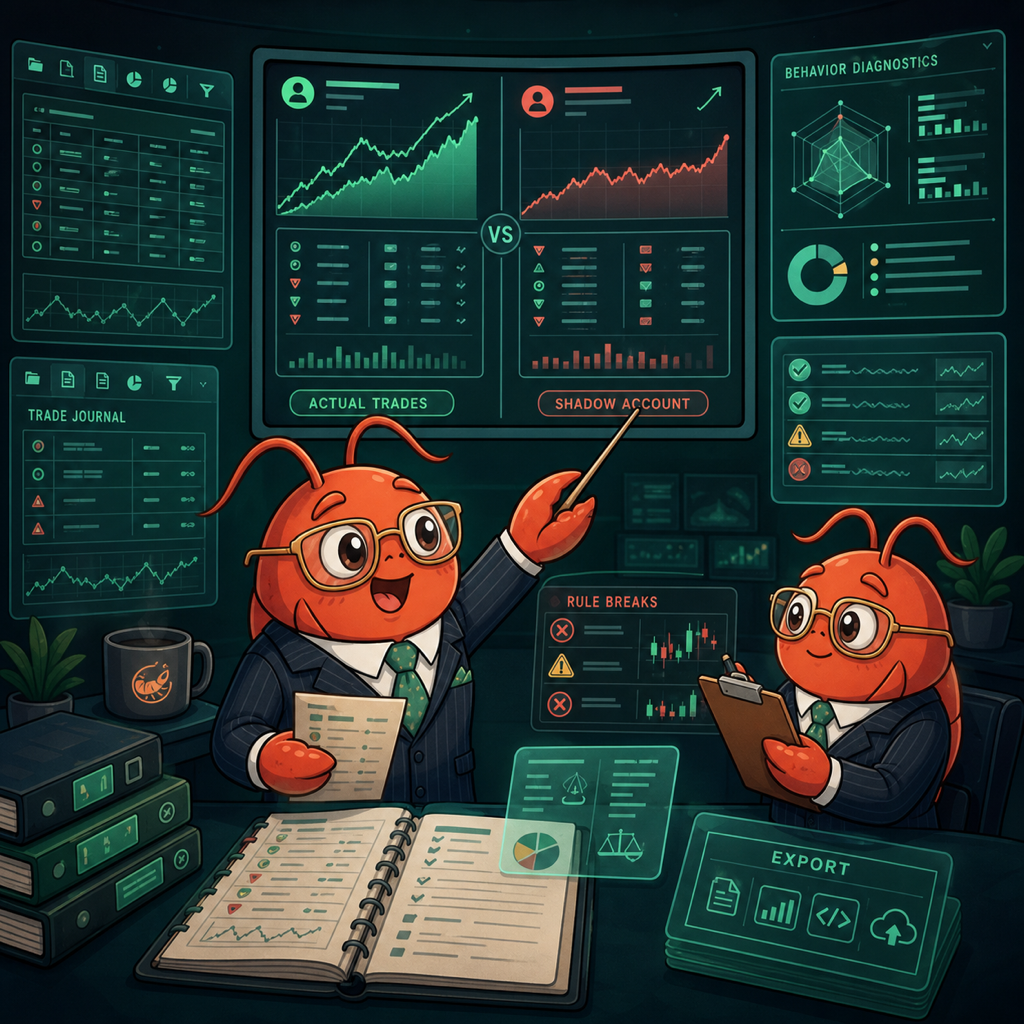
🔌 Connecting Claude Code / Codex via MCP
This is where Vibe-Trading becomes incredible. Its built-in MCP (Model Context Protocol) server lets you connect AI coding agents directly to your trading environment.
# In your Claude Code config
{
  "mcpServers": {
    "vibe-trading": {
      "command": "python",
      "args": ["-m", "vibe_trading.mcp"],
      "env": {
        "VIBE_TRADING_URL": "http://localhost:8080"
      }
    }
  }
}
Now your AI coding agent can run backtests, check portfolio status, and even place trades (with the mandate gate enabled, of course). I told Claude Code "analyze my shadow account performance and suggest strategy improvements" — it ran a backtest, checked the correlation matrix, and suggested switching from momentum to mean-reversion for the current market regime.
🏗️ Docker Compose (Production Setup)
For a proper deployment, use Docker Compose with all the services. Here's what the generated compose file on Run This Ai sets up:
services:
  vibe-trading:
    image: akashtrade101/vibe-trading:latest
    ports:
      - "8080:8080"
    volumes:
      - ~/.vibe-trading:/root/.vibe-trading
    environment:
      - LLM_PROVIDER=openai
      - LLM_API_KEY=${LLM_API_KEY}
      - DATA_PROVIDER=yfinance
    restart: unless-stopped
❌ Common Mistakes I Made
⚠️ Mistake 1: No LLM API key configured. Vibe-Trading needs an LLM provider to power the agents. I spent 30 minutes wondering why nothing was happening — I'd forgotten to set LLM_API_KEY.
❌ Mistake 2: Connected real brokerage in shadow mode. The shadow account works with virtual money, but I accidentally pointed it at my Alpaca API key. The safety guards caught it (mandate gate), but it scared me.
💡 Tip: Start with a single market. I tried backtesting across US, Indian, and crypto simultaneously on day one. The data sync took forever. Start with one market (US stocks via yfinance is simplest), get comfortable, then expand.
🎯 What's Next?
Once you've got the basic setup running, try these:
- Set up a multi-agent team — one for technical analysis, one for fundamentals, one for risk
- Explore the Alpha Zoo — run
vibe-trading alpha listto see 460+ factors - Connect IM channels — get trading alerts on Telegram or Discord
- Run scheduled research — the agent can analyze markets on a daily schedule and deliver reports to your channels
The great thing about Vibe-Trading being open-source (MIT) is that you can dig into the code, customize strategies, and contribute back. The community is active on GitHub with 24K+ stars and growing.
🚀 Explore Vibe-Trading on Run This Ai
Docker Compose configs, system requirements, installation guides, and more — all in one place.
View Vibe-Trading Tool Page →