Getting Started with Agent Zero: How to Deploy Your First Autonomous AI Agent
Step-by-step tutorial on deploying Agent Zero with Docker. Learn how to configure, build, and run autonomous AI agents using this powerful open-source framework.
Getting Started with Agent Zero — A Hands-On Tutorial
In this tutorial, we'll walk through setting up Agent Zero and creating your first autonomous AI agent. By the end, you'll have a fully functional agent that can browse the web, execute code, and interact with APIs — all running locally on your machine.
Prerequisites
- Docker installed on your system
- An API key for your preferred LLM provider (OpenAI, Anthropic, or Ollama)
- Basic familiarity with Python and command line
Step 1: One-Click Docker Setup
The fastest way to get started with Agent Zero is using Docker. The official image is well-maintained with nearly 600,000 pulls, making it one of the most trusted deployments available.
🚀 Ready to deploy Agent Zero?
Full Docker configuration, system specs, and deployment guide.
View Agent Zero Tool Page →Step 2: Configure Your Agent
Agent Zero uses a code-first approach, meaning your agent's behavior is defined in Python. Create a configuration file to set up your LLM provider and define the tools your agent can use. The framework supports everything from simple chat agents to complex multi-tool workflows.
Step 3: Build and Deploy
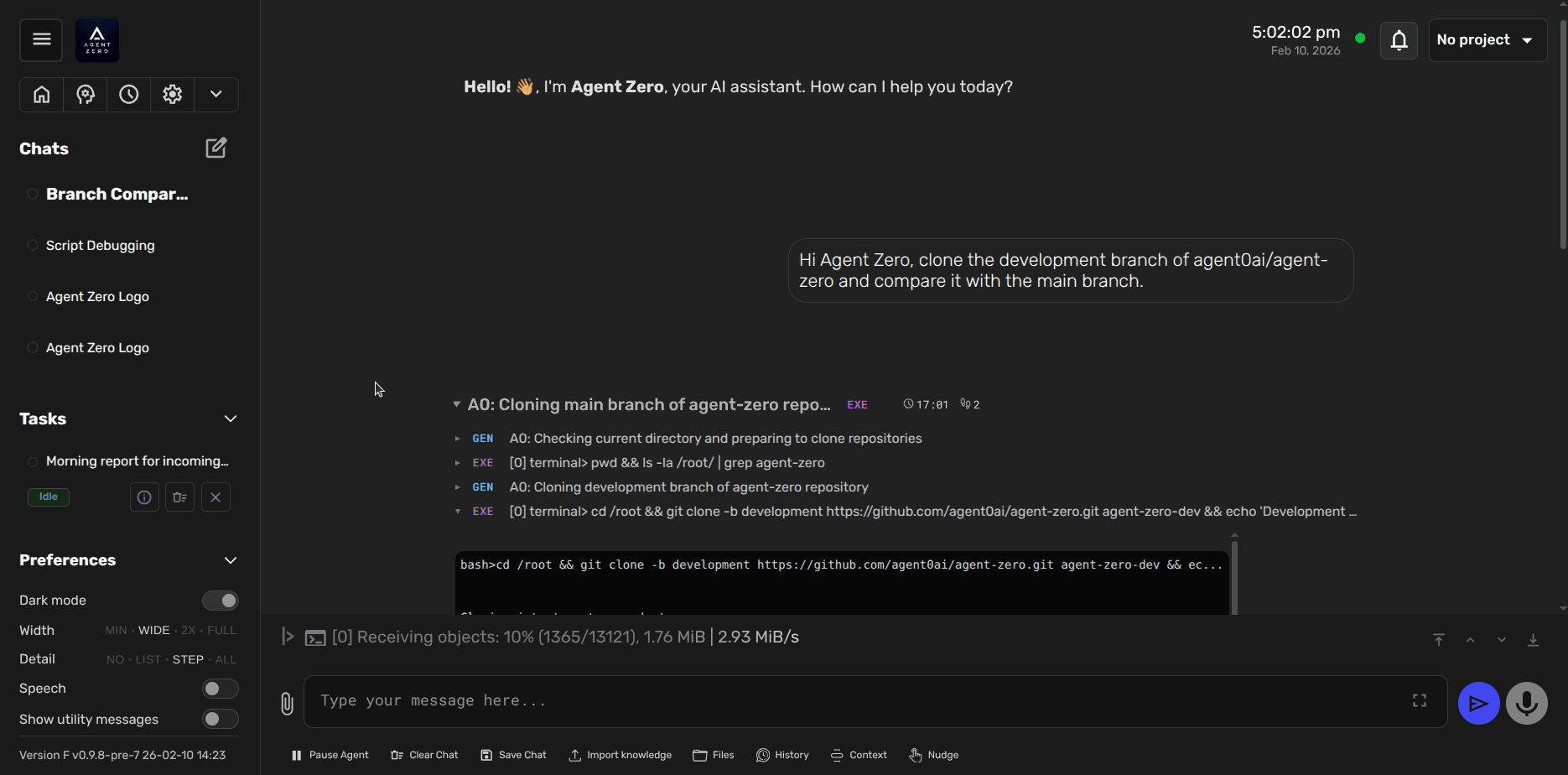
Once configured, you can launch your agent and watch it work. Agent Zero handles the heavy lifting — memory management, tool orchestration, sandboxed code execution — so you can focus on what your agent does, not how it runs.
Why Developers Love Agent Zero
The code-first philosophy means you're never limited by a UI. Want your agent to generate reports from web data? Write a Python function. Need it to interact with your company's API? Build a custom tool. Agent Zero's modular architecture makes extensibility a first-class feature.
With 18,000+ stars on GitHub and an active community, you'll find plenty of examples, tools, and support as you build more sophisticated agents.
🚀 Deploy Agent Zero today
Docker compose, requirements, and step-by-step guides on Run This Ai.
Get Agent Zero →