How to Deploy Bifrost AI Gateway with Docker: Step-by-Step Tutorial
Learn how to deploy the Bifrost AI gateway with Docker Compose in 5 minutes — requirements, configuration, provider setup, and verification with a live curl request.
In this tutorial you'll get a production-ready Bifrost AI gateway running with Docker in about five minutes. We'll cover the Compose setup, configuration, and how to verify everything works with a real OpenAI-compatible request.
🚀 Want to deploy Bifrost yourself?
Docker configs, system requirements, and installation guides — all on one page.
View Bifrost Tool Page →Step 1: Requirements
Bifrost is lightweight for a gateway. The minimum footprint is 2 CPU cores and 4 GB of RAM; for high-throughput clusters we recommend 4 cores and 8 GB. Any recent Linux server with Docker Engine 20+ works.
Step 2: Docker Compose setup
Create a docker-compose.yml using the official image maximhq/bifrost:latest. The container exposes the gateway port and needs a volume for persistent config:
services:
  bifrost:
    image: maximhq/bifrost:latest
    ports:
      - "8000:8000"
    volumes:
      - ./bifrost-data:/app/data
    restart: unless-stopped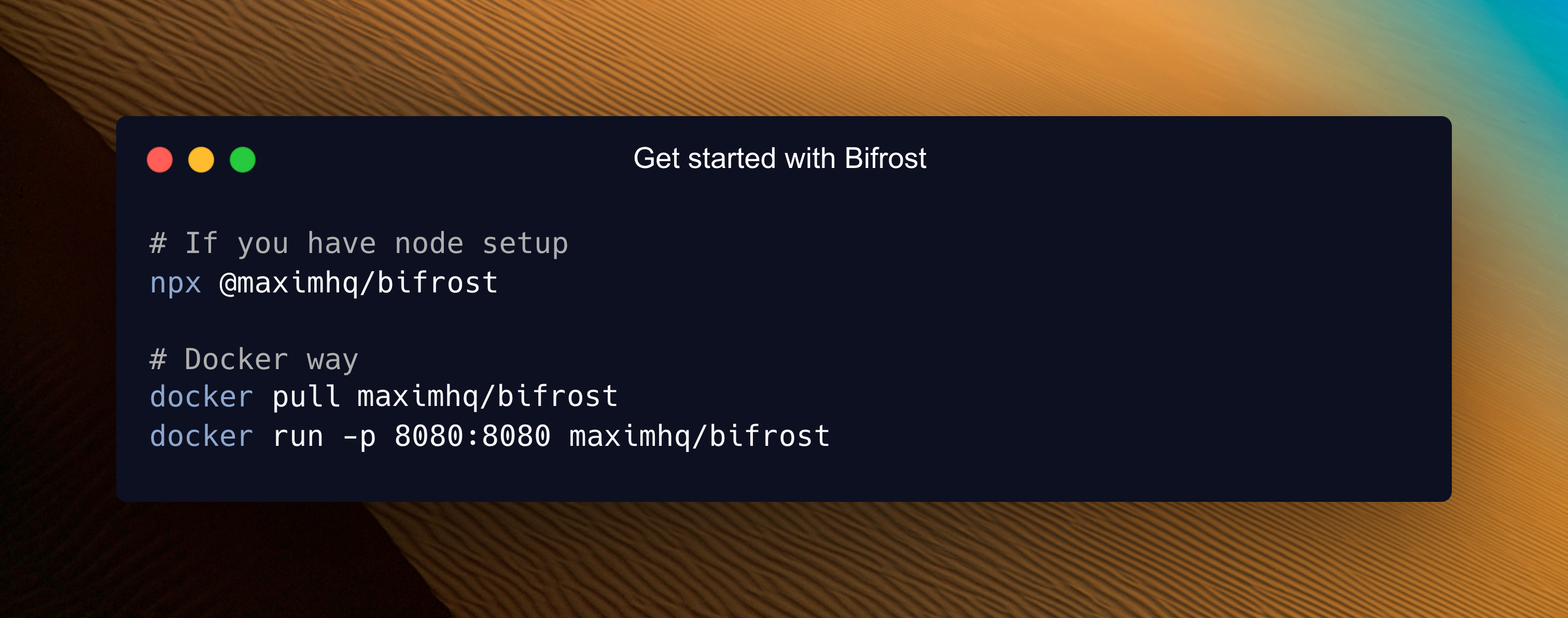
Start it with docker compose up -d. On first boot, Bifrost creates its config directory and serves the dashboard — check logs with docker compose logs -f to confirm it's listening.
Step 3: Configure providers
Add your provider API keys (OpenAI, Anthropic, etc.) through the web dashboard or the CLI. Bifrost then exposes a single OpenAI-compatible endpoint. Point your existing SDKs at it by changing only the base_url and api_key — no code changes required.
Step 4: Verify with a test request
curl http://localhost:8000/v1/chat/completions \
  -H "Content-Type: application/json" \
  -d '{"model": "gpt-4o-mini", "messages": [{"role": "user", "content": "Say hello"}]}'
A successful JSON response confirms your gateway is routing correctly. From here you can enable the adaptive load balancer for failover, switch on guardrails, and add semantic caching.
💡 Tip: For cluster mode, run multiple Bifrost nodes behind your load balancer and let them share state — the official docs show the exact topology.
🚀 Ready to deploy Bifrost?
Full requirements and Docker Compose — one click away.
View Bifrost Tool Page →