Get Started with Windmill: Docker Deployment Guide

Quick Start: Deploy Windmill with Docker
Windmill is a powerful open-source platform for building internal tools, APIs, workflows, and background jobs. This guide walks you through deploying Windmill on your own server using Docker, so you can start building internal tools in minutes.
Prerequisites
- Docker and Docker Compose installed on your server
- At least 2GB of RAM (4GB recommended)
- A domain name (optional, for production use)
Step 1: Quick Deploy with Docker Compose
Windmill provides an official docker-compose.yml that includes a Postgres database, the Windmill server, and Caddy as a reverse proxy for automatic TLS certificates. Run these commands:
mkdir windmill && cd windmill
curl -O https://raw.githubusercontent.com/windmill-labs/windmill/main/docker-compose.yml
curl -O https://raw.githubusercontent.com/windmill-labs/windmill/main/Caddyfile
curl -O https://raw.githubusercontent.com/windmill-labs/windmill/main/.env
docker compose up -d
Once running, Windmill will be available at http://localhost (or your server's IP/domain). The default image used is ghcr.io/windmill-labs/windmill:main.
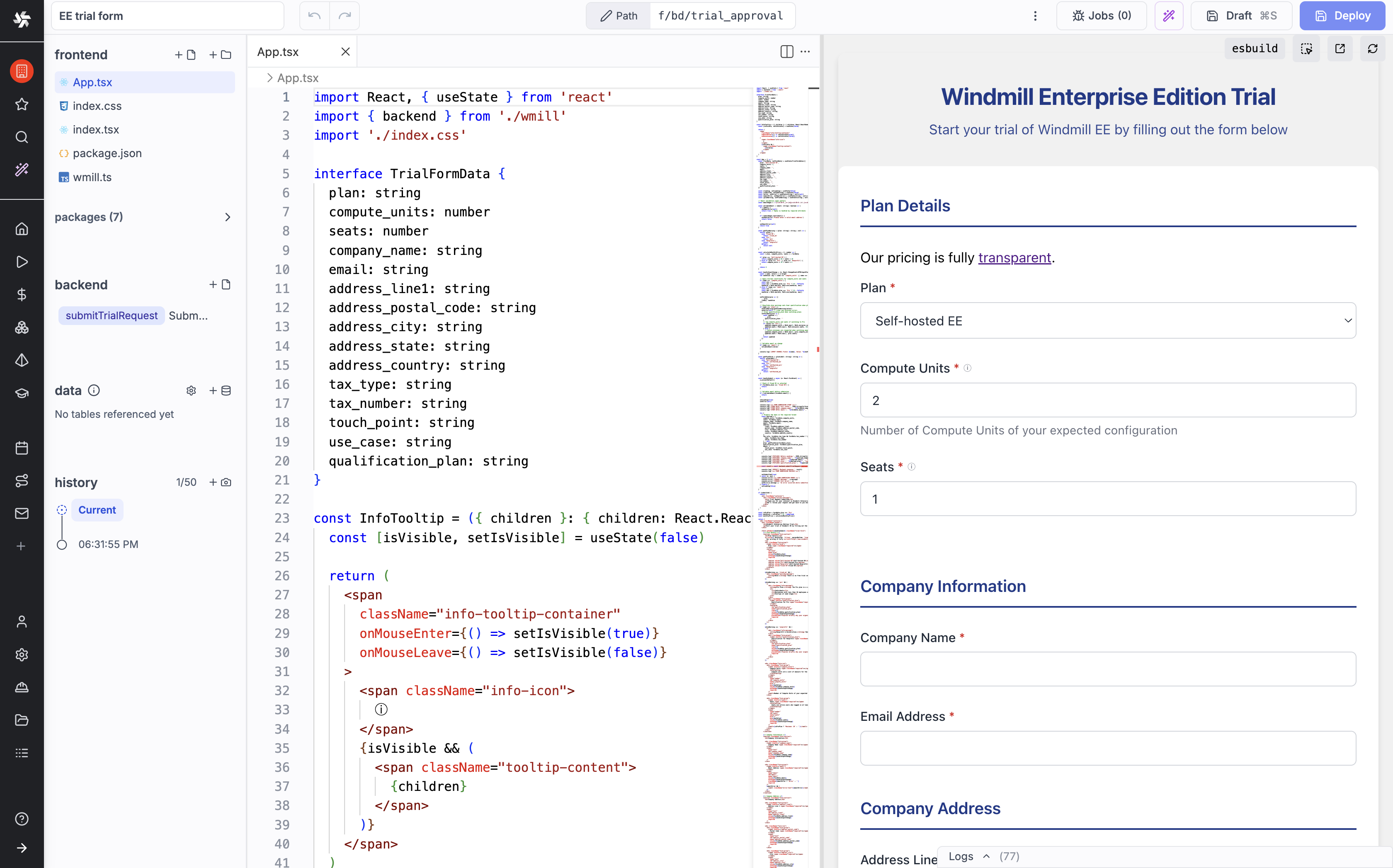
Step 2: Create Your First Script
- Log into the Windmill web interface
- Click "New Script" and choose your language (Python, TypeScript, Go, or Bash)
- Write a simple script with typed parameters — for example, a Python function that takes two numbers and returns their sum
- Save the script and click "Run" — Windmill automatically generates a web form from your function signature
Step 3: Build a Workflow
Once you have a few scripts, click "New Flow" in the sidebar. You can visually drag and connect your scripts into a pipeline. Add branching logic, error handling, and set up triggers (cron schedules, webhooks, or HTTP endpoints).
Step 4: Configure for Production
For production deployments, edit the .env file to set:
- DATABASE_URL: Point to a managed Postgres instance for reliability
- WM_IMAGE: Use a specific version tag instead of
:main - Caddyfile: Configure your domain for TLS/HTTPS
Tips and Best Practices
- Use Windmill's built-in secrets management for API keys and database passwords
- Version control your scripts via Git sync with the CLI or VS Code extension
- Set up resource limits per workspace to prevent runaway jobs
- Enable OAuth/SSO (Google, GitHub, Microsoft) for team access
Conclusion
Windmill's Docker-based deployment makes it one of the easiest self-hosted platforms to set up. Within minutes you can have a full internal tooling platform running, complete with auto-generated UIs, workflow automation, and team collaboration features. Start building at windmill.dev or self-host today!