Getting Started with ChatDev: Deploy Multi-Agent Orchestration with Docker
Learn how to deploy ChatDev 2.0 with Docker Compose, create your first multi-agent workflow, and orchestrate AI agents visually with zero coding.
Quick Start: Run ChatDev on Your Own Server
ChatDev 2.0 (DevAll) is a zero-code multi-agent orchestration platform that runs entirely on your own infrastructure. This guide walks you through deploying ChatDev using Docker Compose and creating your first multi-agent workflow.
Prerequisites
- Docker and Docker Compose installed on your server
- An LLM API key (OpenAI, Anthropic, or any OpenAI-compatible local endpoint like Ollama)
- At least 2 CPU cores and 2GB RAM (4 cores / 4GB recommended)
Deploying with Docker
Clone the repository and start the services:
git clone https://github.com/OpenBMB/ChatDev.git
cd ChatDev
cp .env.example .env
# Edit .env to add your LLM API key
docker compose up --build
This starts two services:
- Backend (port 6400) — The Python API server that manages agents and workflows
- Frontend (port 5173) — The visual web UI for building agent workflows
Creating Your First Workflow
Step 1: Add Agents
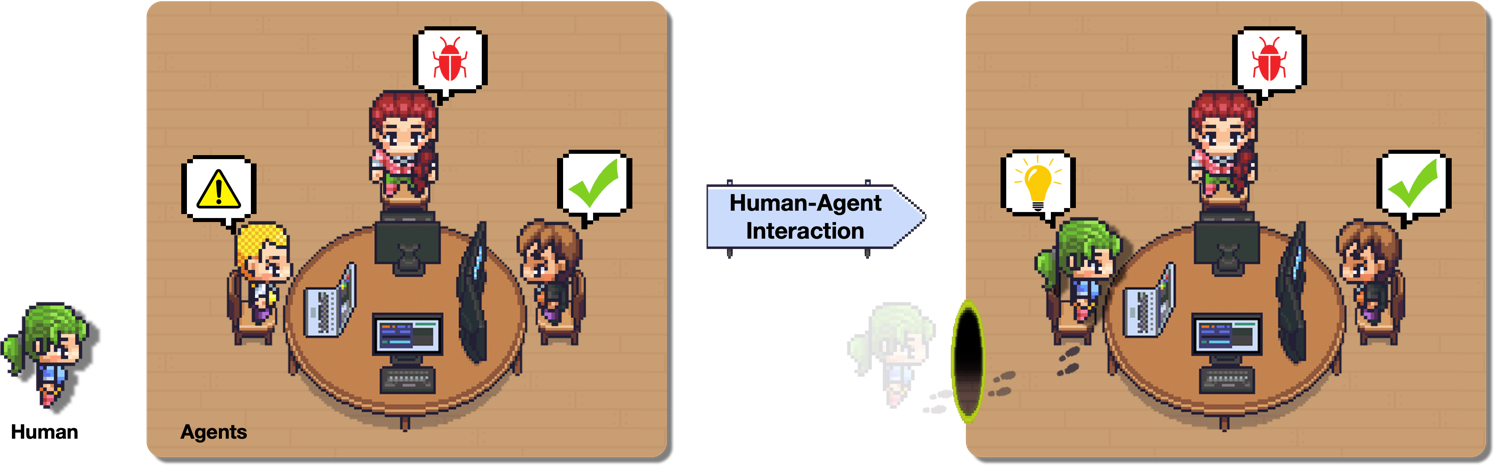
Open the ChatDev UI at http://localhost:5173. Click on the graph editor and add agent nodes. Each agent needs a name, a system prompt defining its role, and optionally tools it can call (Python functions, MCP servers, or APIs).
Step 2: Connect Agents in a Workflow
Draw edges between agents to define the execution flow. You can add conditions, output transformations, and loop counters. The visual editor shows real-time validation of your workflow.
Step 3: Configure Memory
Choose a memory strategy for each agent: simple key-value for short conversations, embedding-based for semantic recall, or graph memory for complex relationships between topics.
Step 4: Run Your Workflow
Hit the play button and watch your multi-agent system collaborate in real-time. Each agent executes its task, passes results to the next agent, and the workflow adapts based on conditional logic.
Workflow Types You Can Build
- Data Analysis Pipeline — A research agent queries data, a visualization agent creates charts
- Content Generation Team — A writer agent drafts content, an editor reviews and refines it
- Deep Research System — Multiple researcher agents search different sources then synthesize findings
- Software Development — Architect, developer, and tester agents collaborate on code projects
Configuration Tips
ChatDev supports multiple LLM backends. For local setups, connect to Ollama or vLLM. For production, use OpenAI or Anthropic. Configure your preferred model in the .env file before starting the services.
The platform also supports MCP servers out of the box — connect your existing MCP tools directly to ChatDev agents for extended capabilities, making it a natural fit for the modern AI tool ecosystem.
Conclusion
ChatDev 2.0 makes multi-agent orchestration accessible to everyone. With zero-code setup and a visual workflow designer, you can build powerful agent teams in minutes. Get started with Docker Compose and unlock the full potential of collaborative AI agents on your own infrastructure.