Getting Started with Xinference: One CLI to Rule All LLMs
Complete guide to getting started with Xinference: deploy LLMs, embeddings, and multimodal models with one CLI command. Docker setup, pip install, and LangChain integration.
What is Xinference?
Xinference (Xorbits Inference) is a powerful open-source platform that lets you deploy and run large language models, embedding models, and multimodal models with a single command. With over 9,300 GitHub stars, it provides a unified API for serving models from Hugging Face, ModelScope, and custom checkpoints.
Key Features
- Multi-Model Support: Run LLMs, embedding models, rerankers, and multimodal (vision/language) models from a single platform
- One-Line Model Swap: Change one line of code to switch between GPT-4 and any open-source model — perfect for development and testing
- Distributed Serving: Scale across multiple machines for larger models and higher throughput
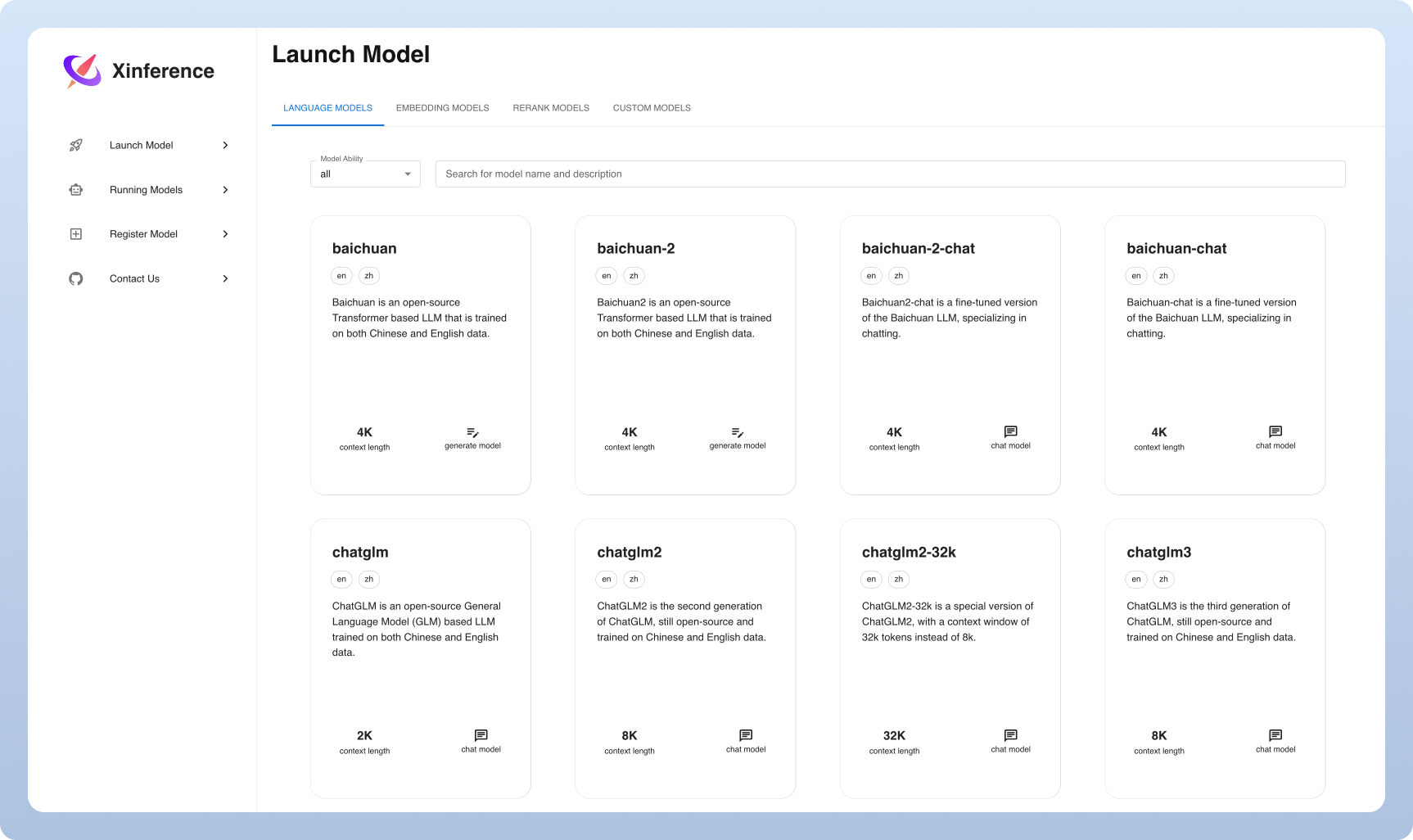
- Built-in Web UI: Manage models, monitor performance, and test prompts through an intuitive interface
- OpenAI-Compatible API: Drop-in replacement for OpenAI API, compatible with LangChain, LlamaIndex, Dify, and Chatbox
Quick Start with Docker
docker pull xprobe/xinference:latest

docker run -p 9997:9997 \
  -v $PWD/data:/data \
  xprobe/xinference:latest
Install with pip
pip install "xinference[all]"

# Start the server
xinference --port 9997
Launch a Model
Using the CLI, launch any model from Hugging Face:
# Launch a model
xinference launch --model-name chatglm3-6b --model-type LLM

# List running models
xinference list
Use with LangChain
from langchain_community.llms import Xinference

llm = Xinference(
    server_url="http://localhost:9997",
    model_uid="chatglm3-6b"
)
Conclusion
Xinference is an excellent choice for teams that need to experiment with multiple model types (LLMs, embeddings, multimodal) from a single interface. Its simple CLI, Docker support, and broad model compatibility make it one of the most versatile self-hosted AI platforms available.