How to Use Onlook: A Step-by-Step Tutorial for Building React Apps Visually
Learn how to use Onlook in this step-by-step tutorial. From installation to deployment, build React apps visually with AI-powered editing.
How to Use Onlook: A Step-by-Step Tutorial for Building React Apps Visually
In this hands-on tutorial, we'll walk through setting up Onlook and building a React application entirely through visual editing with AI assistance. Whether you're a seasoned developer or new to React, this guide will show you how Onlook transforms the design-to-code workflow.
🚀 Want to deploy Onlook yourself?
Docker configs, system requirements, and installation guides — all on one page.
View Onlook Tool Page →Step 1: Installation
The easiest way to run Onlook is with Docker. Simply pull the image and start the container:
docker pull onlookdev/onlook:latest
docker run -d -p 8080:8080 --name onlook onlookdev/onlook:latest
Once running, open your browser and navigate to http://localhost:8080 — you'll see the Onlook workspace.
Step 2: Create Your First Project
From the dashboard, click "Create New App". You have three options:
- Start from text — Describe what you want to build in natural language
- Start from an image — Upload a design mockup or screenshot
- Use a prebuilt template — Choose from community templates
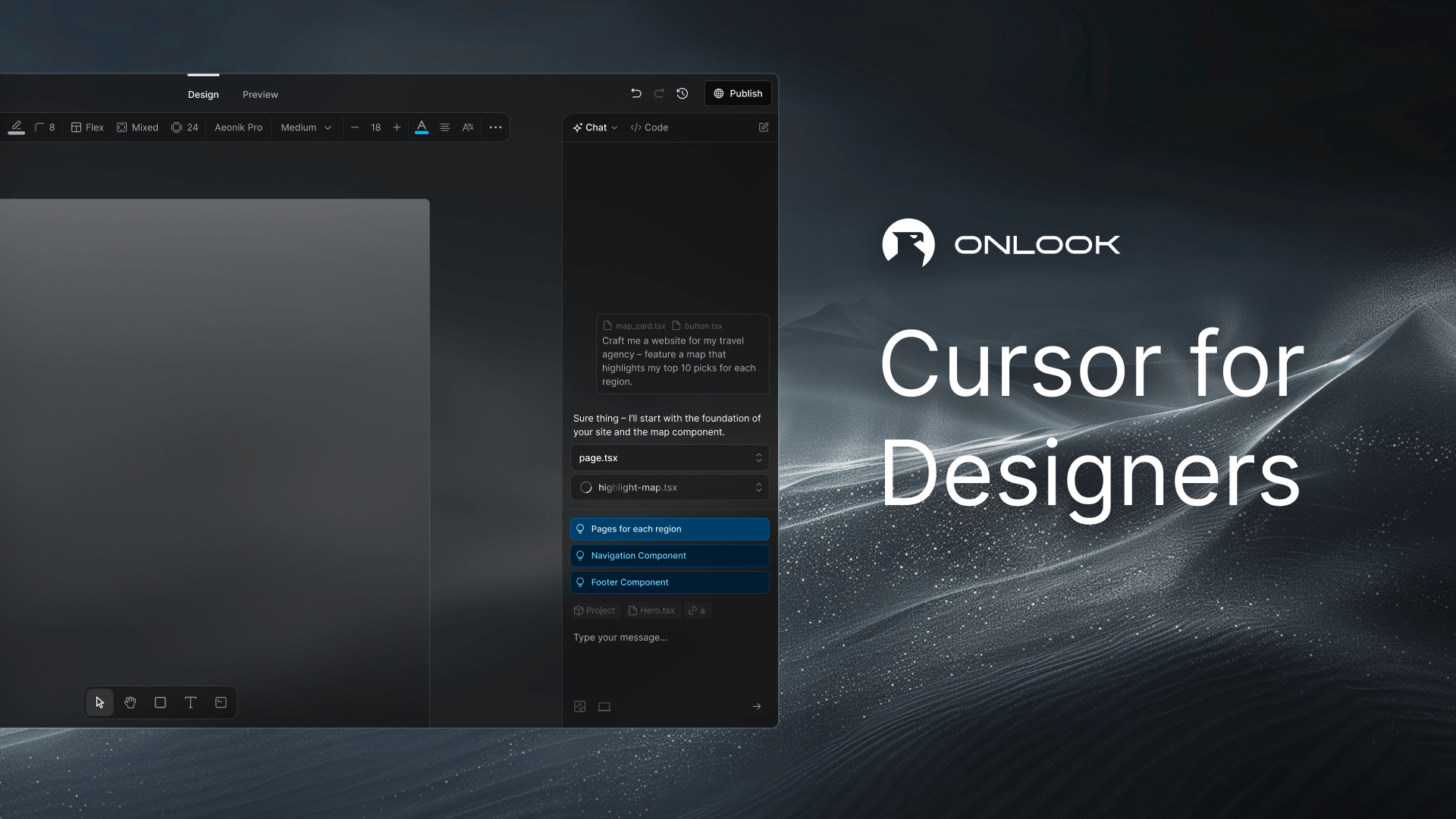
Step 3: Visual Editing
Onlook's visual editor provides a Figma-like interface directly in your browser. You can:
- Select any element on the page and edit its styles
- Drag and drop components to rearrange layouts
- Use the AI assistant to generate new sections or modify existing ones
- Manage brand assets, colors, and typography tokens
Step 4: Experiment with Branches
One of Onlook's most powerful features is branching. Before making major changes, create a branch to experiment freely:
# In the Onlook UI, click "New Branch"
# Name your branch (e.g., "dark-mode-redesign")
# Make your changes without fear of breaking the main project
Step 5: Deploy
When you're happy with your design, deployment is one click away. Onlook generates shareable links and lets you connect custom domains. Your code is production-ready React with Next.js and TailwindCSS.
💡 Pro Tip: Use Onlook's component detection feature to turn frequently-used elements into reusable components. This keeps your code DRY and maintainable.
Conclusion
Onlook represents a new paradigm in web development — where designers and developers can work together in the same tool, with AI handling the translation between visual design and production code. With 26,000+ GitHub stars, it's clear the community sees the potential. Try it today and experience the future of React development.
🚀 Ready to build with Onlook?
Get Docker configs, system requirements, and full installation instructions.
Deploy Onlook Now →