Moltis — A Secure Persistent Personal AI Agent Server in Rust
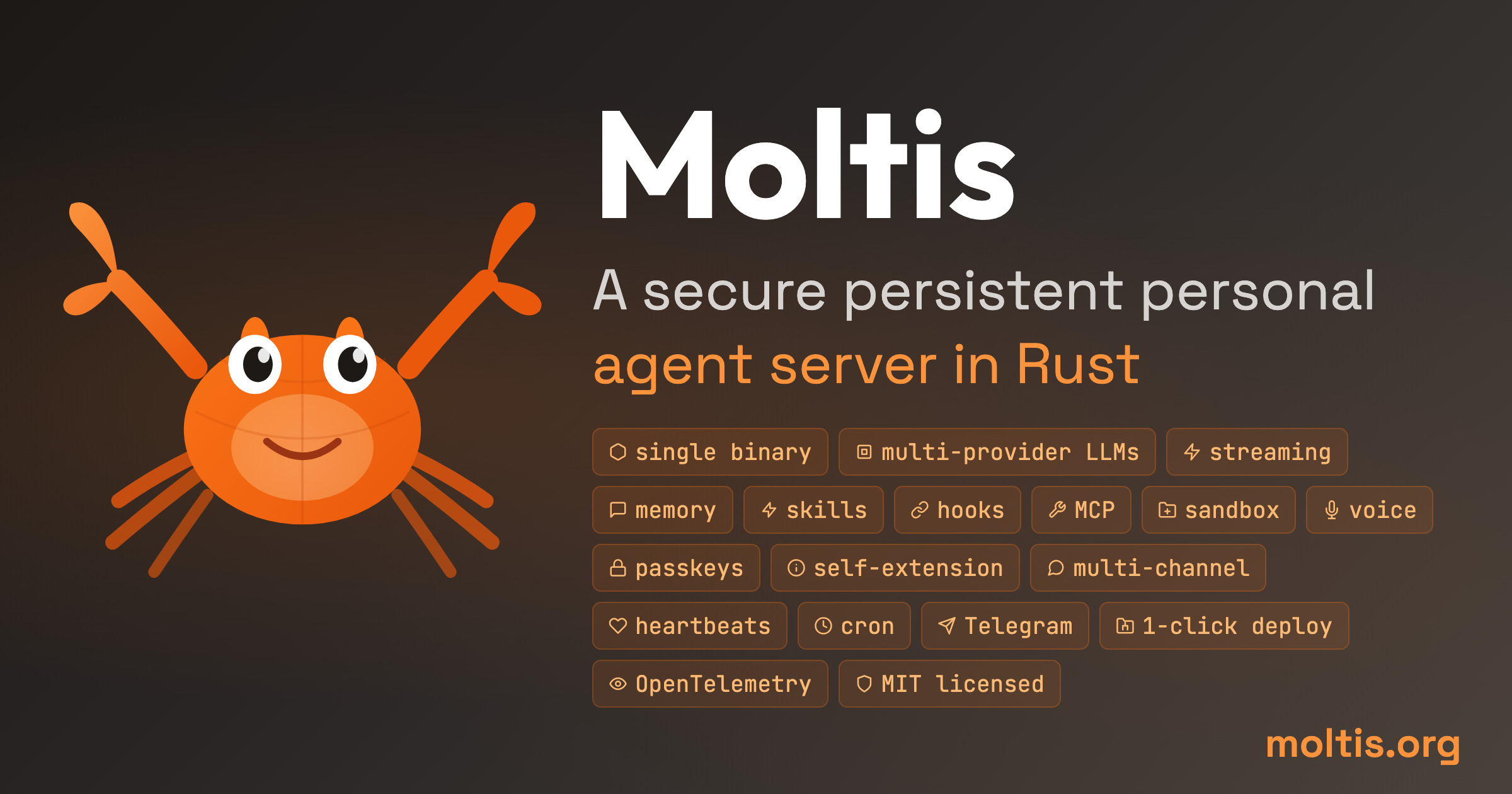
Discover Moltis, a secure Rust-based personal AI agent server. One binary, sandboxed execution, multi-provider LLMs, Telegram/Discord/WhatsApp integration, MCP tools, and persistent memory.

🤖 Stop Chasing Agent Frameworks — Just Run One Binary
I've been down the AI agent rabbit hole. Tried LangChain (too much boilerplate), tried AutoGPT (kept hallucinating shell commands), tried building my own with Python (hello, dependency hell). Every single one needed a runtime, a virtual environment, twenty npm packages, and a prayer that nothing breaks on the next pip install.
Then I found Moltis — and honestly, it's what I wished existed from day one. One Rust binary, no runtime, no Node.js, no npm. You download it, you run it, it works.
🚀 Want to run your own Moltis agent?
Docker configs, system requirements, and installation guides — all on one page.
View Moltis Tool Page →What Makes Moltis Different?
Moltis isn't another agent framework you build on top of — it's a complete personal agent server you can run on a Raspberry Pi, a Mac Mini, or a $5 VPS. It's written in Rust. That single fact changes everything.
🧱 One Binary, Zero Dependencies
No Python. No Node.js. No Java. No apt-get install chains that break your Friday night deploy. It's a single compiled Rust binary. If you're on macOS, brew install moltis. Linux? curl -fsSL https://www.moltis.org/install.sh | sh. That's it. I tested it on a 4GB Raspberry Pi 5 — cold start in under 200ms, memory usage ~45MB idle.
🏖️ Sandboxed by Design
Here's the thing I actually lost sleep over with other agents: they run arbitrary code on my machine. Moltis runs every command in a sandboxed container — Docker, Podman, Apple Containers, even WASM — before it touches anything. Your API keys never leave your machine. This is not a feature they added later; it's how the architecture was designed from the start.
| Feature | Moltis | Typical Agent Framework |
|---|---|---|
| Runtime | Single Rust binary | Node.js + Python + venv |
| Sandboxing | Built-in (Docker/Podman/WASM) | None or plugin |
| Memory | SQLite + FTS + Vector | Usually plugin/extension |
| Voice I/O | Built-in STT + TTS | External API integration |
| Channels | Telegram, WhatsApp, Signal, Discord, Teams, Slack, Matrix | 1-2 max |
| MCP Support | stdio + HTTP/SSE | Depends on framework |
🧠 Cross-Session Memory That Actually Works
I told my Moltis agent something in a Telegram chat yesterday, then asked it in the web UI this morning "what was that thing I asked about?" — it remembered. SQLite-backed full-text search plus vector embeddings, all local. No cloud vector database, no extra API cost.
💡 Pro tip from my setup: Run Moltis with --memory-ttl 7d for short-term projects or no limit for a permanent knowledge base. The SQLite backend handles ~50K memory entries without noticeable slowdown.
Who Is Moltis For?
✅ You, if: You want a personal AI assistant that runs on your own hardware, doesn't call home, and can talk to you over Telegram, Discord, WhatsApp, or voice. You value security over flashy features.
❌ Not you, if: You need a low-code drag-and-drop agent builder, or you want a cloud-hosted SaaS with a polished web UI. Moltis is designed for people who are comfortable with a terminal and want full control.
Getting Started
# Docker (multi-arch: amd64/arm64)
docker pull ghcr.io/moltis-org/moltis:latest
docker run -d --name moltis -p 13131:13131 \
  -v moltis-data:/data \
  ghcr.io/moltis-org/moltis:latest

# Or just use the install script
curl -fsSL https://www.moltis.org/install.sh | sh
The first time you visit http://localhost:13131, you'll set up a password and configure your LLM provider. That's it — you're done. From there, you can connect Telegram, enable voice, install MCP tools, and let the agent start working.
🚀 Explore Moltis on Run This Ai
Docker Compose configs, system requirements, installation guides, and more — all in one place.
View Moltis Tool Page →