Pezzo: The Open-Source LLMOps Platform for Prompt Design and Observability
Meet Pezzo — the Apache-2.0, developer-first LLMOps platform for prompt design, Git-style versioning, instant delivery, and full observability. Self-hosted with Docker.
🚀 Want to deploy Pezzo yourself?
Docker configs, system requirements, and installation guides — all on one page.
View Pezzo Tool Page →What Is Pezzo?
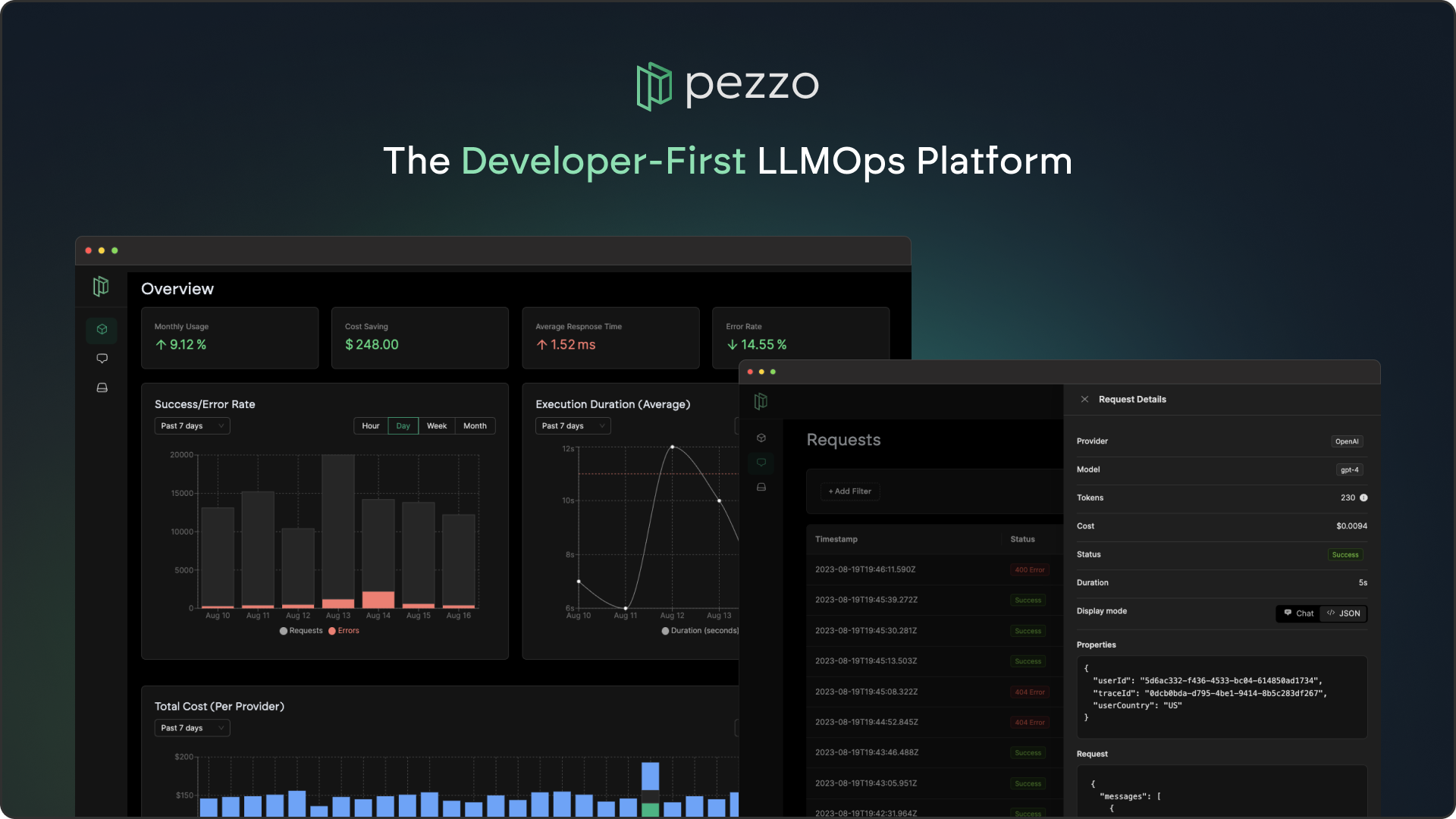
Pezzo is an open-source, developer-first LLMOps platform (Apache-2.0, ~3.3K GitHub stars) that gives AI teams one home for the entire prompt lifecycle: design, version, collaborate, deliver, and observe. Instead of juggling spreadsheets, chat threads, and ad-hoc scripts, Pezzo brings Git-style versioning and CI/CD thinking to your prompts.
Core Capabilities
| Feature | What It Does |
|---|---|
| Prompt Management | Design, test, and organize prompts in a collaborative console |
| Versioning | Git-style commits, diffs, and rollback for every prompt change |
| Instant Delivery | Publish prompt updates instantly — no redeploys or rebuilds |
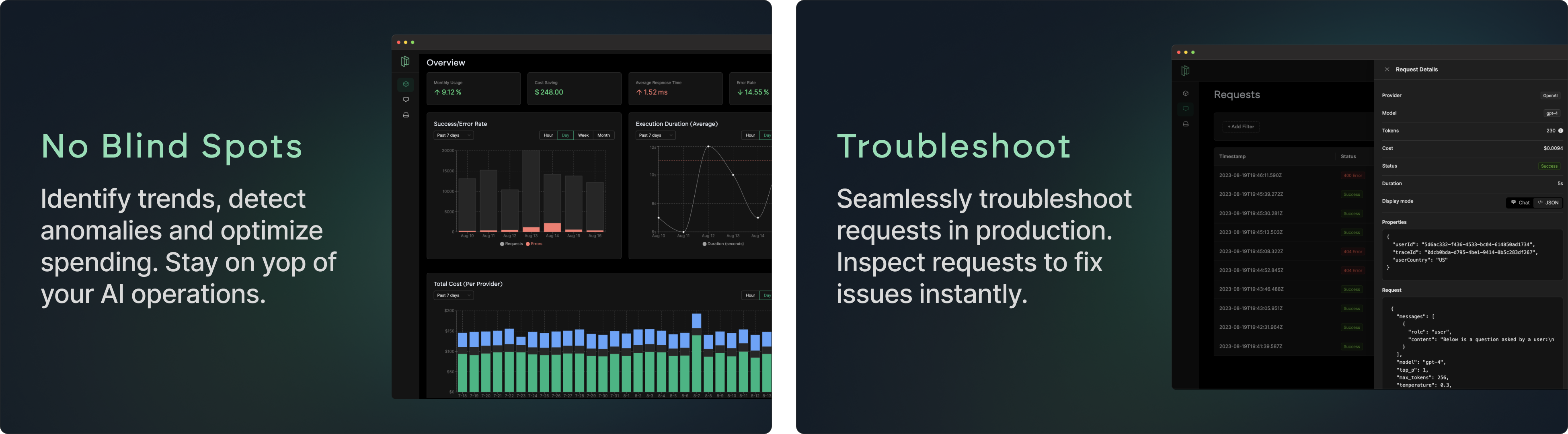
| Observability | Trace every request, troubleshoot issues, track costs and latency |
Why Teams Choose Pezzo
Pezzo's developer-first philosophy means it slots into existing workflows: a REST API and client SDKs for Node.js and Python, plus a proxy that caches LLM responses to cut costs by up to 90%. The console supports real-time collaboration, so engineers and product managers can review prompt changes before they ship.
💡 Key insight: Because Pezzo is self-hosted, your prompts, traces, and API keys stay on your infrastructure — a big win for privacy-conscious teams that can't send proprietary data to closed SaaS platforms.
Under the Hood
Pezzo is built with a modern stack: a TypeScript console, a Node.js server, and a lightweight proxy. It runs on PostgreSQL with ClickHouse for analytics and Redis for caching — all orchestrated through a ready-made docker-compose file that includes Supertokens for auth.
🚀 Ready to run Pezzo in production?
Get the exact Docker Compose config, hardware requirements, and setup steps.
View Pezzo Tool Page →