Plandex Tutorial: Self-Host Your Own AI Coding Agent in 10 Minutes
Step-by-step tutorial to install, configure, and use Plandex with Docker self-hosting. Covers CLI setup, API keys, REPL usage, and production tips.

Getting Started with Plandex: From Zero to AI-Assisted Development in 10 Minutes
Alright, let's cut the theory and actually get Plandex running. I'll walk you through self-hosting with Docker, then show you how to use it on a real project. This takes about 10 minutes, and you'll have a working AI coding agent by the end.
🚀 Need the full setup?
Docker Compose, requirements, and hosting guides are on the tool page.
View Plandex Tool Page →Step 1: Install the CLI
Plandex has two parts: a server and a CLI. The easiest way to start is self-hosting the server with Docker and using the CLI to connect to it.
# One-line CLI install
curl -sL https://plandex.ai/install.sh | bash
⚠️ Windows users: This only works in WSL. Don't bother with CMD or PowerShell — it won't work. I learned this the hard way.
Step 2: Run the Server with Docker
Plandex has a local self-hosted mode. Pull the Docker image and start the server:
docker pull plandexai/plandex-server:latest

docker run -d \
  --name plandex-server \
  -p 8080:8080 \
  -v ./data/plandex:/data \
  plandexai/plandex-server:latest
Why port 8080? Plandex uses this as default. If you already have something on it, change it to 9090 or whatever works for you. Just remember to configure your CLI to match.
Step 3: Set Your API Keys
By default, Plandex uses OpenRouter to access models (Anthropic, OpenAI, Google, etc.). You'll need an API key:
export OPENROUTER_API_KEY=sk-or-v1-your-key-hereAlternatively, you can set provider-specific keys for OpenAI, Anthropic, or Google directly. The environment variables are standard: OPENAI_API_KEY, ANTHROPIC_API_KEY, GOOGLE_API_KEY.
Step 4: Start Your First Session
Navigate to a project directory and start the Plandex REPL:
cd ~/projects/my-app
plandex
Or use the shorthand:
pdxThe REPL starts in chat mode by default. This is good — use it to flesh out ideas first. For example:
plandex> Let's add a rate limiting middleware to the Express API using RedisPlandex will chat with you about the approach. Once the plan is clear, it'll ask if you want to switch to tell mode to start implementing.
Step 5: Review and Apply Changes
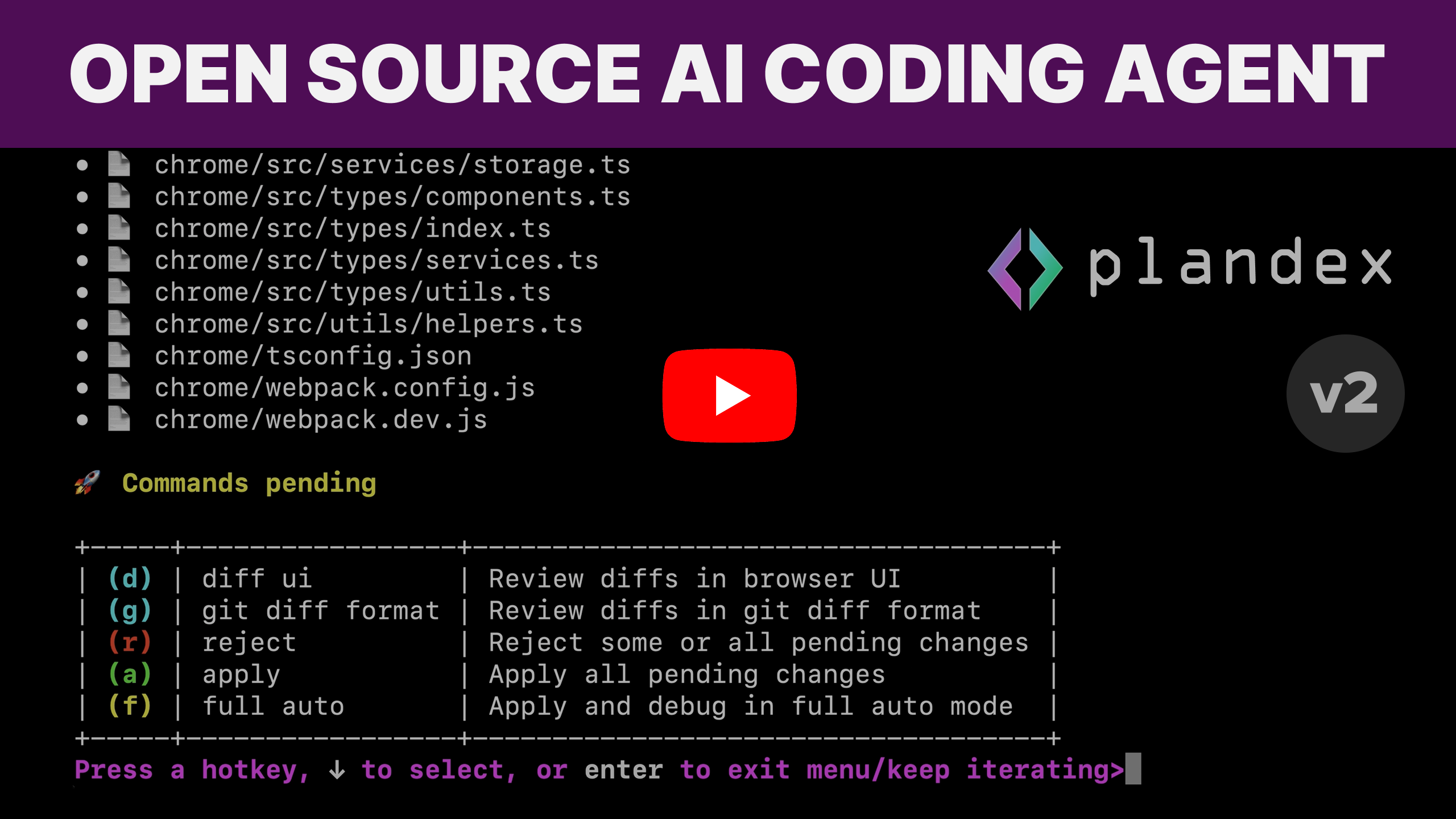
This is where Plandex shines. When it generates code, it goes into the cumulative diff sandbox — not your actual files. You can review everything before applying:
plandex> diff              # see what's changed
plandex> revisions          # list all file changes
plandex> branch experiment  # explore a different approach
plandex> apply # apply changes to project| Command | What It Does |
|---|---|
plandex / pdx | Start REPL in current directory |
tell [task] | Describe a task for implementation |
diff | Show pending changes vs original |
apply | Write AI changes to project files |
reject | Discard pending changes |
/context | View or manage context files |
What I Wish I Knew Starting Out
A few things I hit during my first week:
- Start small. Plandex handles big projects, but give it a focused task first. "Add error handling to the payment module" works better than "rewrite the entire app."
- Use the chat mode. I skipped it initially and went straight to
tell. Bad idea. Chat mode saves you from implementing the wrong thing. - Branch early. If you're not sure about an approach,
branch experimentlets you try something without losing progress. It saved me when one model choice turned out much better than another. - Git integration is optional but nice. Plandex can auto-commit with generated messages. If you're paranoid (like me), review the commit message first.
Production Tips
If you're running Plandex long-term, here's what works:
- Run the server with
--restart unless-stoppedso Docker brings it back after reboots - Mount a persistent volume for
/data— your plans and contexts are stored there - Use an OpenRouter key for the widest model selection, or go direct to Anthropic for Claude if you want the best coding model
- If your project is huge (20M+ tokens), let Plandex index it once with tree-sitter — subsequent sessions are much faster
🚀 Explore Plandex on Run This Ai
Docker Compose configs, system requirements, installation guides, and more — all in one place.
View Plandex Tool Page →