How to Install and Use Qwen Code: Terminal AI Coding Agent Tutorial
Step-by-step tutorial: install Qwen Code, configure your model, run agentic coding tasks, and connect VS Code and MCP servers — with a Docker self-host option.
🚀 Want to deploy Qwen Code yourself?
Docker configs, system requirements, and installation guides — all on one page.
View Qwen Code Tool Page →Qwen Code Tutorial: From Install to First Agentic Task
In this hands-on tutorial you will get Qwen Code running, connect it to a model, and complete your first agentic coding task — all from the terminal. The whole setup takes about 10 minutes.
Step 1 — Install Qwen Code
The quickest path is via npm. Open your terminal and run:
npm install -g @qwen-code/qwen-code
Prefer containers? The community image kit101z/qwen-code is a proven option with thousands of pulls, or you can build from the Dockerfile in the repo root. For a full self-hosted setup with volumes and ports, check the Qwen Code tool page for a ready-made docker-compose.
Step 2 — Configure Your Model
Qwen Code supports both local and cloud models. For local inference, point it at a running Qwen model (e.g. via Ollama or vLLM). For cloud, set your API key and let it route to hosted Qwen models. The config file is created on first launch — the agent walks you through the questions, so no manual YAML editing is needed for a first run.
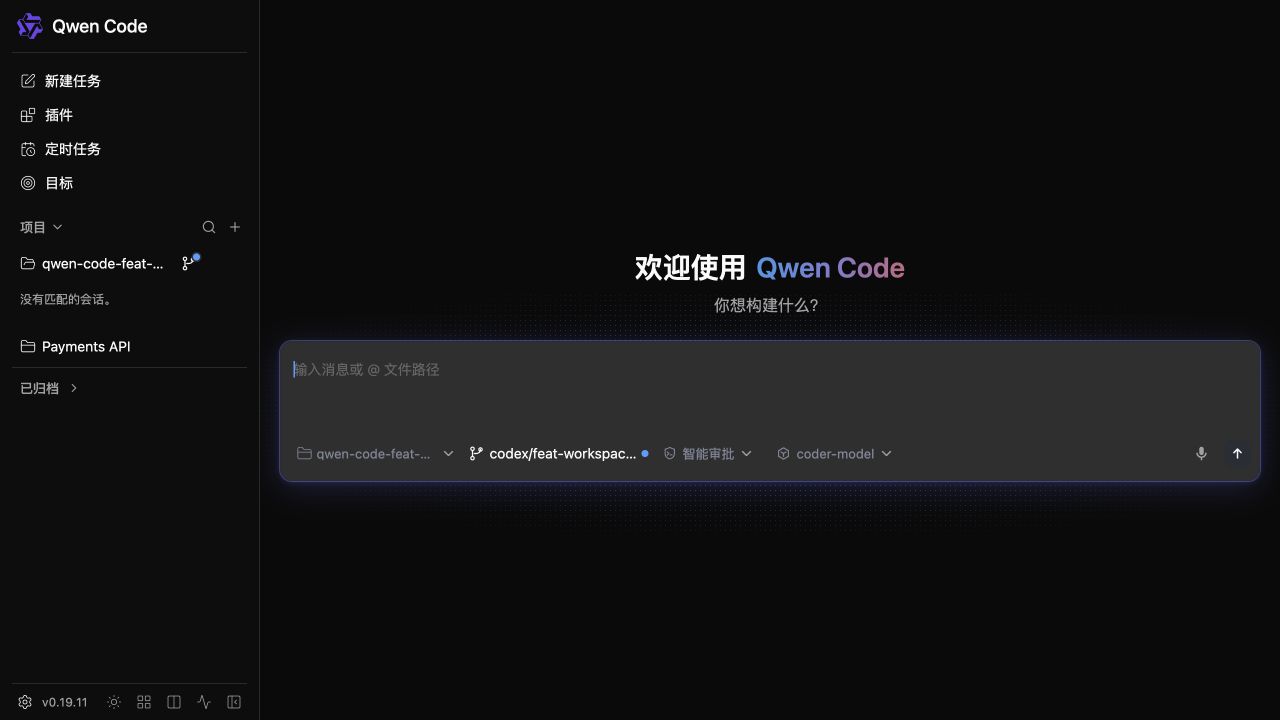
Step 3 — Run Your First Agentic Task
Launch the agent with qwen-code and describe a real task, for example:
"Refactor the login module to use the new auth library,
update the tests, and run them to confirm everything passes."
The agent will plan the changes, edit multiple files, execute commands, and report back — that is the agentic loop in action. You can approve or reject changes at each step, keeping you in control.
Step 4 — Connect VS Code and MCP
| Integration | How to enable |
|---|---|
| VS Code extension | Install from the marketplace; the companion package bridges editor and CLI |
| Chrome extension | Add it to bring web context into agent sessions |
| MCP servers | Add server configs; tools appear automatically for the agent |
Step 5 — Verify and Iterate
Check the agent's transcript, review the diff, and re-run with follow-up prompts. Because Qwen Code is Apache-2.0, you can also fork it and customize behavior for your team. There is no vendor lock-in — if you outgrow the defaults, the code is yours.
💡 Pro tip: Start with small, well-scoped tasks like test updates or dependency bumps. You will build trust in the agent's edits before handing it larger refactors.
That is it — a working AI coding agent in your terminal, fully open source and self-hostable. For system requirements, Docker Compose, and deployment notes, visit the tool page below.
🚀 Deploy Qwen Code in minutes
Docker configs, system requirements, and installation guides — all on one page.
View Qwen Code Tool Page →