Deploy R2R in 5 Minutes: Self-Hosted RAG with Docker
Get R2R running on your own server in minutes. Step-by-step Docker deployment guide with document ingestion, semantic search, and the Deep Research agent API.

R2R Quick Start: Deploy Your Own AI Retrieval System in 5 Minutes
R2R gives you a production-ready RAG API that handles document ingestion, hybrid search, knowledge graphs, and agentic reasoning — all behind a clean REST interface. Here's how to get it running on your own server with Docker.
🚀 Explore R2R on Run This Ai
Docker Compose configs, system requirements, installation guides, and more — all in one place.
View R2R Tool Page →Prerequisites
You'll need a Linux server (or macOS/Windows with Docker Desktop) with at least 2 CPU cores and 2GB of RAM. For production workloads, 4 cores and 4GB RAM are recommended. You'll also need an OpenAI API key — R2R uses it for embeddings and generation, though you can swap in local models via Ollama or other providers.
Step 1: Pull and Run R2R
The quickest way to get started is with a single Docker command:
# Pull the R2R image
docker pull sciphiai/r2r:latest

# Run R2R with your OpenAI key
docker run -d \
  --name r2r \
  -p 8000:8000 \
  -e OPENAI_API_KEY=your_key_here \
  -v $(pwd)/data:/data \
  --restart unless-stopped \
  sciphiai/r2r:latest
Once the container starts, R2R's API is live at http://localhost:8000. You can verify it's running with a health check:
curl http://localhost:8000/v2/healthStep 2: Ingest Your First Documents
R2R provides Python and JavaScript SDKs for easy integration. Install the Python SDK and start ingesting:
pip install r2r

# Ingest a sample document
python -c "
from r2r import R2RClient
client = R2RClient('http://localhost:8000')
client.documents.create(
    file_path='./your_document.pdf',
    metadata={'title': 'My Research Paper'}
)
"
R2R automatically chunks the document, generates embeddings, and indexes it for both vector and keyword search — no manual pipeline configuration needed.
Step 3: Search and Ask Questions
Now the real power: semantic search and RAG queries over your ingested documents:
# Basic semantic search
results = client.retrieval.search(
    query="What are the key findings about climate change?"
)

# Full RAG — get an AI-generated answer with citations
response = client.retrieval.rag(
    query="Summarize the main conclusions"
)
print(response['results']['completion'])
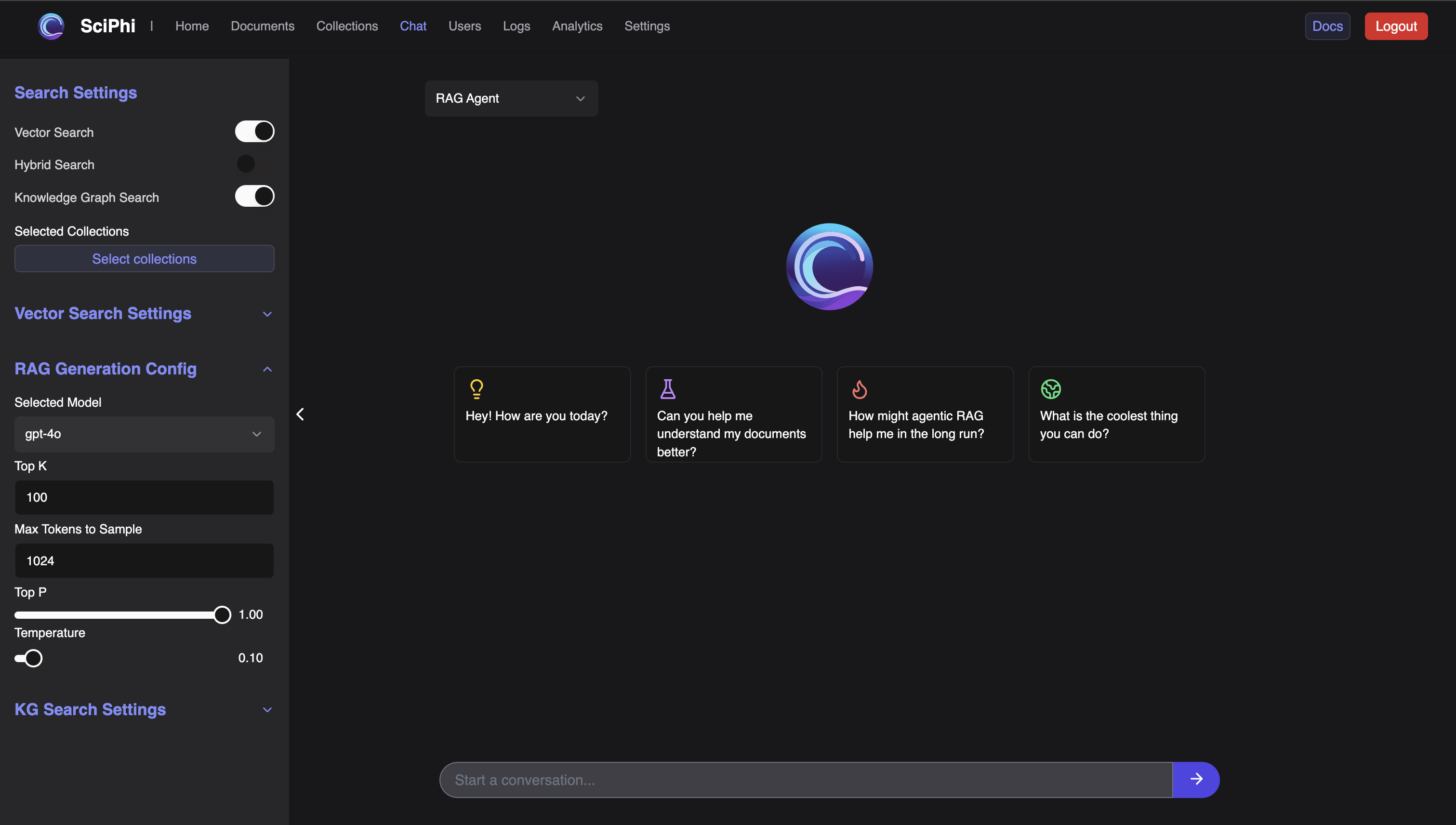
Going Further: Deep Research Agent
R2R's standout feature is its Deep Research API. Instead of a single retrieval pass, it chains multiple reasoning steps — fetching context from your knowledge base, searching the web if needed, and synthesizing a comprehensive answer:
response = client.retrieval.agent(
    message={"role": "user", "content": "Analyze the market implications of the latest AI regulations"},
    rag_generation_config={
        "model": "gpt-4o",
        "temperature": 0.7,
        "max_tokens_to_sample": 4000,
    }
)
Production Considerations
For production deployments, R2R supports PostgreSQL for metadata storage, configurable embedding models (OpenAI, local via Ollama, or any OpenAI-compatible endpoint), and horizontal scaling through its REST architecture. The MIT license means zero restrictions on commercial use, redistribution, or modification.
R2R is the retrieval system that grows with you — start with a single container for prototyping, scale to a full production cluster when you're ready, all without changing a line of your application code.
🚀 Deploy R2R Today
Get the verified Docker Compose config, system requirements, and deployment guides on Run This Ai.
View R2R Tool Page →