How to Set Up and Use Rowboat AI Coworker — Step-by-Step Tutorial
Step-by-step guide to installing, configuring, and using Rowboat AI coworker. Learn to set up background agents, use the knowledge graph, and leverage built-in tools.
Introduction
Rowboat is an open-source AI coworker that goes beyond chat assistants by maintaining a persistent memory of your work. In this tutorial, we'll walk through setting up Rowboat, configuring background agents, and using its built-in tools — email, browser, code mode, and meeting notes — to supercharge your daily workflow.
🚀 Want to deploy Rowboat yourself?
Docker configs, system requirements, and installation guides — all on one page.
View Rowboat Tool Page →Step 1: Installation
Rowboat is a desktop application available for Mac, Windows, and Linux.
Option A: Download Prebuilt Binary
Visit rowboatlabs.com/downloads and download the installer for your platform. Run the installer and launch Rowboat.
Option B: Build from Source (Docker)
For developers who want to run Rowboat in a containerized environment:
git clone https://github.com/rowboatlabs/rowboat.git
cd rowboat
cp .env.example .env
# Edit .env with your API keys
docker compose up -d mongo redis
docker compose up --build rowboat
Step 2: Initial Configuration
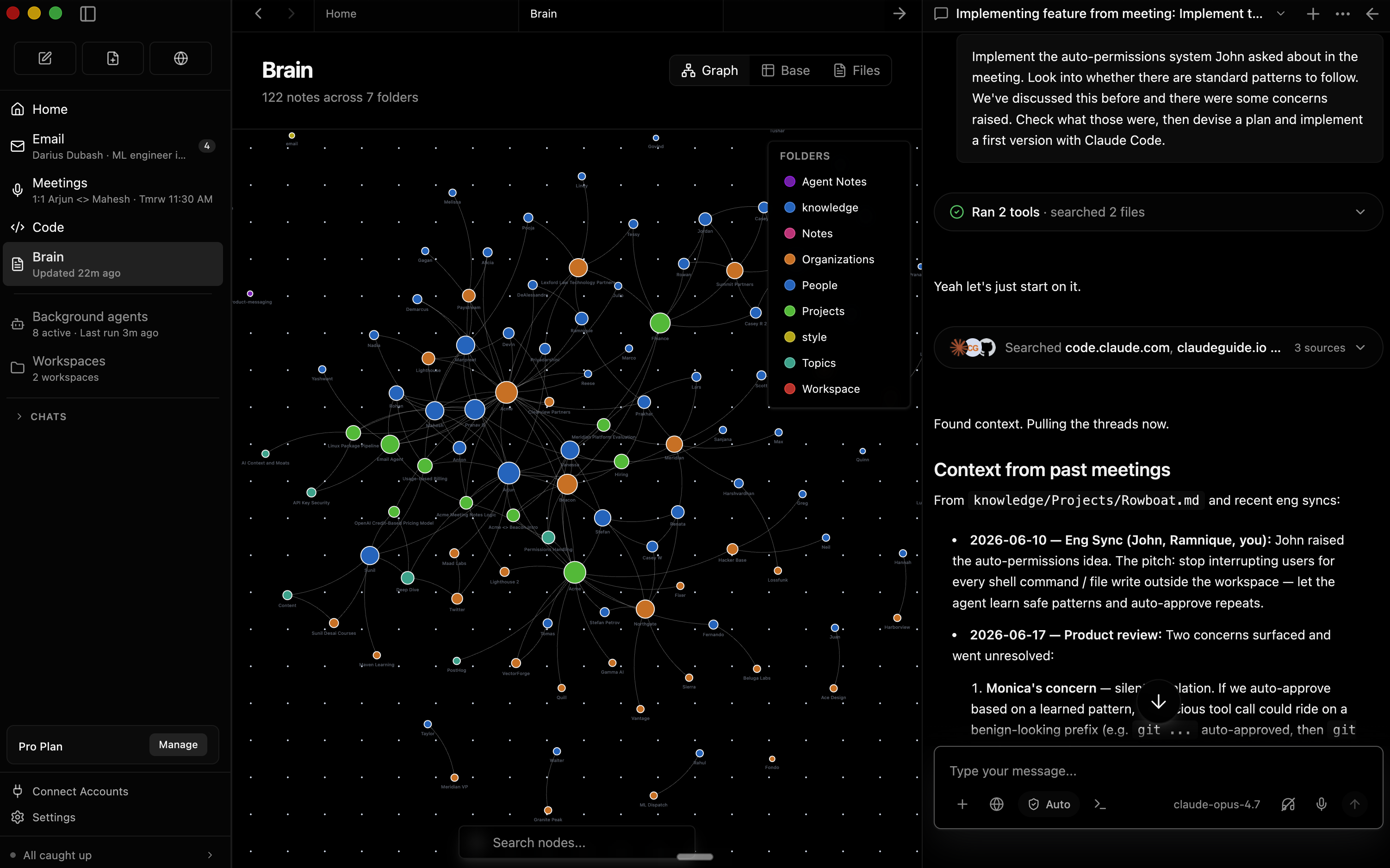
- Add your LLM API key — Rowboat supports OpenAI, Anthropic Claude, and compatible providers
- Connect your accounts — Link email (Gmail/Outlook) and calendar for automatic indexing
- Configure integrations — Set up Slack, GitHub, or other tools Rowboat can access
Step 3: Using the Knowledge Graph
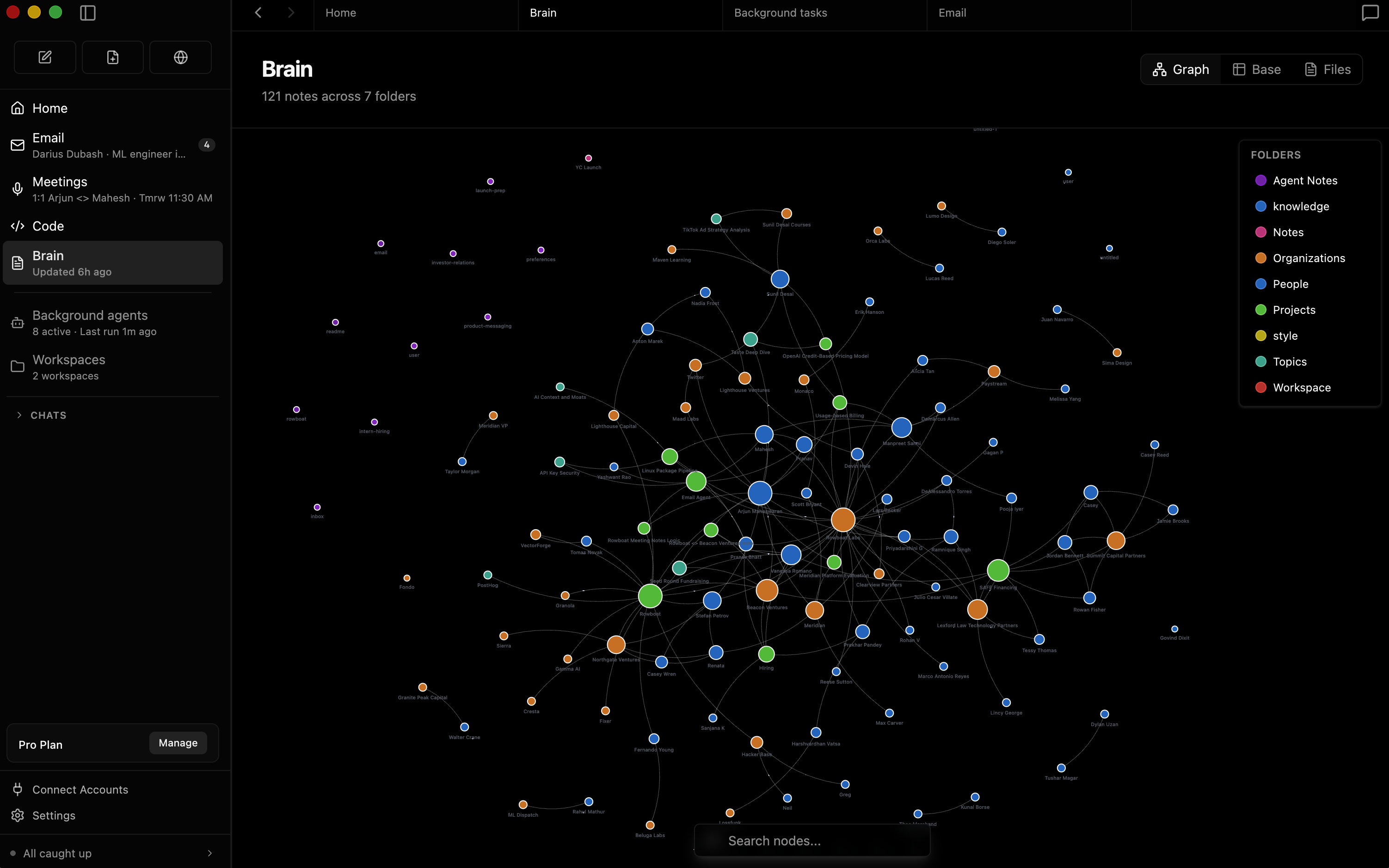
The Brain tab shows your knowledge graph — a visual map of connected information from your emails, meetings, notes, and conversations. Each node is a piece of information, and edges show how they relate. This is what gives Rowboat its persistent memory: instead of starting fresh every conversation, the AI remembers the full context of your work.
Step 4: Setting Up Background Agents
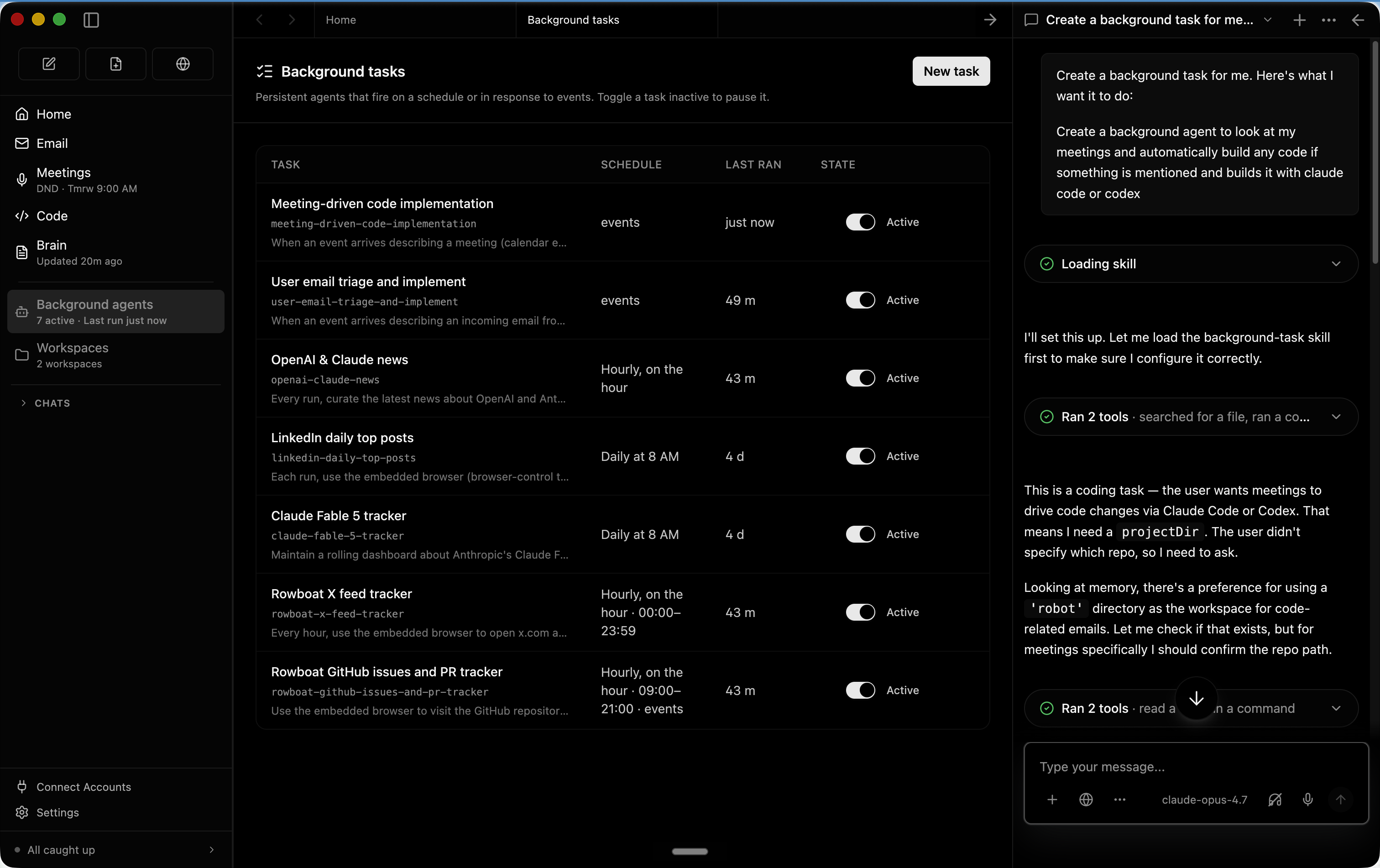
Background agents are autonomous workers that run on triggers:
| Agent Type | Trigger | Example Use Case |
|---|---|---|
| Email Agent | New email arrives | Auto-draft replies, triage inbox |
| Scheduled Agent | Time-based (cron) | Daily standup summary at 8 AM |
| Web Agent | Webhook / API | Monitor competitor pricing changes |
| Code Agent | Git event / manual | Review PRs, run code analysis |
Step 5: Using Built-in Tools
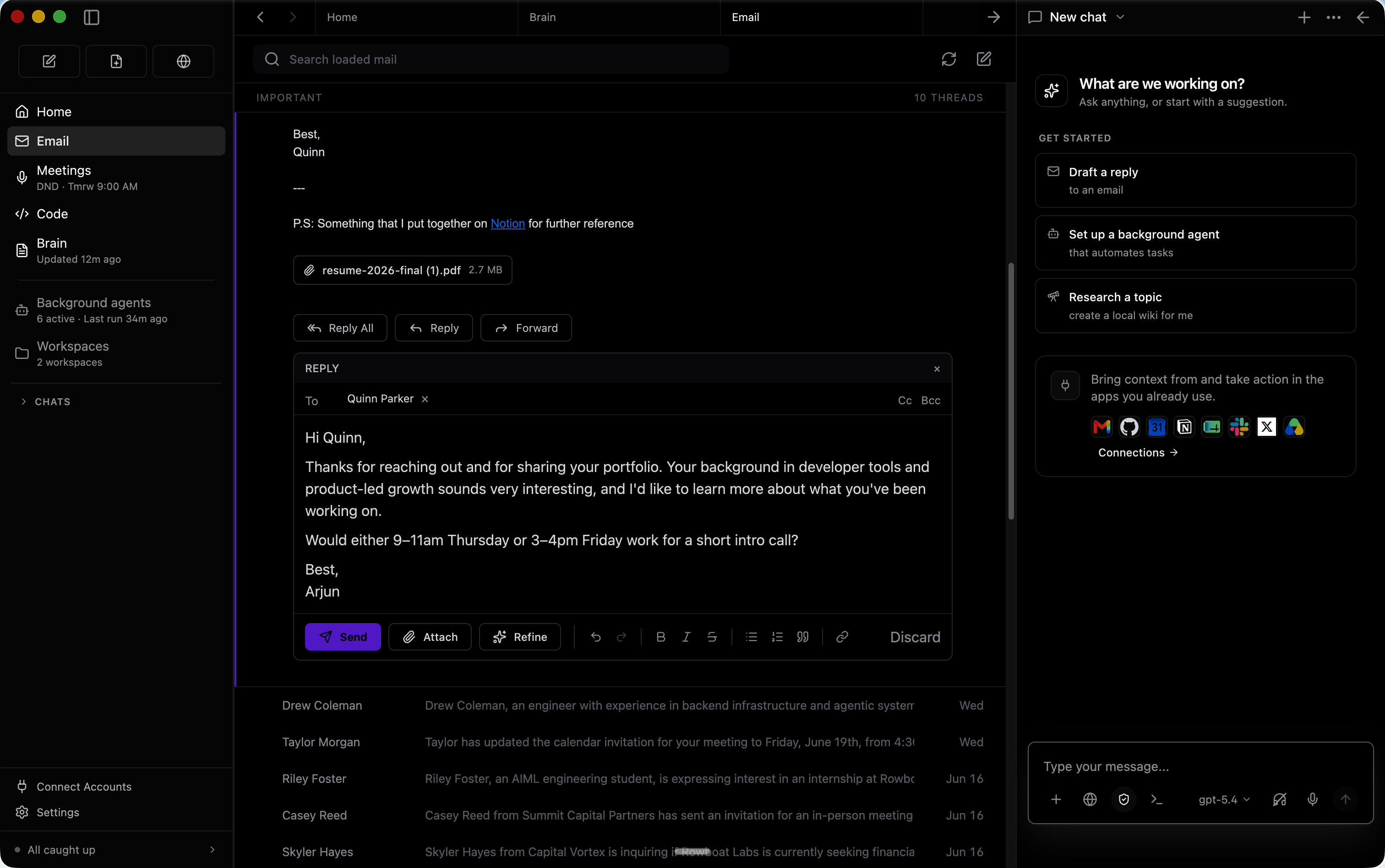
📧 Email Client
Rowboat's email client automatically categorizes messages by importance. For important emails, it drafts contextual responses using your knowledge graph — no more context-switching between your email and the AI chat.
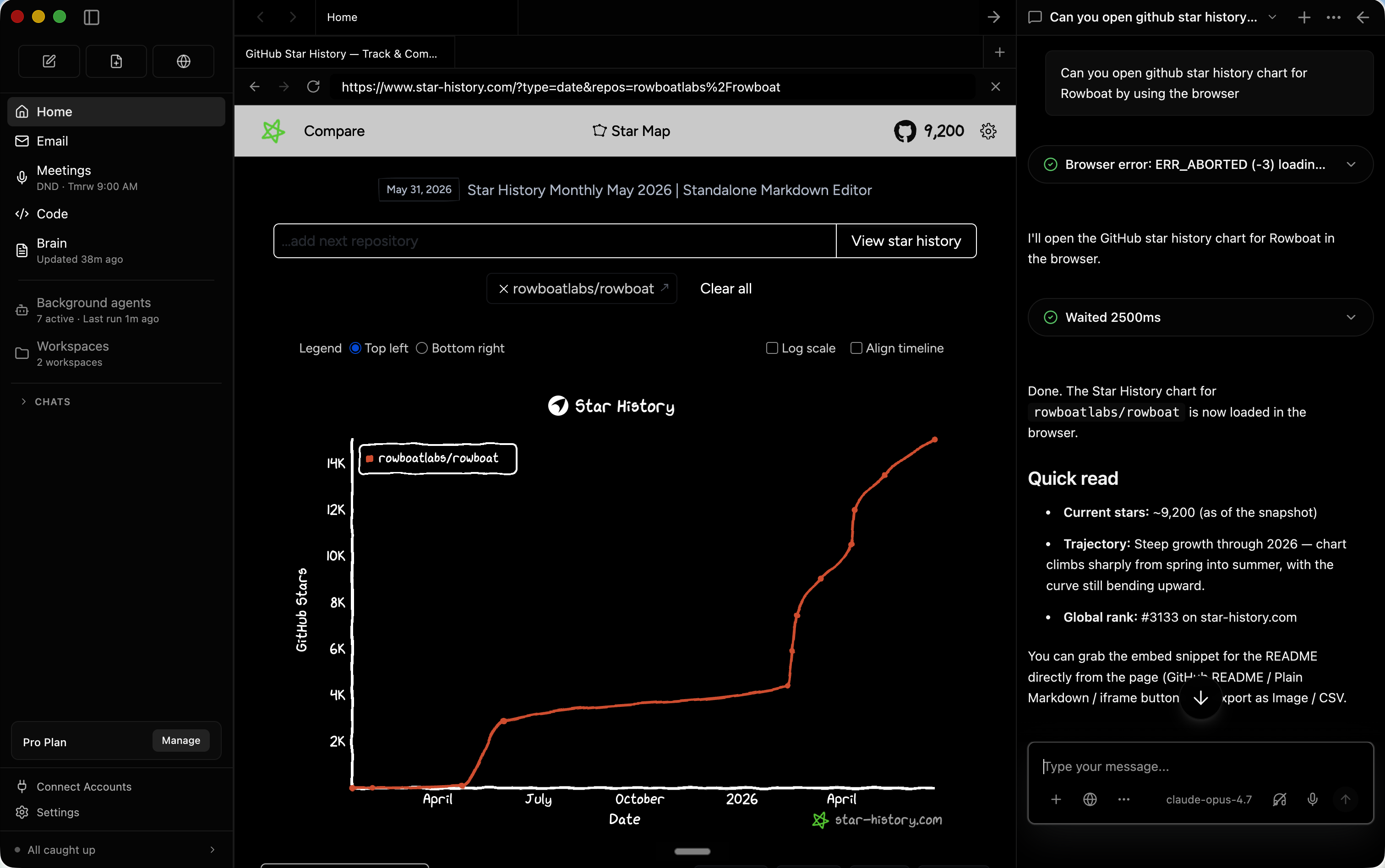
🌐 Browser
The built-in browser lets you and Rowboat collaborate on web tasks. Log into work accounts in this isolated browser while keeping your personal browser separate. Great for research, data entry, and web automation.
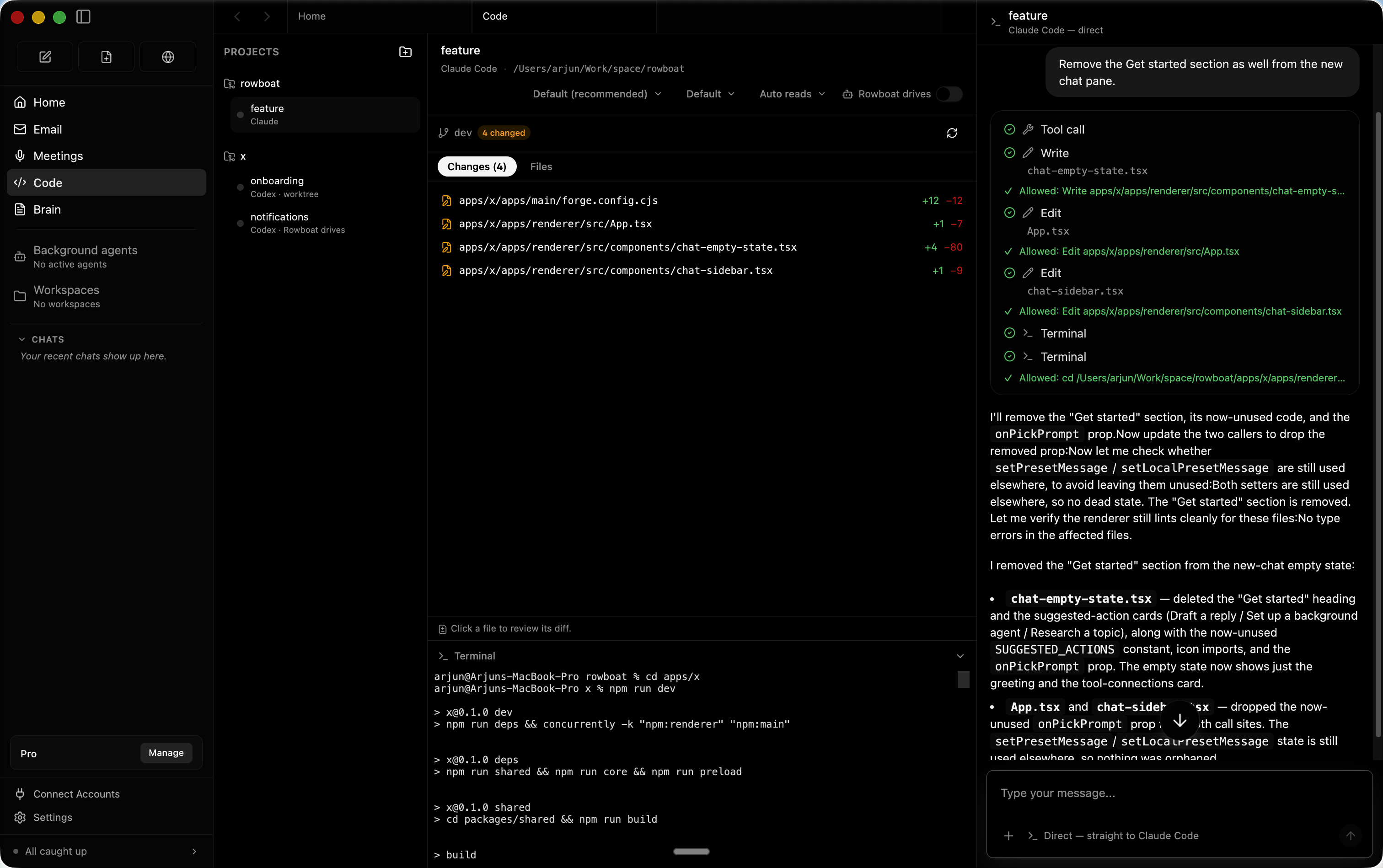
💻 Code Mode
Collaborate on code directly. Rowboat's code mode understands your project context from the knowledge graph and can help implement features, fix bugs, or review pull requests.
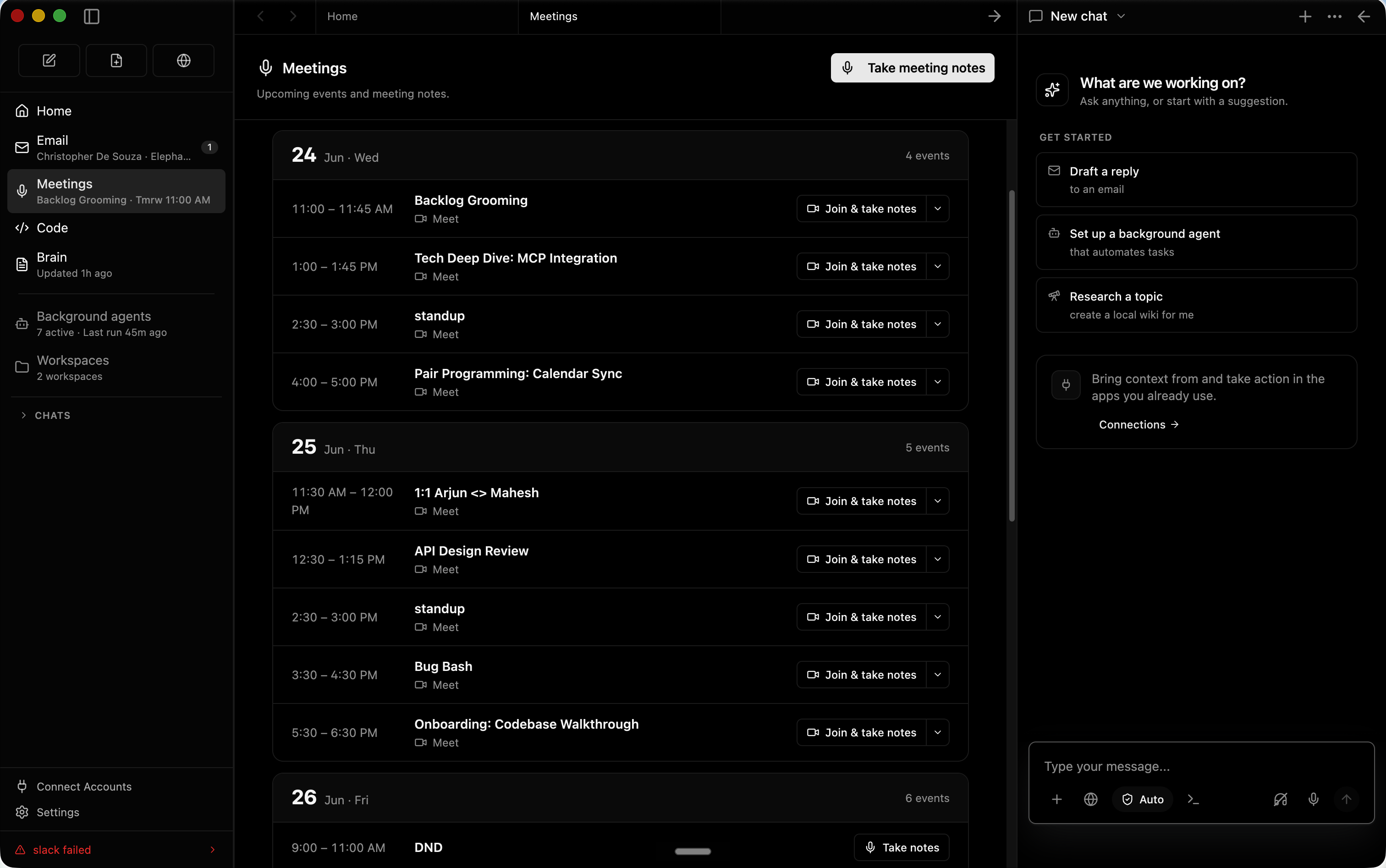
📝 Meeting Notes
Enable the meeting note-taker to capture live transcripts and auto-generate summaries. Everything is saved as markdown and indexed into the knowledge graph.
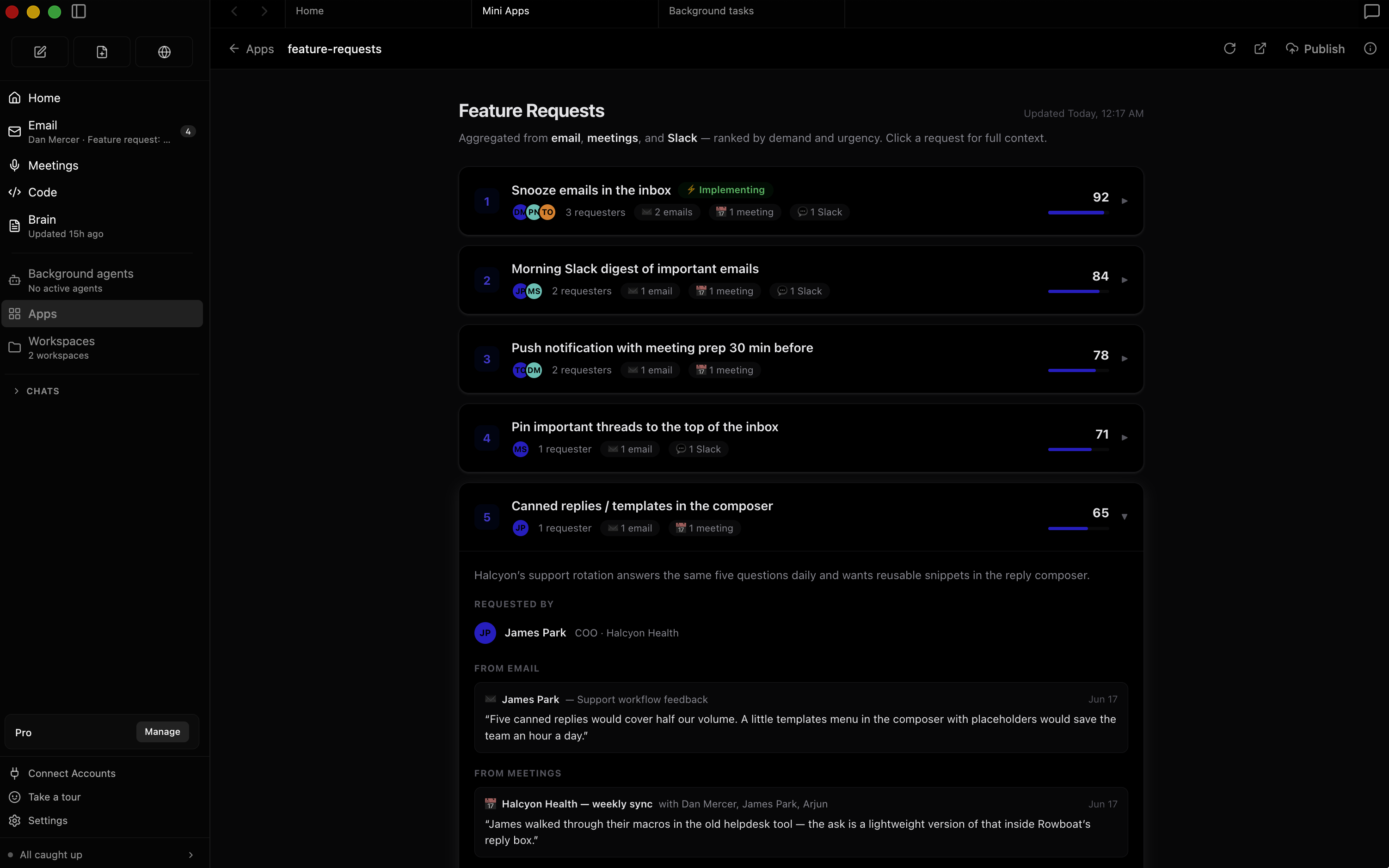
Step 6: Workspaces & Projects
Create workspaces for different projects or contexts. Each workspace has its own agents, notes, and knowledge graph sub-section — perfect for keeping work and personal projects separate, or for managing multiple client engagements.
Best Practices
- Feed the graph: The more data Rowboat indexes (email, meetings, notes), the better its responses
- Use background agents wisely: Start with one agent and iterate — don't overwhelm your system
- Review drafts: Always review AI-drafted emails before sending — they're smart but not perfect
- Keep Rowboat updated: Follow the GitHub repo for new features and security patches
🚀 Start using Rowboat today!
Get the Docker setup, system requirements, and deployment guide on our tool page.
View Rowboat Tool Page →