How to Run Sana: Step-by-Step 4K Image Generation Tutorial
Learn how to install Sana, download checkpoints, and generate 4K images with NVIDIA's fast linear diffusion transformer — in under 10 minutes.
🚀 Want to deploy Sana yourself?
Docker configs, system requirements, and installation guides — all on one page.
View Sana Tool Page →Getting Started with Sana
In this tutorial, you'll generate 4K images with Sana on your own machine. The entire pipeline runs on a single GPU with as little as 16GB VRAM. Let's go step by step.
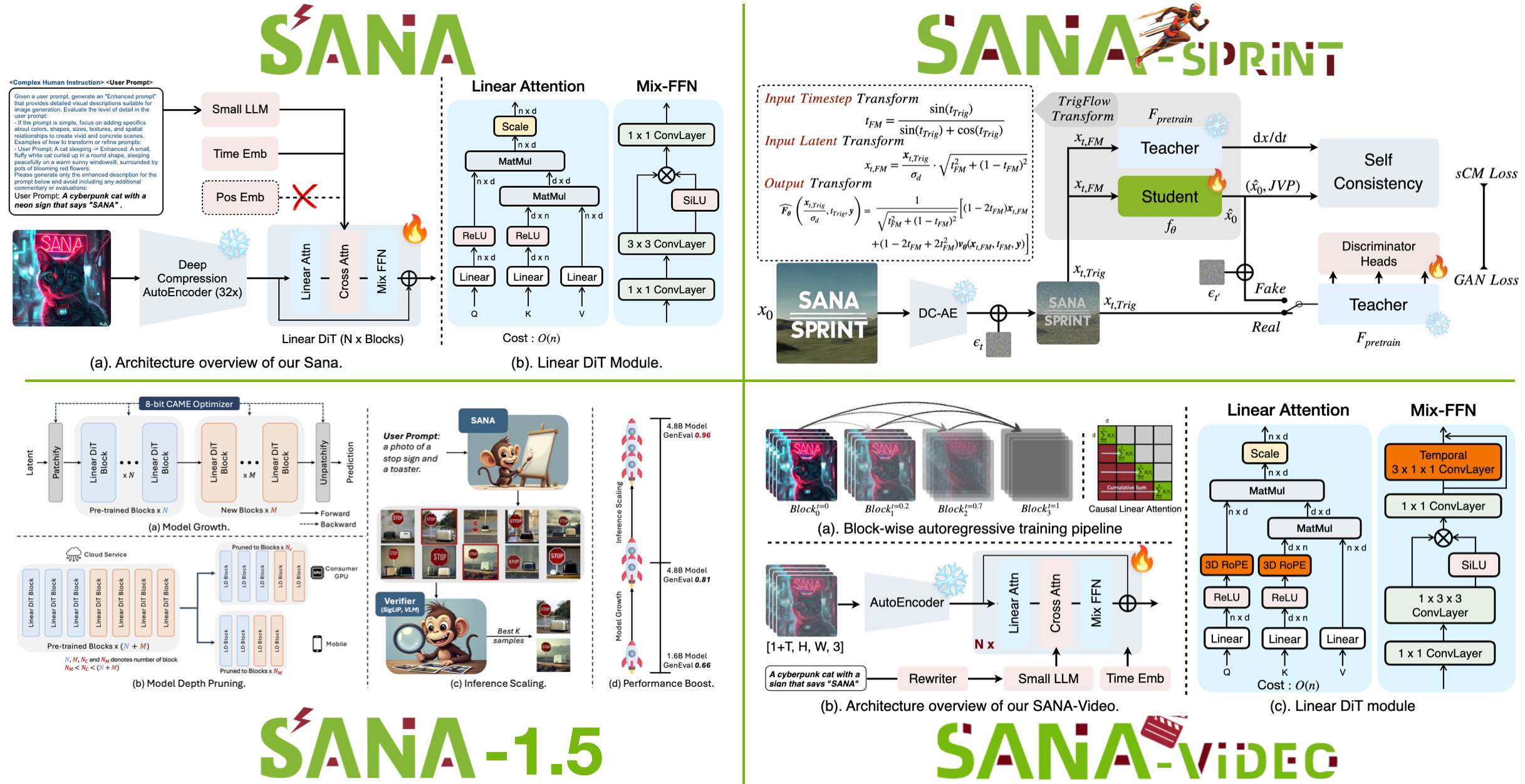
Step 1: Clone the Repository
git clone https://github.com/NVlabs/Sana.git
cd Sana
Step 2: Install Dependencies
Create a Python 3.10+ environment and install the requirements. NVIDIA recommends using their PyTorch container (nvcr.io/nvidia/pytorch:24.06) for the smoothest experience — this is also the base image used in the official Docker setup.
pip install -e .
# or use the Docker image directly:
docker pull nvcr.io/nvidia/pytorch:24.06
Step 3: Download Checkpoints
Sana publishes pretrained weights for its 0.6B and 1.6B models on Hugging Face. The 0.6B model fits comfortably on a single RTX 4090 and delivers excellent quality for most use cases.
Step 4: Run Inference
python3 -m sana.run --model 0.6B \
  --prompt "a futuristic city at sunset, 4k" \
  --output output.png
That's it — you'll get a 4K image in seconds, not minutes. The linear attention design makes high-resolution generation feel effortless.
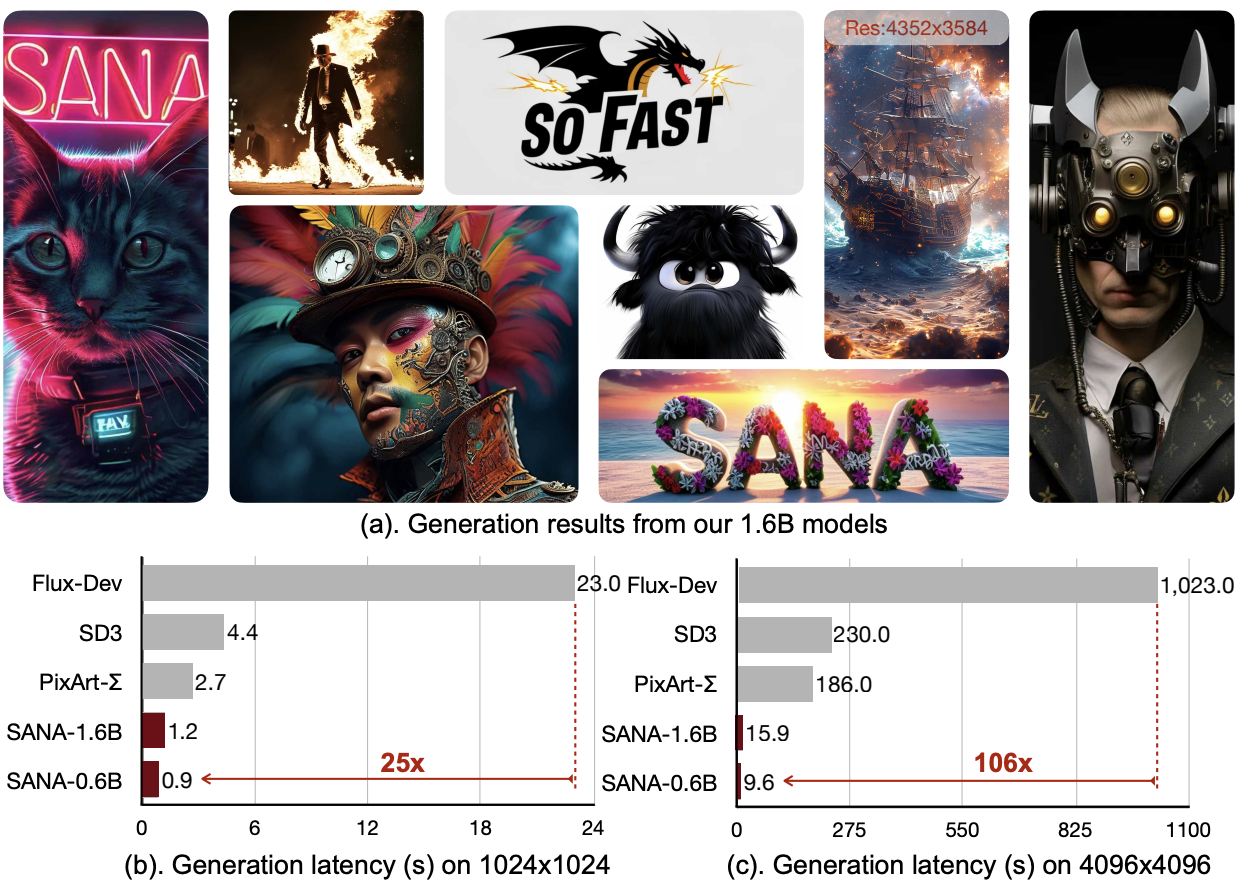
Step 5: Launch the Interactive App
Want a visual interface? Sana ships with a Gradio-based web demo:
python3 app/app.py
Open the printed URL and you can prompt in English or Chinese, tweak sampling parameters, and export results directly.
✅ Use
--resolution 1024 for rapid iteration, 4096 for final renders✅ The 1.6B model adds noticeable detail for complex scenes
✅ Check the
configs/ folder for training recipes if you want to fine-tune
Sana is one of the fastest ways to get production-quality 4K image generation running locally. Whether you're building an art tool, a design pipeline, or just experimenting, the setup takes minutes — and the speed is remarkable.
🚀 Want to deploy Sana yourself?
Docker configs, system requirements, and installation guides — all on one page.
View Sana Tool Page →