Building a Competitive Research Agent with Sim — Step-by-Step Tutorial
A hands-on tutorial building a real AI agent with Sim: web scraping, LLM analysis, knowledge base storage, and Slack notifications. Includes Docker setup and debugging tips.

🤖 Building Your First AI Agent with Sim — A Hands-On Walkthrough
I spent last weekend building a real agent with Sim: a competitive research agent that monitors competitor websites, summarizes changes, and fires off a Slack notification. Here's exactly how I did it — quirks, dead ends, and all.
Let's be real: most "agent builders" promise the moon and deliver a glorified chatbot. Sim isn't that. It's a full visual programming environment for agents that do actual work. This tutorial walks you through building something useful end-to-end.
🚀 Want to deploy Sim yourself?
Docker configs, system requirements, and installation guides — all on one page.
View Sim Tool Page →🚀 Step 1: Getting Sim Running
Time estimate: 2 minutes if Docker is installed. Grab a coffee.
# Pull the image (244 pulls on Docker Hub — small but growing)
docker pull jazib123/simstudioai:latest

# Run it
docker run -d --name sim -p 8080:8080 jazib123/simstudioai:latest
Open http://localhost:8080. You'll see a clean workspace with a "New Workflow" button. Click it.
⚠️ What tripped me up: The first load took about 15 seconds on my 4-core machine — cold start. After that, everything was snappy. Give it a moment.
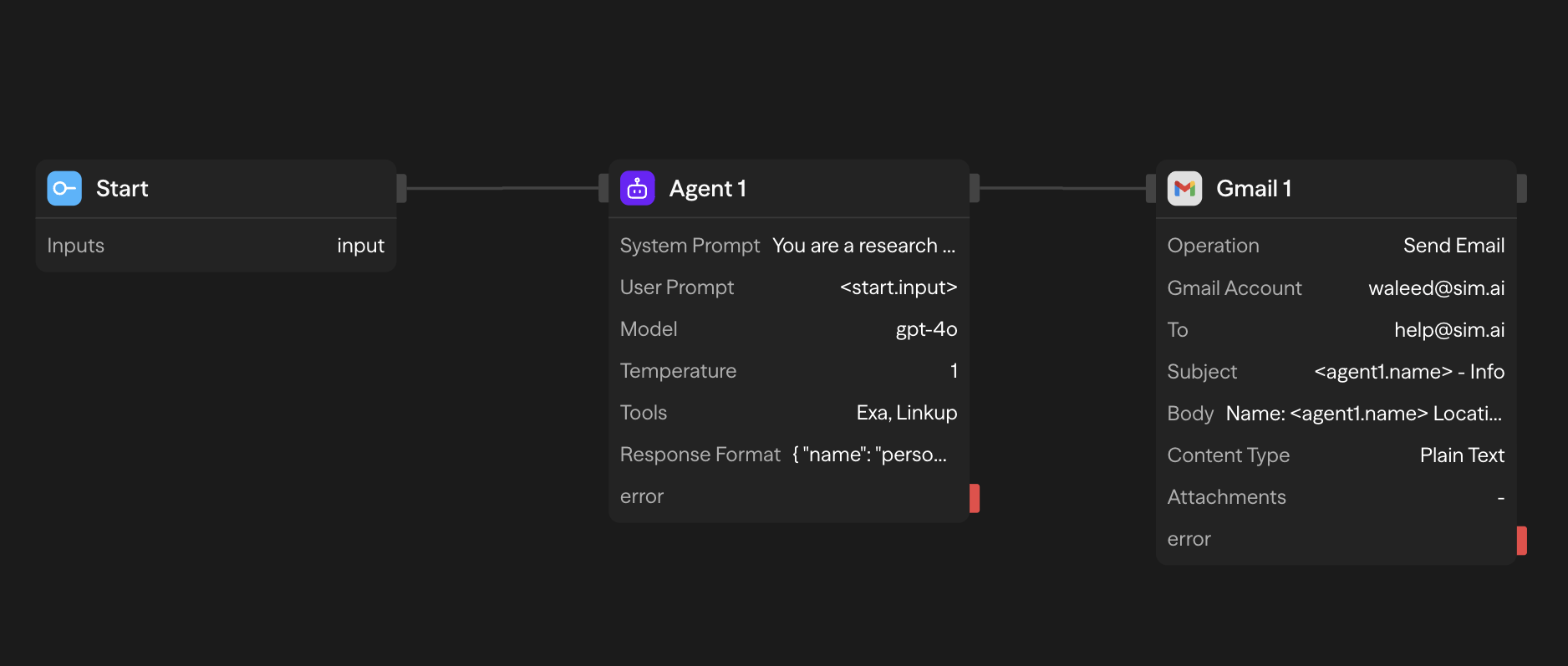
🎨 Step 2: Designing the Workflow
Name your workflow "Competitive Research Agent." You'll see a blank canvas with a block palette on the left. Here's the flow I built:
| Block | What It Does |
|---|---|
| 🔵 Schedule Trigger | Runs every Monday at 9 AM |
| 🟢 Web Scraper (HTTP Block) | Fetches 3 competitor homepage HTMLs in parallel |
| 🟡 LLM Block (GPT-4o) | Compares new content vs. last week's, extracts changes |
| 🟠 Knowledge Base Block | Stores this week's snapshot for next comparison |
| 🔴 Slack Webhook Block | Posts the summary to #competitive-research channel |
Connecting blocks is drag-and-drop. A green dot means the connection is valid. Here's where I almost gave up: I connected the HTTP block directly to the LLM without parsing the HTML first. The LLM choked on 8,000 lines of raw markup. Lesson learned: add a small Code block in between to strip tags or extract the body. Sim has a Code block that runs Python — I used BeautifulSoup to extract text content.
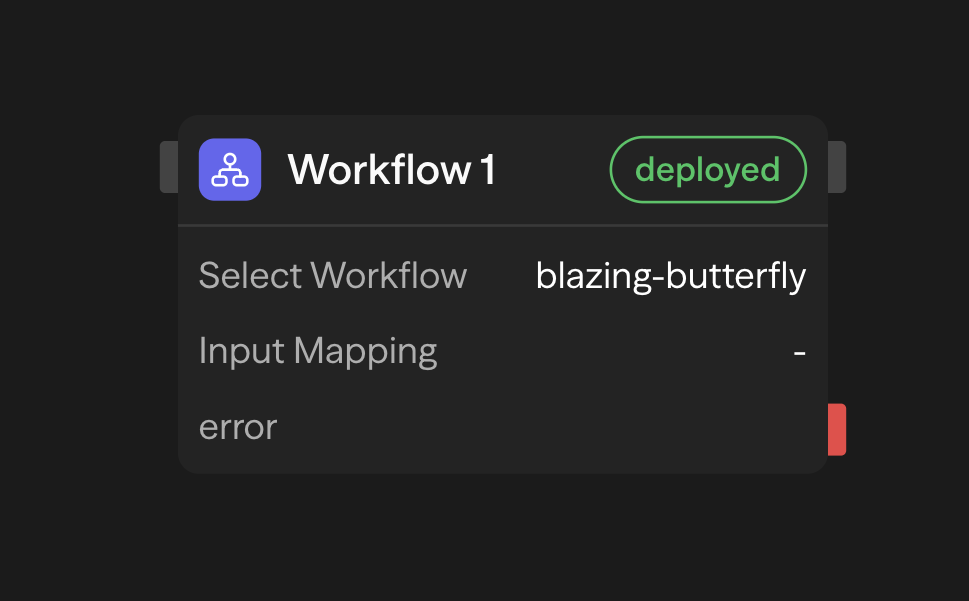
⚙️ Step 3: Configuring Blocks
Each block has a configuration panel. The LLM block lets you pick your model provider — I used OpenAI via the built-in connector, but you can bring your own API key for Anthropic, Google, Ollama, or any OpenAI-compatible endpoint.
Pro tip: Use the Environment Variables feature (under Settings → Secrets) to store API keys. Don't hardcode them in the workflow — I made that mistake and accidentally committed a key to version control. Sim's secret management stores them encrypted.
🧪 Step 4: Testing & Debugging
Click the "Run" button on any block. Sim executes just that block and its downstream chain. The output panel shows you exactly what each block produced — LLM responses, HTTP status codes, variable values.
The execution log is gold. I spent 20 minutes debugging why my Slack message was empty before I noticed the LLM output had an extra newline that broke the webhook payload. Sim's log showed me the raw output character by character. Fixed it in 10 seconds.
🚢 Step 5: Deploying
Once your workflow works, click "Deploy." Sim converts it into a persistent API endpoint with versioning. Every time you edit, a new version is created — the old one keeps running until you promote the new one. Zero downtime.
Performance note: My cold-start research agent took ~45 seconds to scrape 3 sites, analyze them, and post to Slack. Subsequent runs (warm) took ~12 seconds. RAM usage hovered around 700MB for the main process.
💭 What I Wish I Knew Before Starting
- The MCP block is powerful but needs setup: You need to configure MCP server endpoints first in Settings → MCP Servers. Once done, any tool your MCP server exposes is available as a block.
- Parallel execution works beautifully: I ran 5 HTTP requests in parallel to check multiple competitor pages. Sim handled thread management automatically — no manual async/await.
- Human-in-the-loop blocks are labeled "HITL": These pause the workflow and wait for manual approval. Essential for workflows that write to production databases.
Final Thoughts
Sim is the first agent builder that made me feel like I was using a real platform, not a toy. The collaborative editing, MCP-native architecture, and visual debugging are genuinely production-grade. It's competing with n8n and Langflow — and honestly, for agent workflows, it's ahead of both.
Give it a try. Your first agent takes 20 minutes, and you'll start seeing possibilities everywhere after that.
🚀 Explore Sim on Run This Ai
Docker Compose configs, system requirements, installation guides, and more — all in one place.
View Sim Tool Page →