UltraRAG Tutorial: Deploy Your First RAG Pipeline with Docker Compose
Step-by-step: deploy UltraRAG with Docker Compose, connect your documents, enable hybrid search and reranking, and expose your knowledge base as an MCP tool.
In this tutorial, you will deploy UltraRAG with Docker Compose and build your first RAG pipeline in minutes — no Python glue code required. UltraRAG's low-code MCP framework handles the heavy lifting, so you can focus on your knowledge base instead of infrastructure.
🚀 Want to deploy UltraRAG yourself?
Docker configs, system requirements, and installation guides — all on one page.
View UltraRAG Tool Page →Step 1: Pull the Image
UltraRAG publishes a ready-made image on Docker Hub. On any machine with Docker installed (a 4-core / 8GB VM is comfortable), run:
docker pull hdxin2002/ultrarag:latestOr generate the official docker-compose.yml directly from the Run This Ai tool page — it wires up the service, ports, and volumes for you.
Step 2: Start the Service
Bring the stack up and give it a moment to initialize:
docker compose up -d
docker compose logs -f ultrarag
Once the logs show the service is ready, open the web UI and log in. You are greeted by a chat-driven console that guides you through the rest.
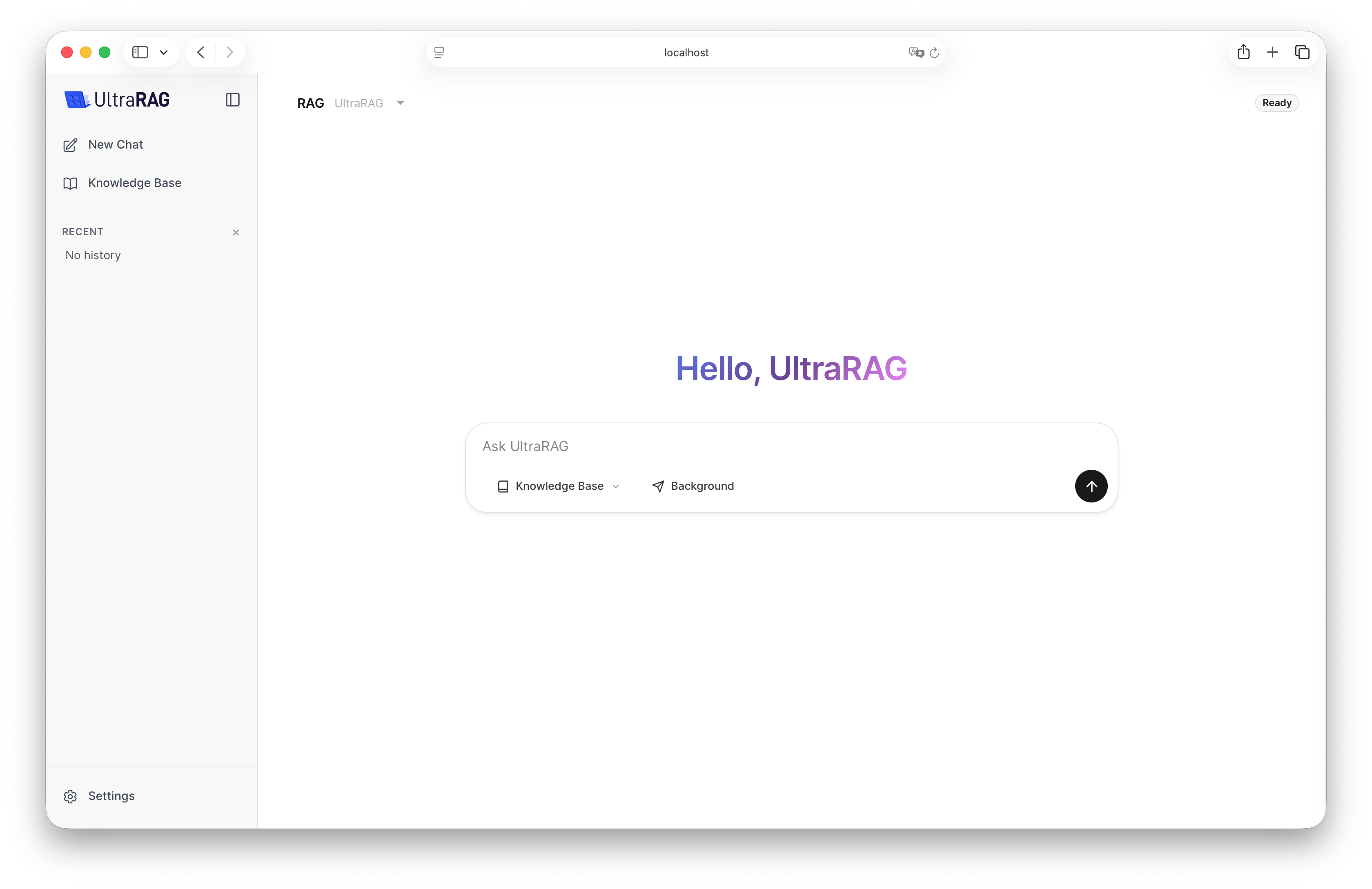
Step 3: Build Your First Pipeline
In the UI, create a new knowledge base and upload your documents. UltraRAG chunks and embeds them automatically. Then:
- Connect sources — add local files, databases, or web URLs
- Enable hybrid search — combine dense vectors with keyword matching
- Add a reranker — improve answer quality by re-scoring retrieved chunks
- Pick your LLM — point the pipeline at any OpenAI-compatible model endpoint
Because UltraRAG is MCP-native, your finished pipeline becomes a tool that AI assistants can call directly — a huge win for teams standardizing on the Model Context Protocol.
Step 4: Verify and Scale
Ask a question about your uploaded documents. If answers cite the right sources, your pipeline is live. From here you can add permission groups for enterprise knowledge sharing, tune retrieval parameters, and scale out by adding more compute.
🚀 Deploy UltraRAG in production today
Docker compose, system requirements, and the full guide — one click away.
View UltraRAG Tool Page →